Airbnb Welcome Message: 3 Notes for Booking, Arrival, and Night One
Airbnb welcome message templates for booking, arrival day, and the first night, with short examples that keep instructions easy to find.
By Airbnb Host Bundle by Cosmo Suite · Editorial policy
Published · 7 min read
An Airbnb welcome message should tell a guest what happens next and where to find the details for their stay. A booking note, an arrival-day message, and a first-night check-in do different jobs. Keep each one brief, then put property instructions where the guest will need them.
An Airbnb welcome message is a short note sent through the reservation conversation to guide a guest at a particular point in the stay. It is different from a printed welcome letter, which waits inside the property.
Use these three templates as starting points. Replace the bracketed text, remove anything that does not fit your listing, and confirm dates and times before sending. For a wider set of guest messages, see these Airbnb message templates for six moments in a stay.
Airbnb welcome messages at a glance
Choose the note that matches the guest's current moment. Do not send all three at once if the later information is not useful yet.
| Moment | Message job | Good next step |
|---|---|---|
| Booking confirmed | Thank the guest and set an expectation | Tell them when arrival details will be ready |
| Arrival day | Point to access and arrival information | Direct them to the reservation's check-in instructions |
| First night | Check whether they found the place and can settle in | Invite a reply about a problem you can help solve |
Airbnb lets hosts save quick replies and schedule them for certain moments. The schedule is optional. A message should reach the guest when it can help, with enough time to read and act on it.
What belongs in an Airbnb welcome message?
Keep the message to one immediate purpose. A thank-you belongs after booking. Arrival directions belong near check-in. A first-night note should make it easy to report a problem. Putting every house detail into a single welcome paragraph makes the key instruction harder to spot.
Use the listing and reservation fields for facts that guests need to rely on, such as the check-in window and access instructions. Use a message to point to those details, not to create another copy that could become outdated. Airbnb's check-in guidance explains where guests can find check-in information for a home reservation.
If you want a prepared page to greet guests inside the property, Airbnb Host Bundle's editable welcome letters and books can give you a consistent format. The letter is for stable in-home information. It does not replace the reservation's arrival instructions.
Three Airbnb welcome message templates
Personalize each note with details that are true for this reservation. Keep the guest's conversation on Airbnb, and do not paste a sensitive access code into a reusable template.
1. After the booking
Hi [guest first name], thanks for booking [listing name] for [check-in date]. I’m glad to host you. I’ll share the arrival steps in your Airbnb reservation before check-in. If a question comes up about the listing, send me a message here.
This note confirms the next step without repeating the listing. If the guest asked a question before booking, answer it directly in a separate reply. A warm welcome does not need to include a paragraph about every amenity.
Avoid promising a specific update time unless you can meet it. If you use a scheduled quick reply for a new reservation, make sure its wording still makes sense for a same-day or last-minute booking.
2. On arrival day
Hi [guest first name], I hope your trip is going smoothly. Your check-in time is [time] today. Please open the check-in instructions in your Airbnb reservation for the current arrival steps. If anything is unclear when you get there, message me here.
This message points to the reservation rather than copying directions into a second place. Airbnb says guests can access check-in information through their trip details. Use the reservation's current instructions for the actual entrance, lock method, and timing.
For the actual route from street to door, keep your Airbnb check-in instructions complete and easy to follow. A message can remind a guest where the steps are; it should not be the only place those steps exist.
3. The first evening
Hi [guest first name], I hope you found [listing name] and had time to settle in. If something is missing or an instruction is unclear, reply here and tell me what you need. For an urgent issue, use [the contact method you monitor].
Send this only if you can read and respond to the guest's reply. If you are unavailable overnight, give the guest a realistic contact path in the listing rather than implying that you are watching messages.
The question should make it easy to raise a practical issue. Do not turn the note into a review request or ask a guest to say that everything is perfect. A quick check-in is useful when it helps you respond to a real need.
Keep the welcome message and welcome letter in sync
A welcome message reaches a guest in the Airbnb conversation. A printed welcome letter waits inside the property. Give each one a clear job so that a guest does not have to compare two versions of the same instructions.
| Put it in the message | Put it in the welcome letter or book |
|---|---|
| Thanks and the next step after booking | A short greeting and how to reach the host |
| Reminder to open the reservation's arrival guide | Stable details about appliances or shared spaces |
| A first-night check-in, if you can respond | Where to find supplies, Wi-Fi guidance, and local notes that you maintain |
Keep current access details in Airbnb's reservation tools. Review printed information when something changes, such as a Wi-Fi network, appliance, or contact method. If a detail changes between stays, update the source the guest is expected to follow before scheduling a reminder.
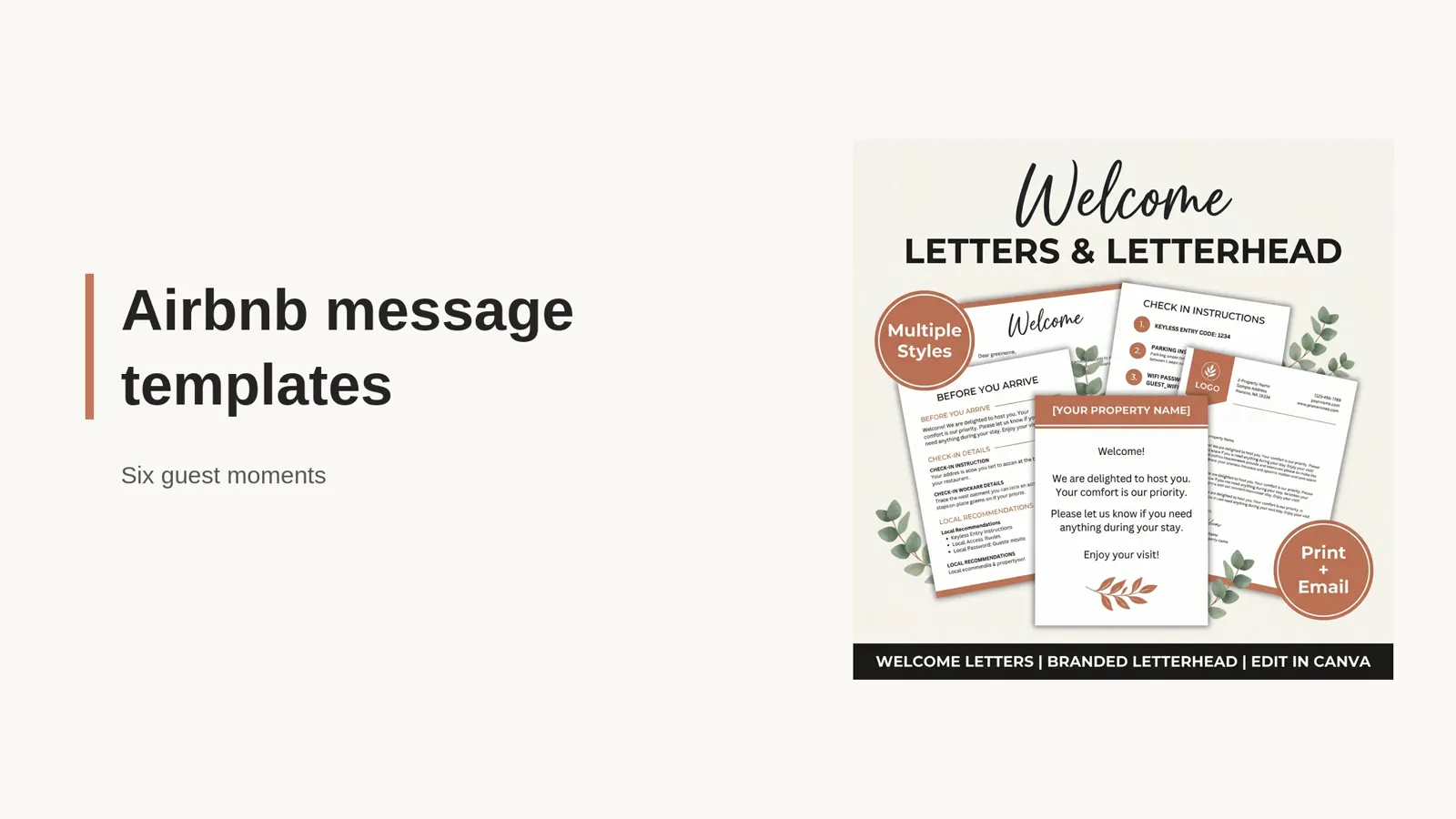
For a fuller explanation of where each document fits, see the Airbnb welcome book layout. The linked six-message guide covers inquiry, booking, arrival, checkout, and follow-up notes.
Schedule a quick reply only when its timing helps
Airbnb's quick replies are saved message templates. You can send one manually or schedule it for a reservation moment. To automate a welcome note, create or select the reply in Messages, choose the listings it applies to, and set the relevant trigger. Airbnb's Help Center steps for scheduled quick replies describe the current controls.
Before relying on a schedule, review how the message appears for the listing and reservation. Airbnb provides a quick replies timeline where hosts can inspect upcoming messages and change, skip, or send a message early. This is useful when a guest books close to check-in or the note no longer fits the conversation.
Pay particular attention when the guest books after the message's normal trigger. Airbnb says a welcome note scheduled two days before check-in may be skipped if the guest books on check-in day. A note scheduled two days before checkout may also be skipped for a one-night stay. Those messages can be sent at a different time if you enable Airbnb's setting for last-minute bookings and short stays. The Help Center describes when each case is sent, including messages that may arrive at booking or the listing's check-in time (Airbnb Help Center).
Decide whether a late-arriving message is still useful before turning on that setting. A booking confirmation can make sense at booking time. A door reminder sent after a guest has arrived may only add noise. Keep the arrival instructions available in the reservation either way, then check the timeline for each new stay that might miss the usual trigger.
Use this short check before saving:
- Does the note fit every listing selected for it?
- Does it point to the correct Airbnb reservation details?
- Is the timing useful for this kind of stay?
- Can you respond if the guest replies?
- Have you removed any access detail that should not live in a reusable template?
Airbnb's Resource Center suggests using quick replies for messages such as a booking thank-you or an arrival reminder. Keep the content direct and edit any suggested text to match your property (Airbnb, “Using quick replies to save time”, checked November 10, 2026).
The welcome is useful when the next step is clear
The best Airbnb welcome message for a guest is the one that answers the question they have at that moment. Thank them after booking, point to the reservation on arrival day, and check in once they have had a chance to settle. Keep property instructions in the place the guest will need them.
If you want matching templates for messages, letters, and guest paperwork, see the Airbnb Host Bundle. It gives you editable formats to fill with your listing details; you still choose what to send and when.
Why Trust This Article
The Cosmo Suite team that made Airbnb Host Bundle prepared this guide. We sell templates for Airbnb hosts. We checked Airbnb Help Center and Resource Center guidance on November 10, 2026. Read our about page and editorial policy for publisher and corrections details.
How the Airbnb Host Bundle fits in
The Airbnb Host Bundle includes editable guest materials such as welcome books and letters, signs, and checklists. You add the facts for your property and keep them current. The bundle does not send messages, manage reservations, or set access codes. If you want the layouts ready to customize, view Airbnb Host Bundle.
Frequently asked questions
What should an Airbnb welcome message say?
Thank the guest, confirm the next useful step, and point to where they can find arrival details. Keep access instructions and property facts in the correct Airbnb listing or reservation fields, and check that every detail matches the stay.
When should I send an Airbnb welcome message?
Send a brief booking note after the reservation, then share arrival information when it is useful for the trip. A short first-night check-in can help you spot a problem, if you can respond to replies.
Can Airbnb welcome messages be scheduled?
Airbnb lets hosts schedule quick replies for selected listing and reservation moments. A saved quick reply does not send automatically until you choose a trigger, and you can review upcoming messages in the reservation timeline.
Should a welcome message include the door code?
Avoid putting a reusable door code in a generic message template. Keep access details in the listing's current arrival instructions or the reservation-specific place Airbnb provides, and check the information before each stay.
What is the difference between an Airbnb welcome letter and a welcome message?
A message reaches the guest in Airbnb's conversation at a chosen time. A printed welcome letter greets them inside the property. Keep the letter for stable information and use the message to point to current, stay-specific details.
Sources
Keep reading
Guest Messages
Airbnb Message Templates: 6 Replies for Each Guest Moment
Airbnb message templates for booking, arrival, and checkout help you answer common questions with clear replies you can personalize and schedule.
· 9 min read

Guest Messages
Airbnb Pre-Booking Message: 6 Replies Hosts Can Adapt
Airbnb pre-booking message examples help you answer date, guest, parking, pet, and arrival questions clearly while keeping every booking on Airbnb.
· 9 min read