Airbnb Pre-Booking Message: 6 Replies Hosts Can Adapt
Airbnb pre-booking message examples help you answer date, guest, parking, pet, and arrival questions clearly while keeping every booking on Airbnb.
By Airbnb Host Bundle by Cosmo Suite · Editorial policy
Published · 9 min read

An Airbnb pre-booking message should answer the guest's question before you add a pitch or a long welcome. Start with the dates, guest count, or property detail they asked about, then give one clear next step. Keep the conversation and booking on Airbnb.
Picture a host with a basement suite and a day job. A guest asks at lunch whether a late arrival is possible, whether the driveway fits a second car, and if the dates are still open. A saved reply helps, but only if it gives the guest the answer for this listing. A small set of reusable replies can keep those answers together with the rest of your Airbnb guest templates.
Airbnb Pre-Booking Messages at a Glance
An Airbnb pre-booking message is the reply you send before a guest books, often after an inquiry about specific dates. Use the table to match the question with the information the guest needs, then personalize the details before sending.
| Guest asks about | Reply with | Check before sending |
|---|---|---|
| Dates or availability | Whether the calendar is open for the dates asked about | Current calendar and any pending request |
| Number of guests | Your listing's stated occupancy and sleeping setup | Listing details and house rules |
| Parking | The space, access, and any size limit you know | Listing and property facts |
| Pets | The policy shown in your listing | Current house rules and listing settings |
| Arrival time | The check-in window and whether the request fits | Your own schedule and listing settings |
| A discount or alternate dates | The option you can offer, if any | Airbnb's current offer and availability details |
The examples below are patterns, not facts about every listing. Replace each bracket with your own verified detail. If you do not know an answer yet, say when you will check and reply instead of guessing.
What Counts as an Airbnb Pre-Booking Message?
An inquiry is a guest's message asking for information about specific dates before sending a trip request. An Airbnb pre-booking message is the host's reply to that inquiry in the Airbnb thread. It can clarify a listing detail, explain a limit, or tell the guest what to do next.
Airbnb's inquiry guidance asks hosts to respond to inquiries and trip requests within 24 hours. It also describes actions such as inviting a guest to book or sending a special offer. Those actions are different from simply answering a question, so check the dates and terms in the message thread before selecting one.
Do not confuse a reply with Airbnb's pre-reservation message setting. A pre-reservation message is a preset message with questions for guests as part of Airbnb's guest requirements; the booking settings page says it requires Instant Book. A quick reply is reusable text a host can personalize and send from Messages. The feature settings and saved replies solve different communication tasks.
Keep the booking state straight. An inquiry asks about dates before a guest submits a trip request. A trip request needs a separate response in Airbnb. If the thread changes while you are writing, reread the reservation details first. Availability, booking conditions, and the next action may have changed.
Six Airbnb Pre-Booking Message Examples
Each example below gives the guest one answer and one next step. Keep the facts that match your listing. Remove the rest, especially any promise about availability, access, or flexibility that you have not checked.
Dates Are Available: Confirm the Window
“Hi [name], thanks for checking. The calendar is open for [dates] right now. The listing is set for [minimum stay or key condition]. If those dates work, you can send your request through Airbnb and I’ll review it there.”
Check the calendar again before sending. An inquiry does not reserve the dates, and another guest may ask about the same period. If you have a pending request or a calendar change, describe what you can confirm without implying that the dates are held.
Use it for: a guest asking whether the dates are open before they submit a request.
Guest Count: Point to the Sleeping Setup
“Hi [name], thanks for asking. The listing is set for up to [number] guests. The sleeping setup is [beds and rooms]. Please check that it fits your group before booking. If you have a question about a specific arrangement, send it here and I’ll confirm what the space has.”
Use the occupancy and bed information in your listing. Do not count a sofa, crib, or shared room unless the listing describes it accurately. This reply also gives the guest room to ask about the actual setup instead of assuming that “sleeps four” means four separate beds.
Use it for: a group checking whether the layout suits them.
Parking: Describe What Exists
“Hi [name], parking at the property is [exact setup]. The space is [location or access detail], and [vehicle size or number limit, if known]. The listing has the same information. If your vehicle is larger than [known limit], tell me the model or size and I’ll check before you book.”
Avoid a vague “plenty of parking” if the space is narrow, shared, or first come, first served. If there is no dedicated space, say so plainly and describe only the alternative you can verify. Keep street parking rules out of the answer unless you have checked the current local signs or official guidance.
Use it for: the guest who is arriving with a car, van, or second vehicle.
Pets: Repeat the Listing Policy
“Hi [name], thanks for checking about [pet]. The listing's current pet policy is [policy]. [Add any disclosed limit or fee exactly as shown in the listing.] Please review that section before booking. If your animal needs an exception, ask me here first so I can check the listing settings.”
Use the policy currently shown on your listing. Do not promise an exception before you have confirmed that it is possible, and do not add a new charge in a message. If you have no pets policy set, check the listing settings before you answer.
Use it for: a guest who asks whether an animal can stay.
Early Arrival or Late Arrival: Separate the Two
“Hi [name], the stated check-in window is [window]. For an arrival at [requested time], I can [confirm what you can offer / check and reply by time]. The exact entry instructions go to confirmed guests closer to arrival. Please keep the reservation and messages in Airbnb.”
A late arrival may fit the existing check-in window, while an early arrival can depend on the previous checkout and turnover. Do not promise either until you have checked your schedule. You can point guests to your Airbnb welcome book layout for the information they will need after booking, but do not send private entry codes before the right time.
Use it for: a guest asking whether a flight arrival or work schedule fits your check-in window.
Different Dates or Price: Offer Only What You Mean
“Hi [name], those dates are [not available / available at the price shown]. I can offer [alternate dates or option] if that works for your trip. Please review the dates and total in Airbnb before accepting. If neither option fits, I understand.”
Airbnb's special-offer guidance says a guest who accepts a special offer has 24 hours to do so, and the trip is automatically confirmed on acceptance. Airbnb also describes pre-approvals as a separate action. Review the current details in your account before sending either one, and make sure the calendar is still open.
Use it for: a guest who asks about alternate dates or a price adjustment.

A Three-Part Reply That Is Easy to Reuse
Most useful replies have three parts: the direct answer, the listing detail, and the next step. This keeps a saved message short without turning it into a script that ignores the question.
- Answer first. Say whether the dates are open, what the parking setup is, or which policy applies.
- Add one relevant detail. Include the minimum stay, room layout, check-in window, or disclosed pet rule only when it answers the question.
- Name the next step. Ask the guest to send a request, review the listing, share a detail you need, or wait while you check.
For example, a basement-suite host can save a base reply for parking, then fill in the driveway location and size limit for that property. A lakeside cabin host needs different words for a steep gravel lane and a second car. The useful template is the structure; the property details still need checking.
Keep each answer in Airbnb. Airbnb's messaging guidance describes Messages as the place to connect with guests before, during, and after a stay. Do not route a prospective guest to a separate payment or booking channel.
When to Save a Reply and When to Write Fresh
Save a reply when the same stable fact comes up often, such as a parking location or the normal check-in window. Write fresh when the guest asks for an exception, a date-specific answer, or something that depends on your turnover schedule.
Airbnb says hosts can use quick replies and scheduled quick replies to send personalized messages. The scheduled options are tied to triggers such as a reservation, check-in, or checkout. That can help after a booking, but a pre-booking inquiry still needs a human check of dates, occupancy, and the guest's actual question. Airbnb's message guide describes these tools; it does not make them a substitute for checking a date-specific answer.
Keep a short list beside your listing details:
- Safe to reuse: directions to the parking space, where to find the posted house rules, and the normal check-in window.
- Check each time: date availability, an early arrival, an exception, a proposed price, or any detail that could have changed.
- Do not promise: a booking, an exception, or a result you cannot control.
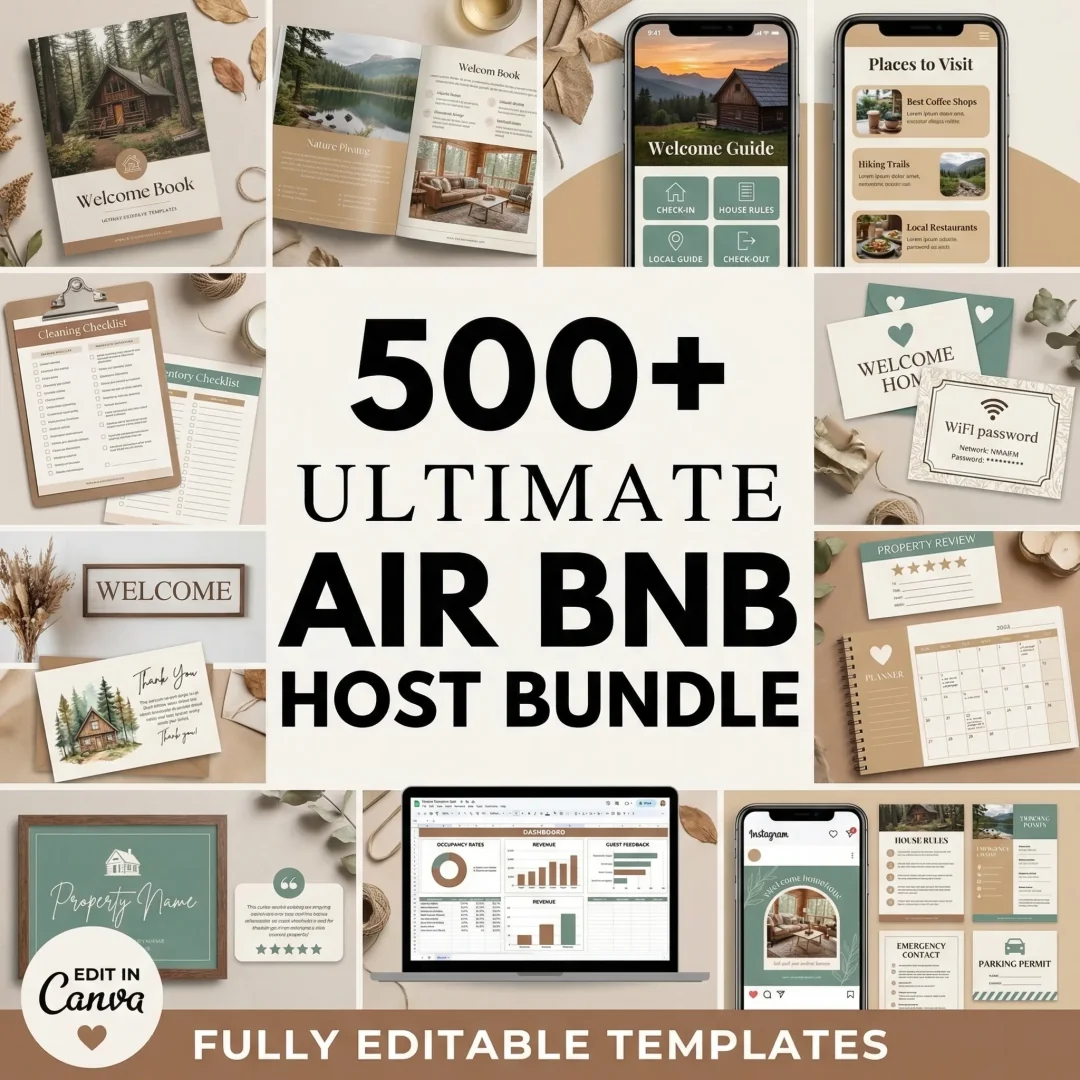
For the next message after a reservation, the Airbnb Host Bundle includes welcome letters and guest-facing book layouts you can edit in Canva. Use the materials to keep the same practical facts in the listing, your message, and the welcome book. The bundle is a set of templates; it does not automate guest messages.
How Airbnb Host Bundle Fits the Guest Message Workflow
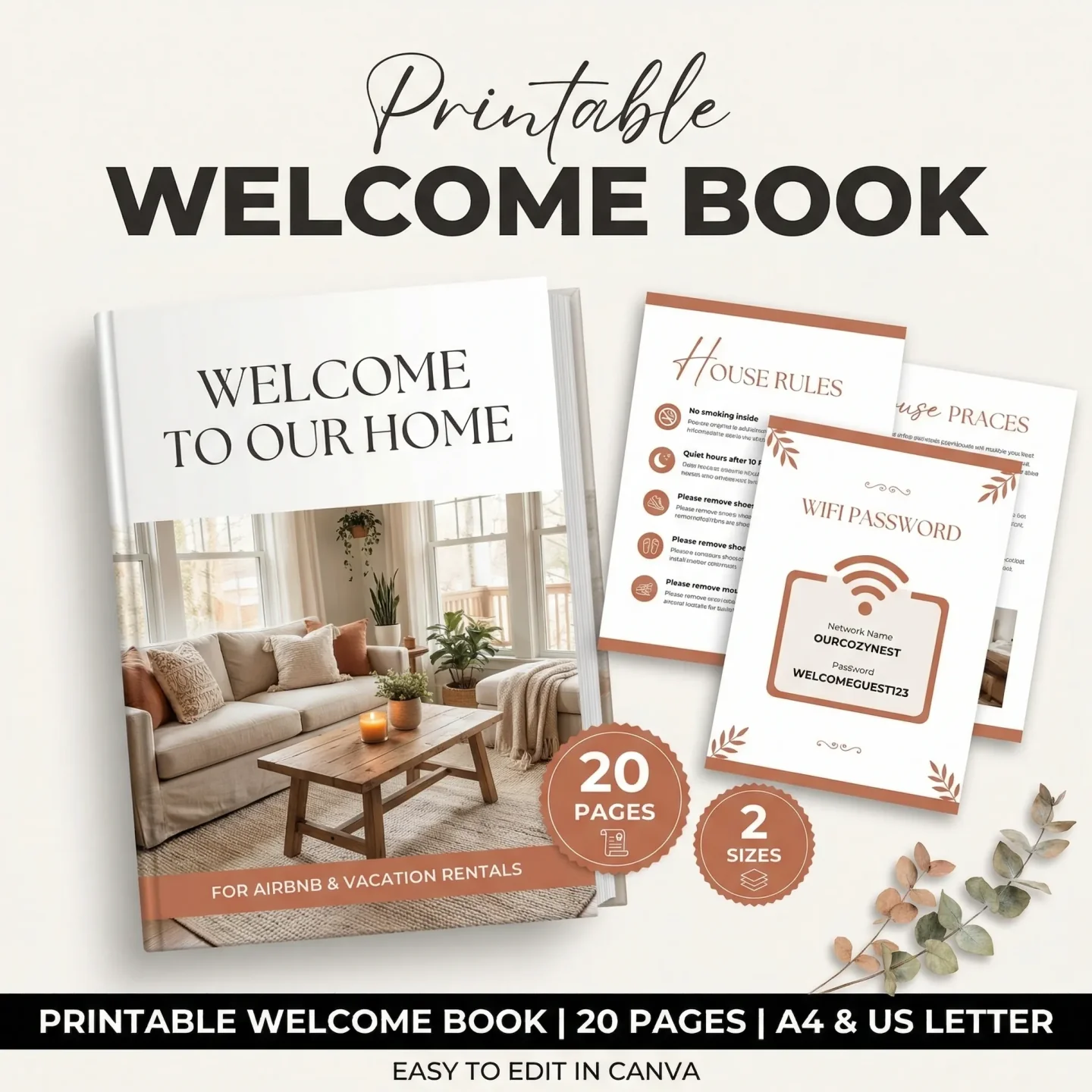
Airbnb Host Bundle gives a small host editable materials for the parts of guest communication that sit around the Airbnb inbox. The bundle includes welcome letters, a printable welcome book, and a digital interactive welcome book. You can edit the templates in Canva, then keep the property's confirmed details in your listing and messages.
Use a letter or book page for steady information such as the property address, parking description, house rules, or where to find WiFi instructions. Keep date-specific answers, booking choices, and guest conversations in Airbnb. A template cannot check your calendar, answer a new question, or send a message automatically.
If you want the written materials to match, Airbnb Host Bundle provides the guest-facing templates in one set. Pick the formats you will maintain, then give each fact one source of truth. For example, set the check-in window in the listing first, and copy that same wording into the guest material.

Why Trust This Article
The Cosmo Suite team made the Airbnb Host Bundle, so we sell templates for host communications. This guide uses Airbnb Help Center pages checked on 19 October 2026 and labels its sample messages as patterns, not guest correspondence. Read the about page and editorial policy for more on our work.
Answer the question with a fact you have checked, then let the guest complete the booking through Airbnb. For the rest of the guest timeline, see Airbnb templates matched to each stay moment and the checkout instruction guide.
Frequently asked questions
What should I say in an Airbnb pre-booking message?
Answer the guest's specific question first, then add only the relevant listing detail and a clear next step. Keep the conversation and booking on Airbnb.
How quickly should an Airbnb host reply to an inquiry?
Airbnb asks hosts to respond to inquiries and trip requests within 24 hours. Check Airbnb's current Help Center guidance because its policies can change.
Can I ask guests questions before they book on Airbnb?
You can answer questions in the message thread. Airbnb also offers a pre-reservation message setting for Instant Book guest requirements. Check the current booking settings before using it.
Can I send a pre-approval or special offer in my reply?
Airbnb offers both actions for some inquiries. A pre-approval or special offer can affect availability or confirm a trip if accepted, so review the dates and terms in Airbnb before sending one.
Should I move the conversation off Airbnb?
No. Keep the conversation in Airbnb so you can refer to the guest's question and your reply in the message thread. Use the current Airbnb tools for the reservation and its booking details.