Airbnb Templates That Cover the Whole Stay (Matched to Each Guest Moment)
Airbnb templates for every moment of a stay: booking, arrival, the stay, checkout and the review, with what each one prevents and where to put it.
By Airbnb Host Bundle by Cosmo Suite · Editorial policy
Published · 10 min read
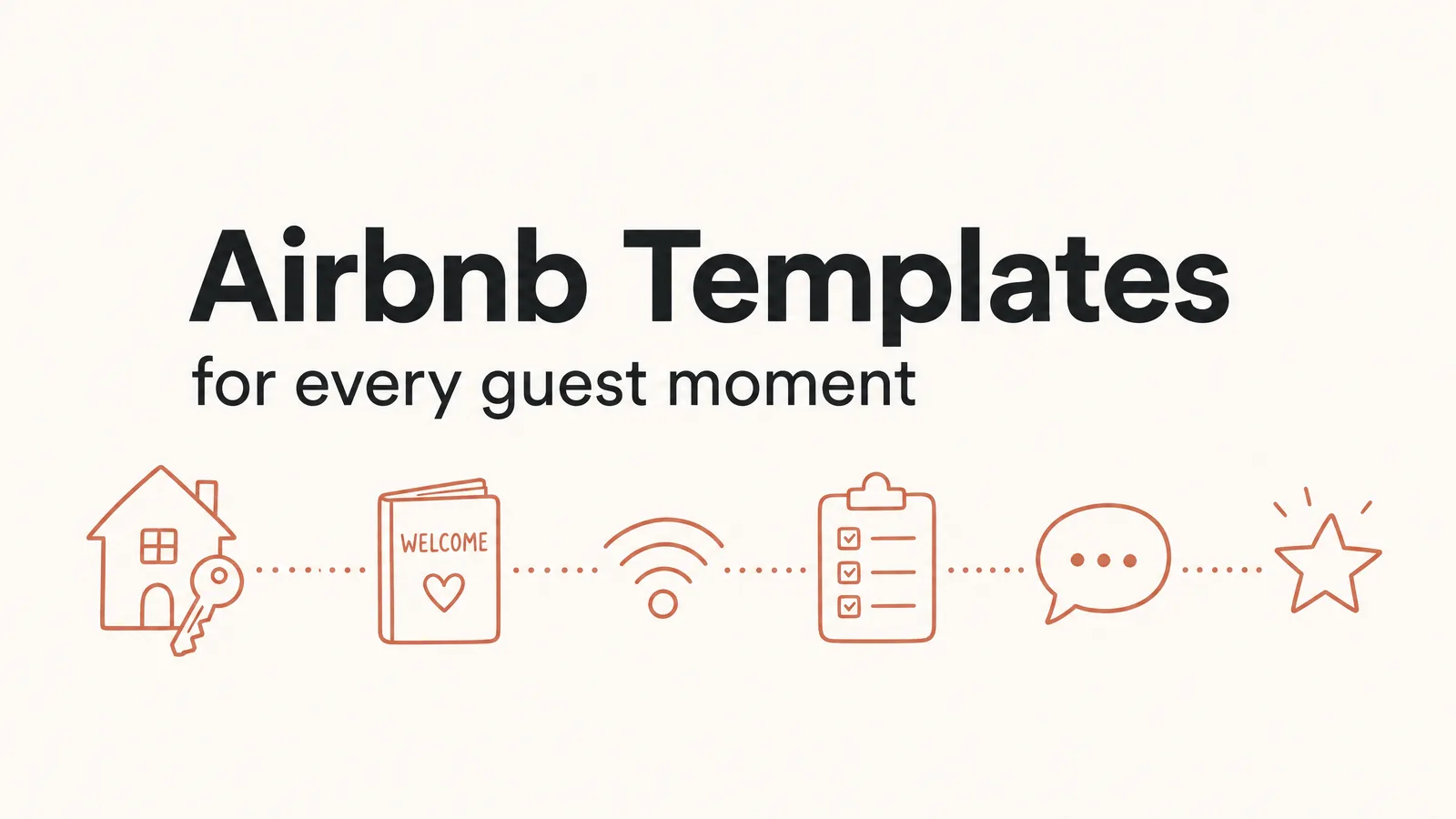
The Airbnb templates worth having are the ones that answer a guest's question before the guest has to ask it. Match each template to a moment in the stay, from booking to the review, and about eight pieces cover the whole trip.
Picture a guest who arrives at 11pm, locates the building and can't see the lockbox. They message you, and you're asleep. By morning the stay already has a mood, and no template written afterwards will repair it. The lockbox answer needed to reach the guest earlier: in a message, on a sign or in the welcome book. Ready-made Airbnb guest templates cover all three.
So build your collection backwards from the moments that typically go wrong. Below is the overview, followed by each template, the problem it prevents and its ideal location.
Key takeaways:
- Sort Airbnb templates by guest moment, not by file type, and about eight pieces cover the whole stay.
- The check-in message prevents the most expensive problem: a guest locked outside at 11pm.
- Airbnb's scheduled quick replies can send the booking, check-in and checkout messages automatically.
- Keep one master list of facts, because a single WiFi password can appear in 4 places.
Airbnb Templates at a Glance
Airbnb templates are pre-designed messages, signs, guides and checklists that a host edits once and reuses for every stay. Each template below exists because a specific moment produces a specific question.
| Guest moment | The question it produces | Template that answers it | Where it lives |
|---|---|---|---|
| Booking confirmed | "What happens next?" | Booking thank-you message | Scheduled message |
| 2 days before arrival | "How do I get in?" | Check-in message + digital welcome book | Scheduled message, link |
| Arrival night | "What's the WiFi? Where's the light switch?" | WiFi sign, welcome sign, welcome letter | Printed, on the counter |
| During the stay | "How does the hot tub work? Where do I eat?" | Printed welcome book, room signs | Printed, in the unit |
| Checkout morning | "What do I need to do before I leave?" | Checkout card + checkout reminder | Sign by the door, message |
| Turnover | "Did we miss anything?" (your cleaner) | Cleaning and inventory checklists | Printed or Google Sheets |
| After the review | "Would I book again?" (future guests) | Thank-you postcard, social posts | Printed, Canva |
Half of the right-hand column is paper. In fact, a printed sign in the right location answers the question at the exact moment, in the exact room, where the guest has it.
Why Generic Template Packs Miss the Point
Most Airbnb template collections are organized by format. Signs sit in one folder, messages in another and social posts in a third. That arrangement suits whoever designed the pack. However, guests experience your templates in chronological order: a booking message, a check-in message, then a door, a counter, a bathroom, a bed and a checkout morning.
Each of those touchpoints either answers the guest's question immediately or leaves a gap. Consequently, every gap becomes a message to you.
Long instructions usually fail for one reason. Specifically, they were written once, as one long block, and delivered at one time. For example, a guest who read them two weeks before the trip has often forgotten them by arrival.
Splitting the same information across moments fixes most of that. The WiFi password goes on a sign by the router and in the welcome book. Similarly, the checkout steps go on a card by the door and in a message the morning before. The words stay identical; only the location and timing change.
Before Arrival: The Templates That Stop Late-Night Messages
The before-arrival templates handle the most expensive moment in a stay. That moment is the first ten minutes at your door.
Booking Thank-You Message: The Easiest Win
A short thank-you after booking sets the tone and tells the guest when to expect check-in details. Scheduled quick replies are Airbnb messages you write once and send automatically. Airbnb's help page on scheduled quick replies lists "sending a thank-you message shortly after booking" as a common use. Keep it to four lines: thank them, confirm the dates, say when the check-in message arrives, and invite questions.
Use it for: every booking, sent automatically by Airbnb's scheduled quick replies.
Check-In Message: The One That Matters Most
This is the message that prevents the 11pm lockbox emergency. The same Airbnb help page suggests "sending a check-in reminder a couple of days before the trip starts". Include the address, parking instructions, the exact door or lockbox directions and the WiFi name. Then add one line: "The full house guide is here," with the link to your digital welcome book.
Specifically, test it against the most difficult situation. Consider the basement suite with its own side entrance, and a business traveller arriving after dark. Could they find the correct door from your message alone? If not, add a description ("the grey door left of the garage").
Use it for: every stay, 48 hours before check-in.
Digital Welcome Book: The Guide Guests Open Before They Travel
A digital welcome book is a clickable guide on the guest's phone. It answers the planning questions: directions, check-in, WiFi and restaurant recommendations. Guests can read it on the train, when they finally have time.
Airbnb also offers a built-in guidebook for local recommendations, which you add from your listing. It's a sensible home for restaurants and parks. It works alongside your own guide.
Use it for: a link inside the check-in message and your Airbnb listing's house manual.
Arrival and the Stay: The Templates Guests Meet in Person
Once the guest is inside, printed material does the work. A printed sign answers a question in the room where the question comes up.
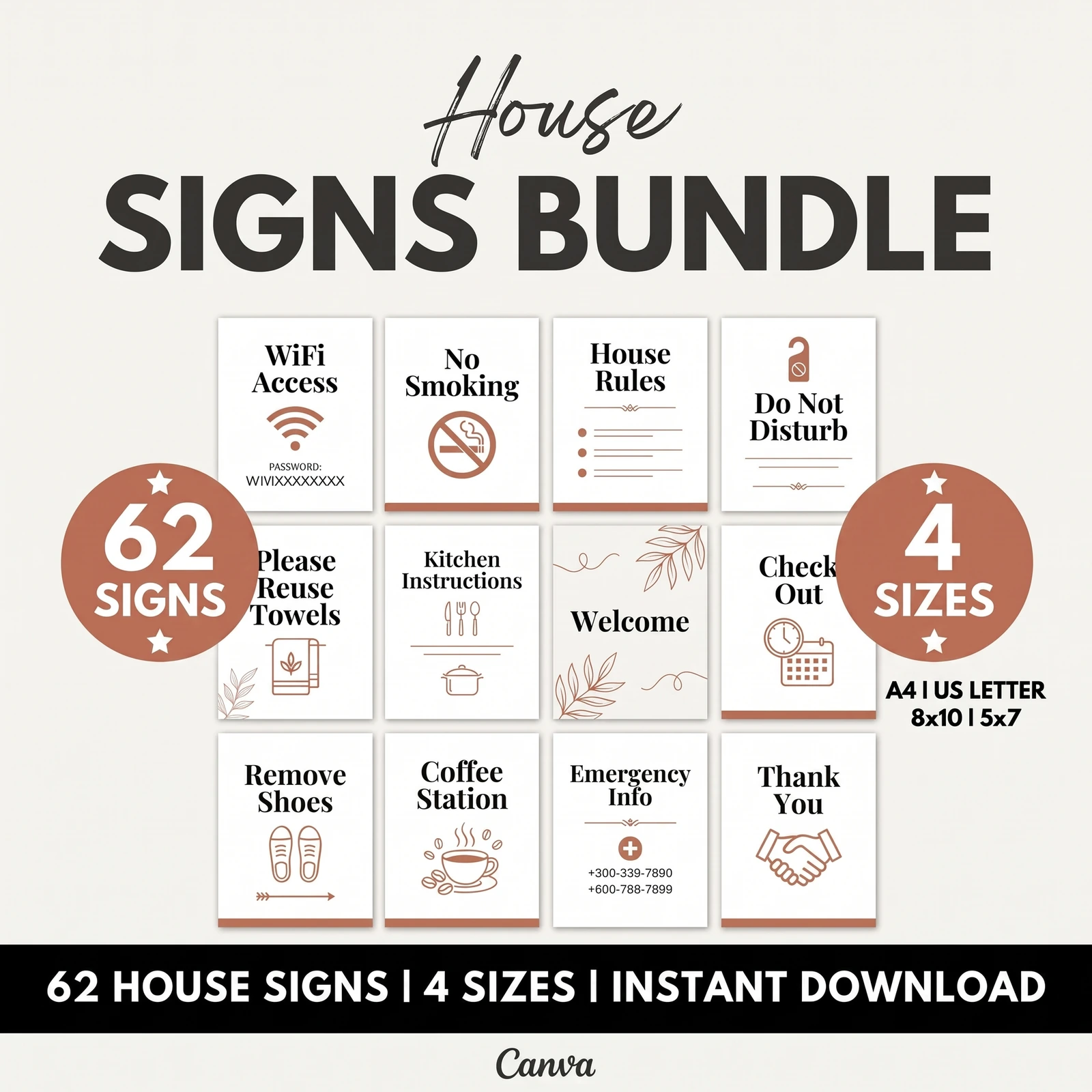
WiFi Sign: The Most-Asked Question, Answered on the Wall
WiFi is usually one of the first things guests ask about. Put a framed sign near the router or on the kitchen counter, with the network name and password in large type. Therefore, if you change the password between stays, print a replacement sign immediately so the two never drift apart.
Use it for: the kitchen counter, the router shelf, and the opening page of the welcome book.
Room Signs: Small, Specific, Placed Where the Question Happens
In other words, signs work when each one performs a single job in a single location. "Coffee station" goes above the machine. "Please reuse towels" goes in the bathroom, and "Emergency info" goes by the door. By contrast, a sign that attempts five jobs gets skimmed like a long message.
For a lakeside cabin with a hot tub, the hot tub sign is probably the most valuable. It should explain the cover, the temperature and the permitted hours. That's a safety question and a neighbour question together. The answer belongs next to the tub, not on page 14 of a binder.
Use it for: one question per sign, positioned exactly where the question arises.
Printed Welcome Book: The Reference Guests Flip Through
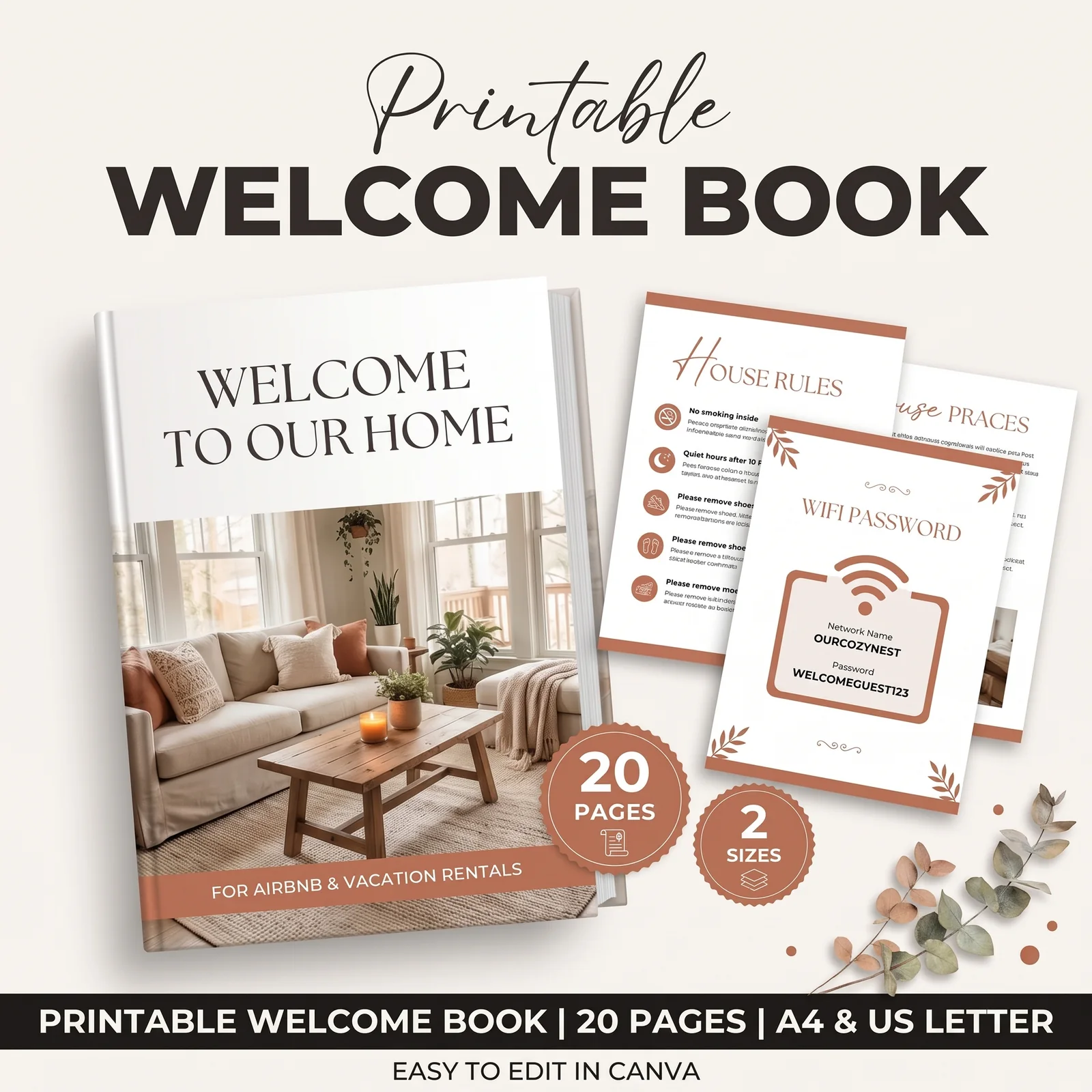
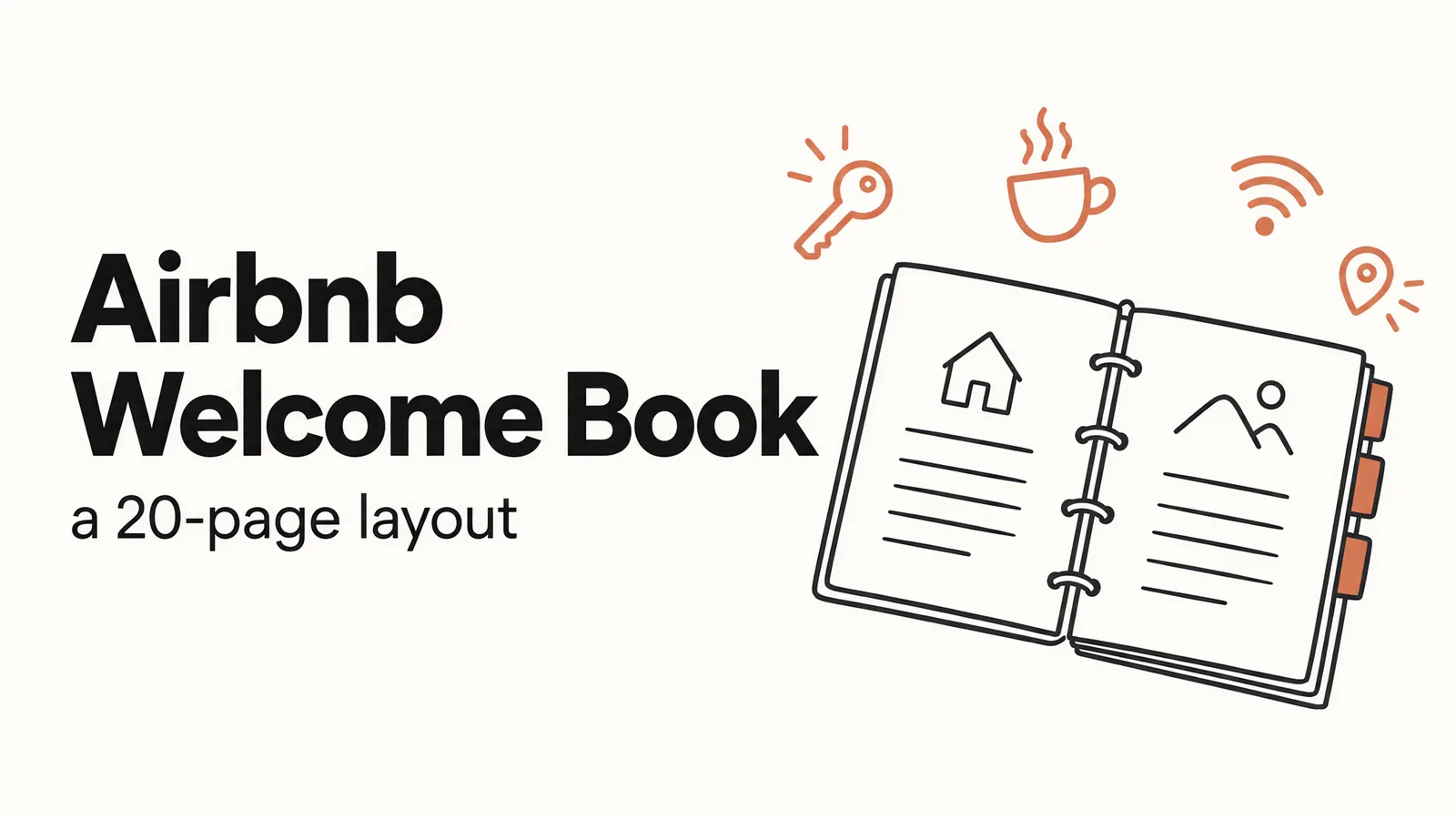
The printed welcome book holds everything too long for a sign. That includes how the TV works, where the spare blankets are, trash days, local recommendations and emergency contacts. Keep the most frequently asked answers in the first three pages, because a guest flipping through may not get much further. Our breakdown of how to lay out an Airbnb welcome book page by page shows a complete 20-page order.
Use it for: the coffee table or kitchen counter, with a matching digital copy.
Checkout and Turnover: The Templates That Protect the Next Stay
Checkout is where guest instructions and your cleaner's checklist meet. As a result, a mistake here means the next guest arrives during a late turnover.
Checkout Card: Five Lines, Not Fifteen
The checkout card is the template hosts most often overload. Imagine a same-day turnover with a 4-hour gap between checkout and check-in. A 15-line list (strip beds, run the dishwasher, take out recycling, sweep) gets ignored. Meanwhile, a 5-line card (time, keys, lights, trash, lock) gets followed.
There's also a policy reason to keep it short. Airbnb's ground rules for guests say hosts may not charge fees for failing to perform specific cleaning or checkout tasks. As the same ground rules page notes, you can still rate and review a stay on cleanliness. Our guide on why guests ignore Airbnb checkout instructions explains which tasks to keep and which to hand to your cleaner.
Use it for: a sign beside the door, a welcome book page, and a scheduled message the morning before.
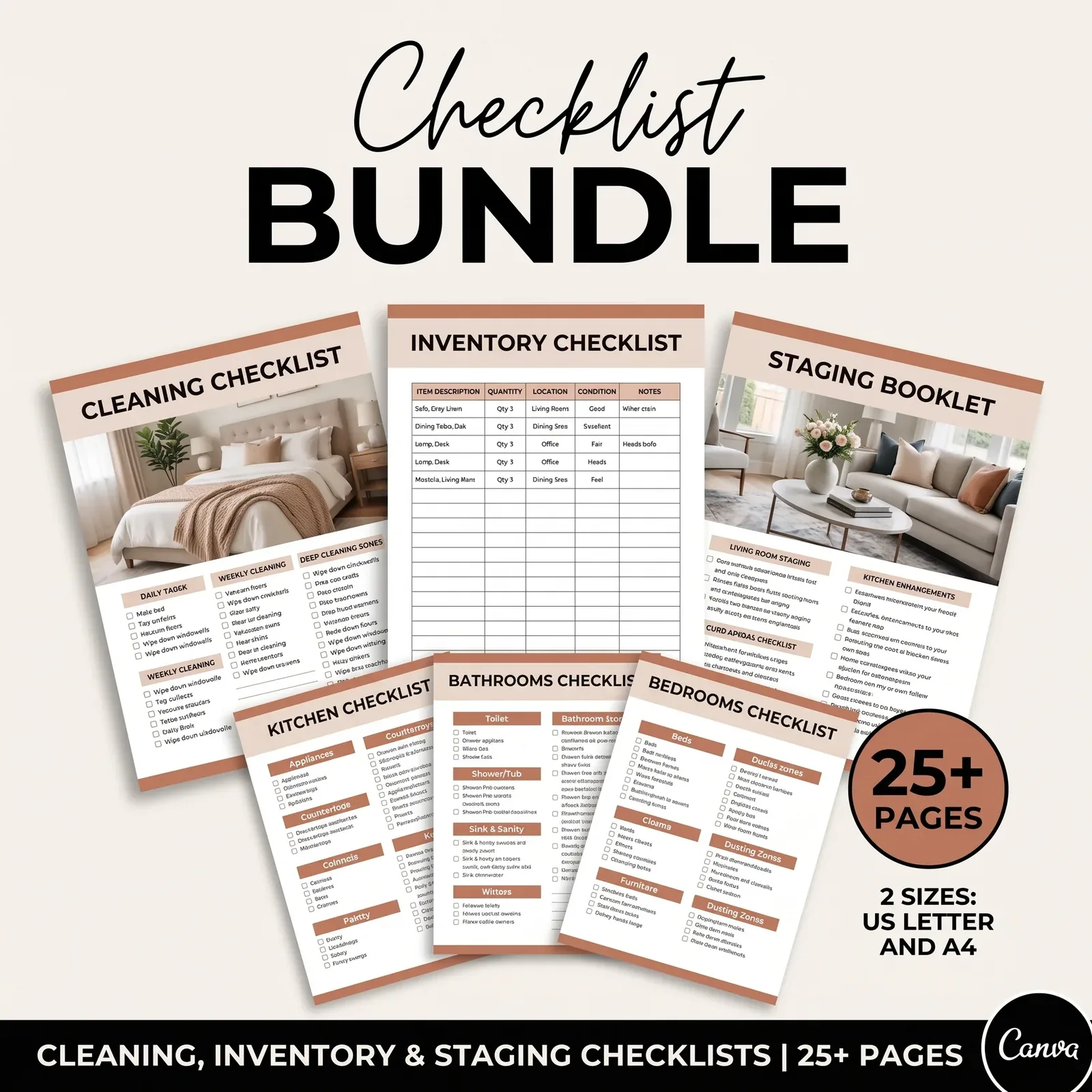
Cleaning and Inventory Checklists: For Your Cleaner, Not Your Guest
A room-by-room cleaning checklist keeps every turnover consistent, whoever cleans. A par level is the number of each supply that should always be in the unit, such as 3 sheet sets per bed. An inventory sheet with par levels prevents the "we ran out of toilet paper" message. Both work printed on a clipboard or stored in Google Sheets.
Use it for: every turnover, and a monthly restock check.
After the Review: The Templates That Bring the Next Booking
The final moment of a stay happens after the guest leaves. A thank-you postcard in the unit, or a short review-request message after checkout, closes the loop. That said, keep the request light. Airbnb sends its own review prompt, so yours is primarily a thank-you.
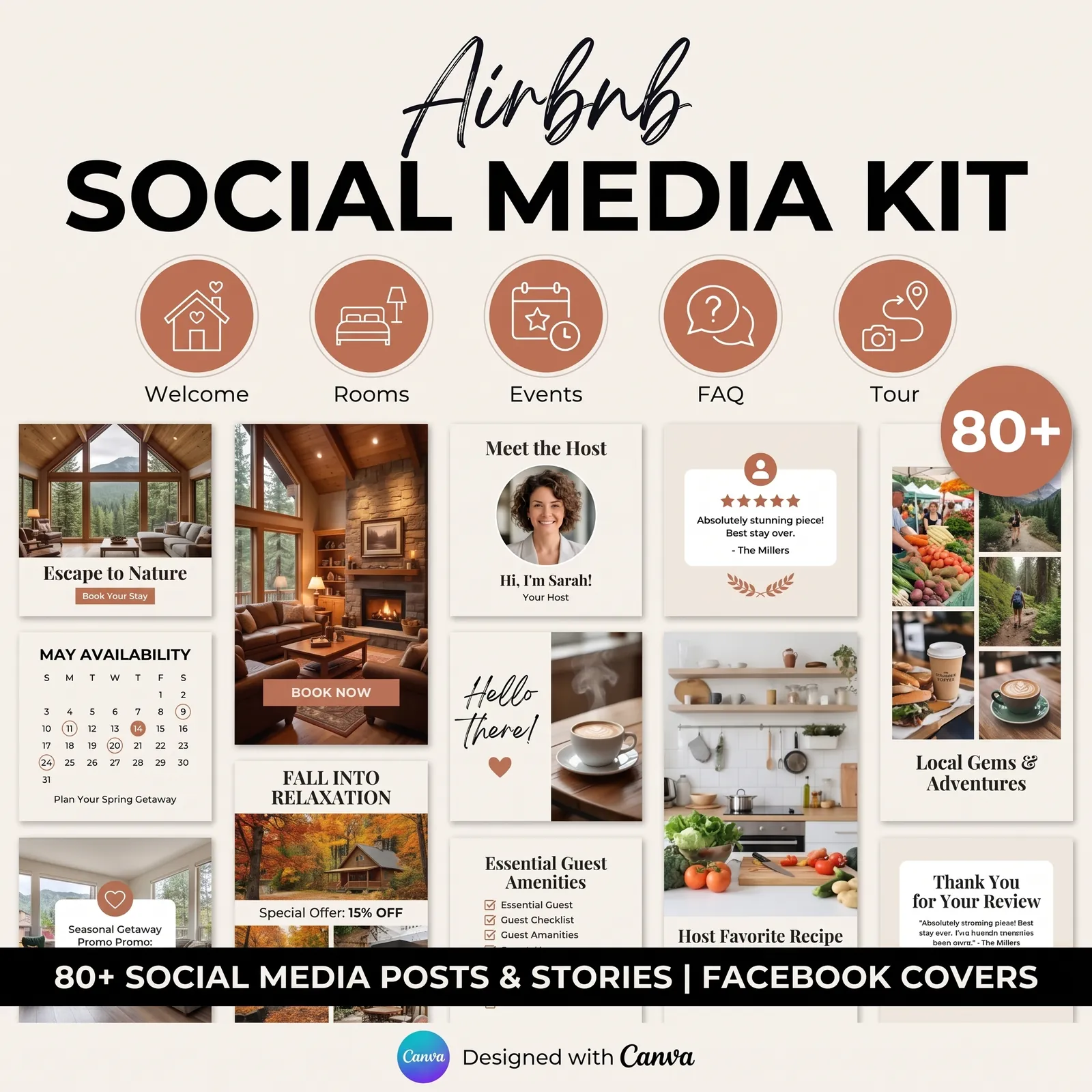
Then there's the marketing side. Social media posts for a direct-booking page or an Instagram account can show the unit between stays. Typical examples include a guest-review spotlight (with permission), a local attraction and a seasonal offer. Build this set last, because once the stay runs smoothly, you have something worth posting about.
The Part Most Template Lists Leave Out
The templates matter less than three decisions you make once and then copy into every one of them.
Write each fact once. Your WiFi name, door code steps, checkout time and parking spot should come from one master list. When the signs, messages and welcome book all draw from it, they never contradict each other. A contradiction is exactly what makes a guest message you to ask which version is correct.
[Unique insight] Counting the copies makes the case for a master list. The WiFi password appears in 4 places: the WiFi sign, page one of the printed book, the digital book and the check-in message. The checkout time also appears in 4: the card, the book page, the checkout reminder and your listing. Now take 6 core facts (WiFi, door steps, parking, checkout time, trash day, emergency contact) at about 3 places each. That's roughly 18 copies to keep synchronized, and one password change can leave 3 of them wrong.
Decide where each answer lives. Use a sign for a question that arises in one particular room, and a message for a question with a deadline. The welcome book takes everything a guest might look up. If an answer lives in three places, that's deliberate; if it lives in none, that's the next 11pm message.
Cut before you add. In particular, every line you add to a checkout card or house rules sign makes every other line less likely to be read. When a guest misses something, the first fix is moving it somewhere better, not repeating it.
A done-for-you Airbnb template bundle covers the design side of this. The layouts, sign designs and checklist structures already exist, so you aren't starting from a blank Canva page while you make the decisions.
Why Trust This Article
The Cosmo Suite team wrote this guide, and we created the Airbnb Host Bundle shown in the screenshots. Airbnb policy points come from Airbnb's Help Center pages, linked above and checked on 3 October 2026. Our methodology for the bundle table below is a count from the bundle's own contents list. You can read about us and the company behind this site and our editorial policy, or reach us through the contact page. Airbnb changes its tools and rules, so verify a policy on its help page before relying on it.
Where the Airbnb Host Bundle Fits
You probably already know you need a welcome book, signs and checklists. The difficult part is making 20 pages, a set of signs and a turnover checklist look consistent, and then keeping them synchronized.
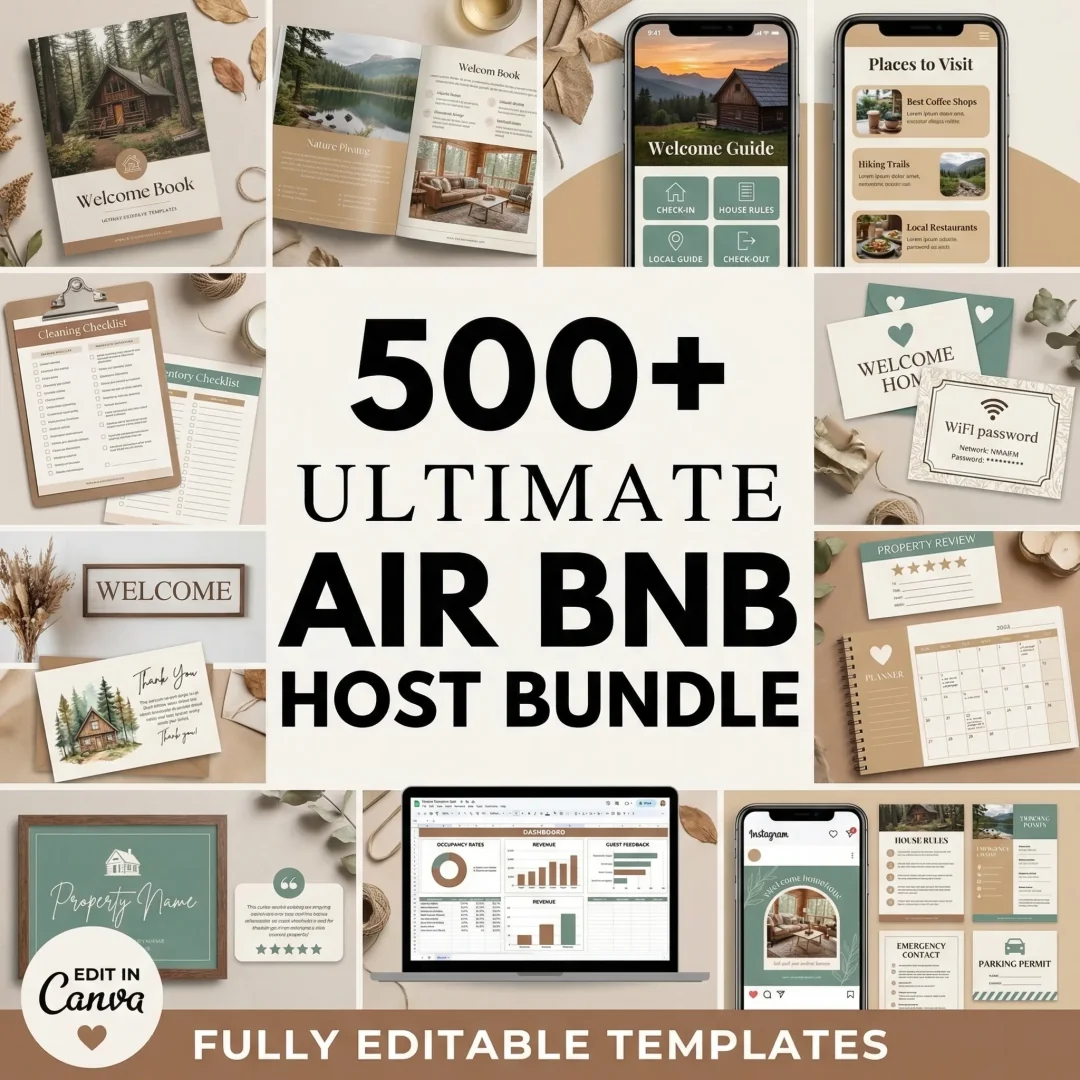
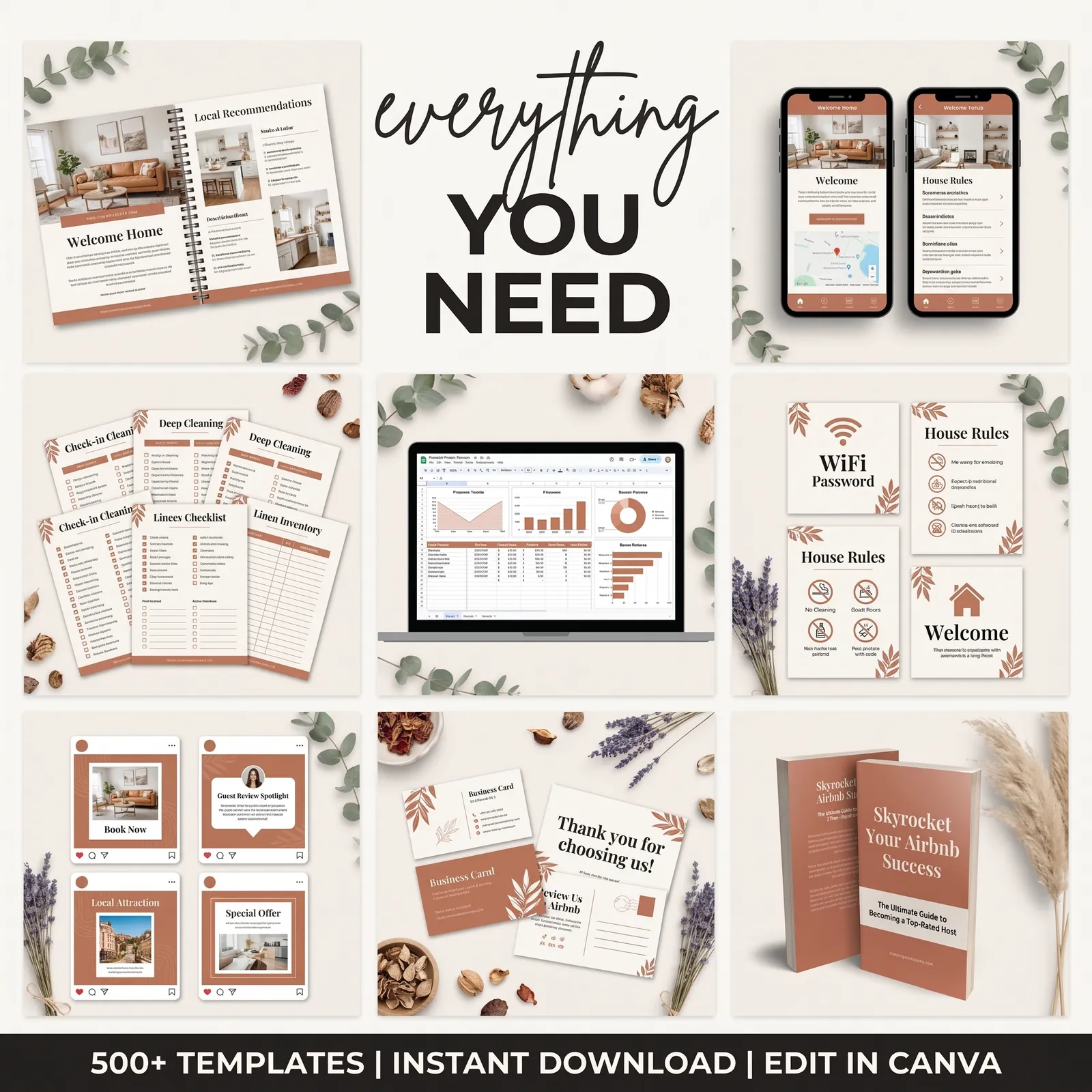
The Airbnb Host Bundle provides 500+ done-for-you templates for that job, editable in Canva and Google Sheets. The screenshots in this guide come from the bundle itself.
[Original data] Here is how the bundle's contents map to the guest moments in the table above:
| Guest moment | Bundle template |
|---|---|
| Before arrival | Digital Interactive Welcome Book (19 pages) |
| Arrival night | Welcome letters, welcome cards, WiFi and house signs |
| During the stay | Printable Welcome Book (20 pages), 62 house signs |
| Checkout morning | Checkout reminder signs, welcome book checkout page |
| Turnover | Cleaning and inventory checklists (25+ pages) |
| After the review | Thank-you cards, postcards, 80+ Instagram post templates |
The bundle also includes a Profit and Loss Property Tracker in Google Sheets for the business side.
You still decide your checkout list, your house rules and your local recommendations. The bundle gives you finished layouts to put them in, so your time goes into your own details instead of page design. If you run one to three listings and want the whole stay covered without a monthly software fee, see every welcome book, sign and checklist template in the bundle.
Frequently asked questions
What Airbnb templates does a new host need first?
Three: a checkout card, a WiFi sign and a short welcome book. Those three answer the questions that arrive at the worst times, late on arrival night and on checkout morning. Add scheduled messages, house rules signs and a turnover checklist in your first week, and leave social media and marketing pieces until the stay itself runs smoothly.
Should my welcome book be printed or digital?
Both, if you can. A printed book on the counter gets read during the stay, when the guest is standing in your kitchen. A digital copy linked in your check-in message gets read before arrival, when the guest is planning. Write the content once and export it twice so the two never disagree.
Can I charge a guest for ignoring my checkout list?
No. Airbnb's ground rules for guests say hosts may not charge fees for failing to perform specific cleaning or checkout tasks, though you can rate and review a stay on cleanliness. That's a good reason to keep the checkout list short and reasonable, so guests follow it willingly.
Do I need guest management software instead of templates?
It depends on how many listings you run. Airbnb's own scheduled messages and a set of printed and digital templates cover most needs at one to three listings. Software such as Hospitable or Hostfully earns its fee once you manage many listings, several channels or a cleaning team that needs task assignments.
How long does it take to set up a full set of templates?
It depends on how many decisions you have already made. Fill in your WiFi details, door code steps, checkout time and local picks once, then reuse them across the welcome book, signs and messages. With the layouts already done, most of your time goes into decisions such as your checkout list.
Sources
Keep reading
Guest Paperwork
Airbnb Welcome Book: A 20-Page Layout You Can Copy and Customize
Airbnb welcome book layout in 20 pages: what goes on each page, which answers go first, and how to keep the printed and digital versions in sync.
· 8 min read
Guest Paperwork
Why Guests Ignore Airbnb Checkout Instructions (and How to Fix It)
Airbnb checkout instructions get ignored when they run long and arrive once. Here's a 5-line card, where to put it, and when to send the reminder.
· 9 min read
Guest Paperwork
Airbnb House Rules Template: 12 Rules Guests Follow (and How to Word Them)
Airbnb house rules template with 12 rules worded as sign text, plus which ones belong in Airbnb's settings and where to post them so guests see them.
· 9 min read