Airbnb Welcome Book: A 20-Page Layout You Can Copy and Customize
Airbnb welcome book layout in 20 pages: what goes on each page, which answers go first, and how to keep the printed and digital versions in sync.
By Airbnb Host Bundle by Cosmo Suite · Editorial policy
Published · 8 min read
An Airbnb welcome book works when the most important answers sit on its first three pages. Everything else follows the chronology of the stay. Twenty pages is sufficient for an entire unit: arrival basics, the house room by room, the neighbourhood, then checkout.
Now picture the guest standing in your kitchen at 9pm, exhausted, wondering how the oven operates and where the extra blankets are. They'll flip the book open, and if the answer isn't findable in thirty seconds, they'll message you instead. With a ready-to-edit Airbnb welcome book template, the layout is already done, and your time goes into the answers.
Below is a page-by-page layout you can copy. Each page lists what it must answer, plus the mistakes that send guests back to the message thread.
Key takeaways:
- Put WiFi, check-in steps and a house rules summary on pages 1 to 3, where guests look first.
- Follow the stay's chronology after that: the house, the neighbourhood, safety, then checkout.
- Keep one master file and export the printed book and the digital link from it.
- Use Airbnb's guidebook for the long list of local recommendations, and keep the book's pages to your top picks.
Airbnb Welcome Book Pages at a Glance
An Airbnb welcome book is the printed or digital guide that answers guests' questions during the stay. The layout follows the stay itself: arrival needs first, things guests look up during the stay next, and departure last.
| Pages | Section | What it answers | Why it sits here |
|---|---|---|---|
| 1-3 | Arrival basics | WiFi, check-in steps, house rules summary | A guest flipping through may stop here |
| 4-9 | The house, room by room | Kitchen, appliances, heating, TV, bathroom, bedrooms | Looked up during the stay, as needs come up |
| 10-14 | The neighbourhood | Groceries, places to eat, things to do, transport | Read on the first evening and morning |
| 15-17 | Safety and help | Emergency contacts, first aid, fire exits, trash days | Must be easy to find, rarely needed |
| 18-20 | Leaving | Checkout steps, review thank-you, contact | Read on the last evening |
In other words, never bury checkout on page 6 or WiFi on page 12. A guest flipping through looks at the beginning for urgent information and at the end for departure details.
Why Most Welcome Books Get Ignored
Welcome books get ignored when important answers hide behind unnecessary pages. For example, imagine a book that opens with a two-page welcome letter, a history of the building and a list of rules. That guest has to work to find the WiFi. A guest who can't find it quickly will probably message you instead.
The first fix is unglamorous: lead with the answers, then the welcome. A one-paragraph greeting feels welcoming. However, two pages of it become a barrier between the guest and the password.
The second fix is deliberate redundancy. The welcome book is the complete reference, but the most frequently asked answers also live where the question happens. The WiFi password goes on a sign by the router, and the checkout steps go on a card by the door. Our map of Airbnb templates matched to each guest moment shows which answers belong on signs and which belong in the book.
[Unique insight] Counted out, the redundancy costs little. Take a lakeside cabin with a hot tub, families and a 3-night minimum. Its 4 most likely questions are WiFi, the door, the hot tub and checkout. Each needs only 2 locations, the book plus one sign or message, so 8 placements cover the questions that would otherwise arrive as messages.
Pages 1-3: Arrival Basics
The first three pages carry most of the book's value; consequently, each one has a single job.
Page 1, Welcome and WiFi: The Page Every Guest Opens
Start with a two-line welcome and your first name. Then add the WiFi network and password in large type. Nothing more. The password is the item guests search for most, so it deserves page one.
Use it for: a greeting and the WiFi, nothing else.
Page 2, Getting In and Settling: Door, Parking, Lights
Explain how the lock operates from inside and where to park. Then describe where the main light switches are and how the thermostat works. A rotating door code doesn't belong here. Instead, it belongs in your check-in message, which changes for every stay and which Airbnb's scheduled messages can send automatically.
Use it for: the guest's first ten minutes inside the property.
Page 3, House Rules Summary: Five Lines, Friendly Tone
Summarize the rules guests accepted when booking. Five short lines cover quiet hours, smoking, pets, visitors and parties. Phrase them as how the place works ("Quiet hours start at 10pm; the neighbours are early risers") instead of as warnings. Airbnb's ground rules for guests also say hosts can contact customer support if a guest violates a listing's additional rules.
Use it for: a summary that matches your Airbnb listing's house rules word for word.
Pages 4-9: The House, Room by Room
Guests consult these pages instead of reading them. Therefore, give each room its own page with a clear heading.
- Kitchen (page 4): oven, hob, dishwasher, coffee machine, where the basics are.
- Living room (page 5): TV and streaming steps, sofa bed, spare blankets.
- Heating and cooling (page 6): thermostat, fans, windows that stick.
- Bathroom (page 7): hot water, towel supply, what not to flush.
- Bedrooms (page 8): extra pillows, blackout blinds, iron.
- Laundry and extras (page 9): washer, dryer, hot tub or fireplace if you have one.
Consider the lakeside cabin again. Its page 9 needs the hot tub rules more than anything else: cover on after use, children supervised, the permitted hours. Consequently, that single page prevents the conversation you least want to have.
Pages 10-14: The Neighbourhood
Local pages are where guests typically spend time on the first evening. Keep them specific: the name, the distance and the reason you'd recommend it to a friend.
- Groceries and essentials (page 10): nearest supermarket, pharmacy, late-night shop.
- Places to eat (page 11): five picks, with one for breakfast and one open late.
- Things to do (page 12): three to five, sorted by distance.
- Getting around (page 13): parking rules, transit, taxi apps that work locally.
- Your local guidebook (page 14): a pointer to your Airbnb guidebook for the full list.
An Airbnb guidebook is a public page of local recommendations attached to your hosting account. Airbnb lets you add a guidebook to your listing with restaurants, shops, parks and attractions. The same help page notes that guidebooks are public and can be shared or printed. Use it as the comprehensive list, and limit the book's pages to your top recommendations. That way the printed pages don't go stale every time a café closes.
Pages 15-20: Safety, Help and Leaving
The back of the book handles information guests rarely need but must find quickly. After that comes the last evening's reading.
Pages 15-17, Safety and Help: Findable in Ten Seconds
List emergency numbers, your contact and a backup contact, and the nearest hospital. Add where the first aid kit, fire extinguisher and fuse box are, plus the trash and recycling days. Use a bold heading on each page, because nobody reads paragraphs during an emergency.
Use it for: the information a guest should never need to message you about.
Pages 18-20, Checkout and Goodbye: The Last Evening's Reading
Page 18 is the checkout list, and it should match your checkout card and checkout message exactly. Keep it to approximately five lines. Our breakdown of why guests ignore Airbnb checkout instructions explains which tasks belong there and which to leave to your cleaner. Page 19 is a short thank-you with a light request for a review. Page 20 explains how to reach you, with a note that you'd love to host them again.
Use it for: a checkout list identical to your sign and message.
The Part Most Welcome Book Guides Leave Out
Keeping a welcome book accurate takes more work than writing it.
One master version. Keep the welcome book in one editable file, and Canva works well for that. Then export a printed PDF and a digital link from the same source. Two separately written versions eventually drift apart. Eventually a guest discovers the old WiFi password in one and the new password in the other. If you'd rather not design that master file yourself, an editable Canva welcome book and house manual gives you the pages to start from.
Update after every guest question. Suppose a guest asks something the book already covers. Then the answer is in the wrong location, so move it forward. When a guest asks something the book doesn't cover, add it. As a result, after a few months the book matches your unit's real questions.
Send it before arrival. Airbnb's scheduled messages help page suggests "sending a check-in reminder a couple of days before the trip starts". Add the link to your digital welcome book there. A house manual is the practical section of that book: appliances, rules and emergency details. As a result, the guest reads it while planning, and the printed copy confirms it on arrival.
Why Trust This Article
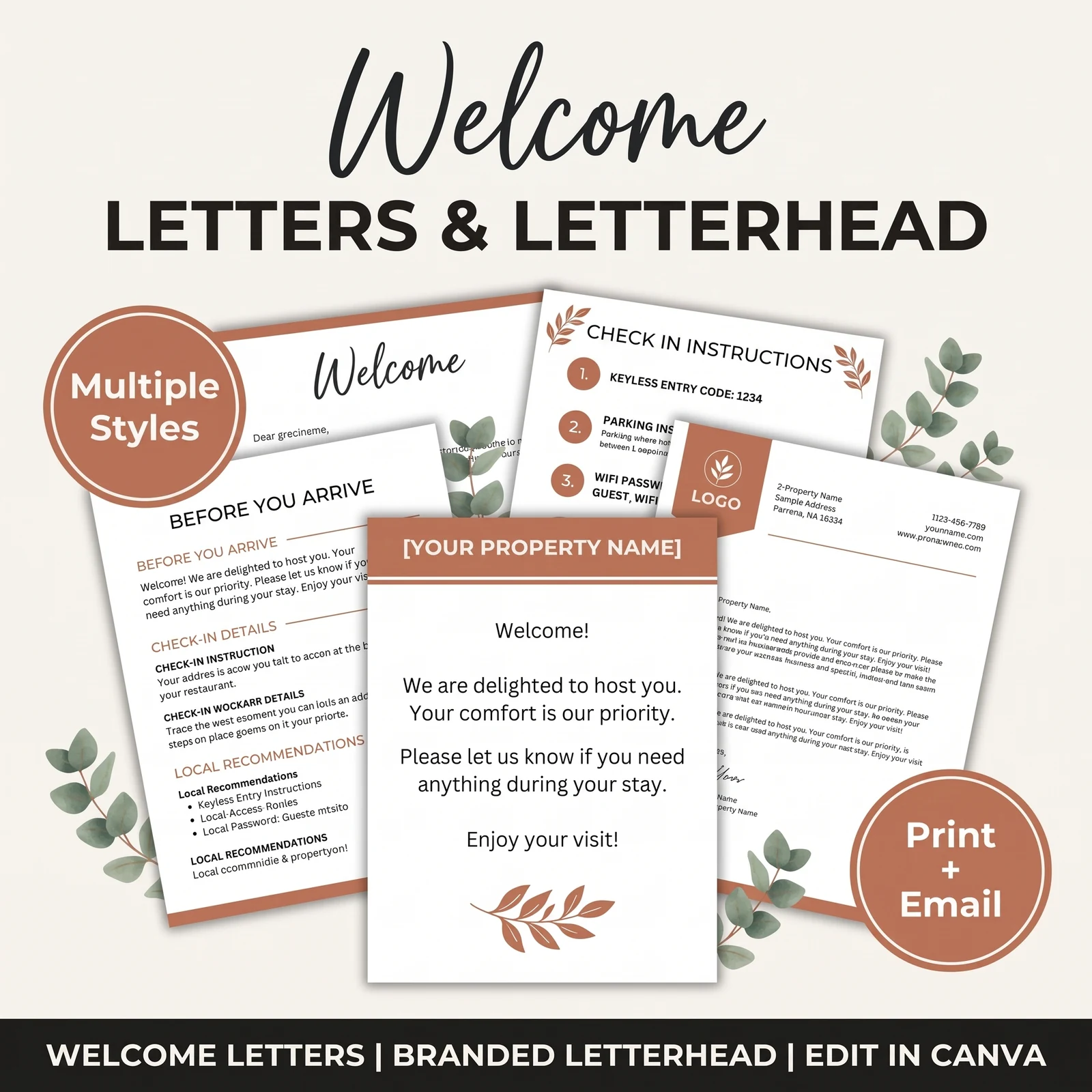
The Cosmo Suite team wrote this layout. We also created the Airbnb Host Bundle and the 20-page Welcome Book shown above. Airbnb features cited here come from Airbnb's Help Center pages, linked in the sources and checked on 3 October 2026. Our methodology for the bundle list below is a count from the bundle's own contents. You can read about us and the company behind this site and our editorial policy, or reach us through the contact page. However, Airbnb updates its tools, so check them again before relying on them.
How the Airbnb Host Bundle Fits In
The layout above is free to copy, but what takes time is the visual design: 20 pages that look consistent, read easily on a phone and print cleanly in A4 or US Letter.
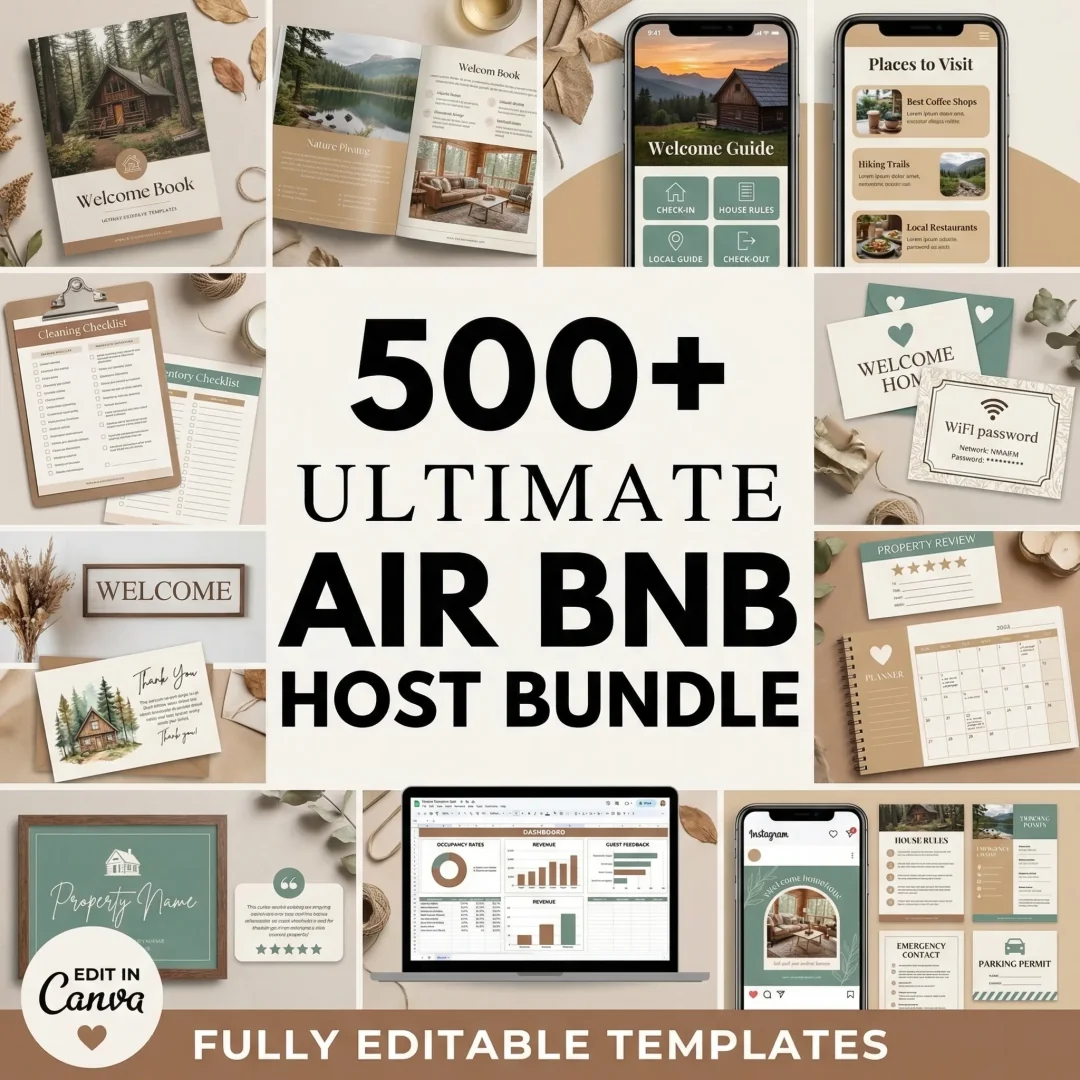
[Original data] Here is what the bundle contains for the welcome book job, counted from its contents list:
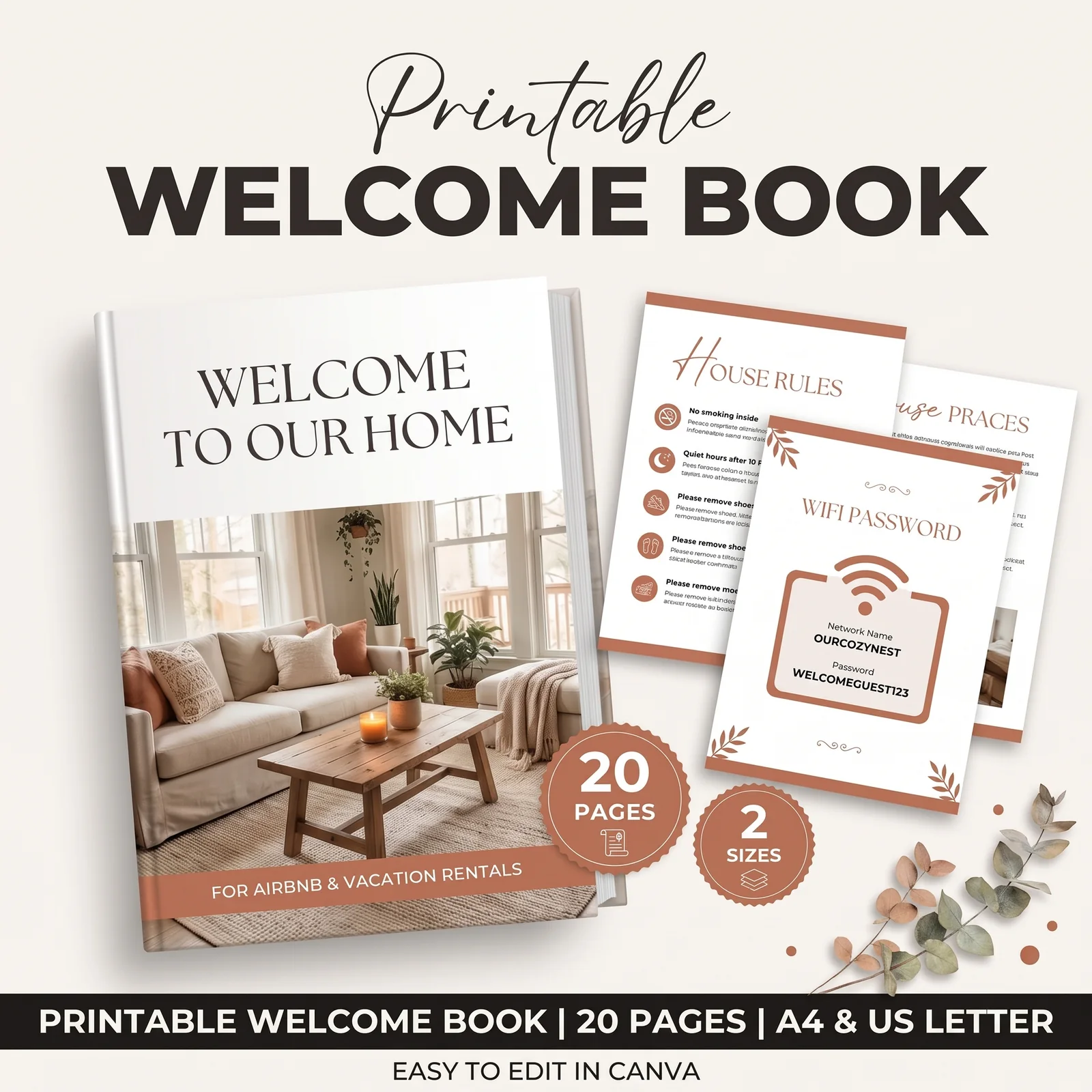
- Printed book: a 20-page Printable Welcome Book, editable in Canva.
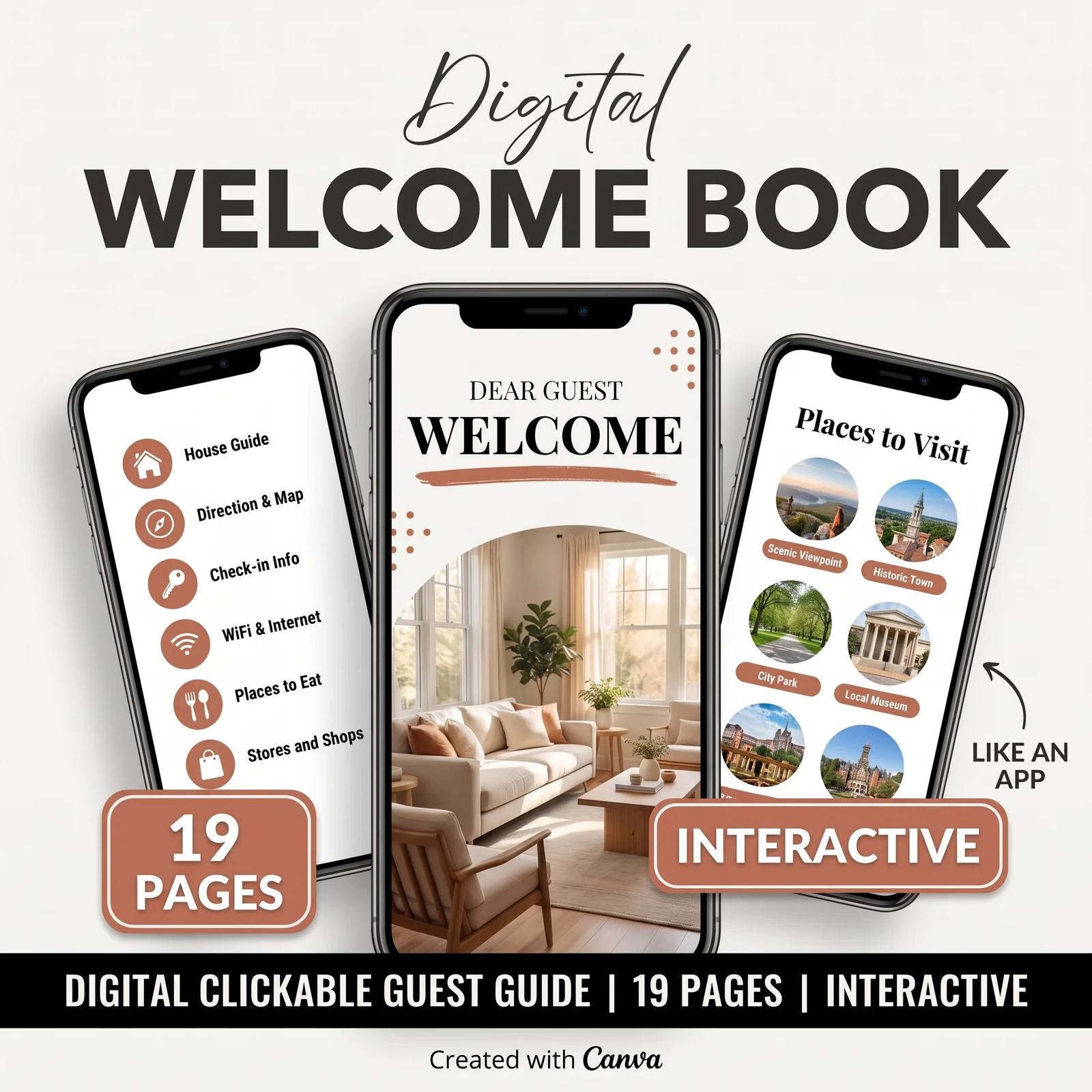
- Digital book: a 19-page Digital Interactive Welcome Book you can link from your check-in message.
- Arrival extras: welcome letters and welcome cards.
- On the wall: 62 house signs, so the most frequently asked answers are visible in the room.
The screenshots on this page come directly from the bundle. The page order in this guide is our recommendation, not a copy of the bundle's page sequence. Because the pages are editable, you can arrange them this way.
You fill in your own WiFi, rules, appliances and local picks, while the pages are already designed. If you want everything to match without designing it yourself, get the printed welcome book, digital guide and house signs as one set.
Frequently asked questions
How long should an Airbnb welcome book be?
Long enough to answer every question, short enough that the first three pages answer the common ones. Around 20 pages works for a full unit with appliances, local picks and emergency info. A single room in a shared home might need eight. Length matters less than order: put WiFi, check-in and checkout up front, where guests actually look.
Do guests actually read welcome books?
Some guests read every page and some never open it; we have no data on the split. So the welcome book shouldn't be the only place an answer lives. Pair it with a WiFi sign, a checkout card by the door and scheduled messages, so the book is the reference rather than the first line of defence.
Should my welcome book be printed or digital?
Both. Guests read a digital copy while planning, before arrival, and flip through a printed copy on the counter during the stay. Keep one master version and export it twice, so the printed book and the link in your check-in message never give different answers.
What is the difference between a welcome book and Airbnb's guidebook?
Airbnb's guidebook is a public page of local recommendations attached to your hosting account: restaurants, shops, parks. A welcome book covers your unit itself: door steps, appliances, house rules, trash days, checkout. Use the guidebook for local picks and link it from the welcome book's local page.
What should I never put in a welcome book?
Anything that changes often and anything private. A door code that rotates per stay belongs in the check-in message, not on a printed page that every guest sees. Skip your home address if the unit isn't your home, and avoid long lists of fines or warnings, which read as hostile and get skipped.
Sources
Keep reading
Guest Paperwork
Airbnb Templates That Cover the Whole Stay (Matched to Each Guest Moment)
Airbnb templates for every moment of a stay: booking, arrival, the stay, checkout and the review, with what each one prevents and where to put it.
· 10 min read
Guest Paperwork
Why Guests Ignore Airbnb Checkout Instructions (and How to Fix It)
Airbnb checkout instructions get ignored when they run long and arrive once. Here's a 5-line card, where to put it, and when to send the reminder.
· 9 min read
Guest Paperwork
Airbnb House Rules Template: 12 Rules Guests Follow (and How to Word Them)
Airbnb house rules template with 12 rules worded as sign text, plus which ones belong in Airbnb's settings and where to post them so guests see them.
· 9 min read