How to Set Up Airbnb Automated Messages (Without Paying for Software)
Airbnb automated messages, set up step by step: which quick replies to schedule, how late bookings and short stays behave, and when software earns its fee.
By Airbnb Host Bundle by Cosmo Suite · Editorial policy
Published · 11 min read
Airbnb automated messages are scheduled quick replies that Airbnb sends for you at a chosen moment, such as right after a booking or a day before check-in. They cost nothing extra, they live inside your Airbnb account, and a host with one to three listings can cover most routine guest questions with four of them.
A quick reply is a saved message you can send by hand at any time. A scheduled reply is that same saved text with a trigger attached, so Airbnb sends it without you. Setup takes a few minutes. Timing is where hosts get it wrong. A message that fires at the wrong point in a short stay reads worse than no message at all, and the wrong property detail in a shared template is how a guest ends up at the neighbour's lockbox. This guide covers the triggers, the four messages worth scheduling, and the point where paid software starts to earn its fee.
Airbnb automated messages at a glance
Airbnb calls them scheduled quick replies. You write the message once, choose the listings it applies to, and pick when it goes out. Airbnb sends it automatically and shows it in the guest's conversation, where you can still change or skip it before it leaves.
| Message | Trigger to start with | What it must contain | Check before you save |
|---|---|---|---|
| Booking confirmation | After a new reservation | Thanks, the dates, and where arrival details will appear | That the listing name and dates read correctly |
| Arrival note | Before check-in | A pointer to the reservation's check-in instructions | That it does not repeat a door code |
| First-night check | After check-in | One question and how to reach you | That you can answer replies that day |
| Checkout reminder | Before checkout | The reservation's checkout time and key return | That it cannot arrive after checkout |
Four is enough for most small hosts. Airbnb's own guidance lists five moments: booking confirmation, 24 to 48 hours before check-in, after the first night, the evening before checkout, and 24 to 48 hours after departure. The fifth, a thank-you after the stay, is the one you can send by hand, because it is the message most worth writing for the individual guest (Airbnb Resource Center, checked November 20, 2026).
For the wording of each message, the Airbnb message templates for six guest moments give you copy to adapt. If you would rather start from a finished set, Airbnb Host Bundle's editable guest letters and welcome materials give you the printed half of the same job. This post is about the machinery around them.
What Airbnb's scheduled replies can and cannot do
A quick reply is a saved message. It is not automatic until you give it a trigger. A trigger is the event Airbnb watches for, such as a new reservation, a check-in or a checkout. Airbnb says plainly that quick replies are not scheduled to be sent by default, which is why so many hosts save a template and then never see it fire (Airbnb Help Center, checked November 20, 2026).
What it does. You can schedule a reply before or after an event, choose the listings it applies to, and edit or skip a single upcoming message without touching the template. Scheduled messages go out in the listing's time zone, not yours. That matters if you host a cabin two time zones away from the desk where you set it up.
What it does not do. It does not answer a question nobody asked, it does not read the thread, and it does not know that this guest already told you they would arrive at midnight. Airbnb describes its triggers as a small set built around a reservation, a check-in and a checkout. Anything more specific is your job.
The deletion trap. Deleting a template removes every future unsent message that uses it, across all the listings it was assigned to. If you run two properties on one template and only want to retire it for one, remove the listing from the template instead of deleting the whole thing.
If you share the account with a co-host, note that host and co-host templates are not shared with each other. Co-hosts can see and adjust upcoming messages, and they can build their own templates, but they will not see yours in the manage list.
Set up a scheduled reply in five steps
Do this on the Airbnb website first. The desktop screens are easier to read than the app, and the settings are the same.
- Open Messages, then Settings.
- Choose Manage quick replies, then Create. If you host more than one type of property, pick the hosting type first.
- Name the template after its moment, not its wording. "Arrival note, cabin" survives a rewrite; "Hi Sarah message" does not.
- Write the message, then use Choose listings to tick only the properties where every detail is true.
- Open Scheduled for, pick the event and the timing, and save. Then open a real reservation, choose Add, then View scheduled quick replies, and confirm the message appears where you expect.
That last step is the one hosts skip. The timeline shows what was sent, what was skipped and what is still coming, and it is the only place the schedule behaves on a real booking.
Keep the body short. Airbnb's guidance is one topic per reply, which also makes the message safe to reuse. A 200-word arrival note has more places to go stale than a two-line pointer to the reservation.
The four messages worth scheduling
Each one below does a single job. Write it for your own property, then let the schedule handle the sending.
Booking confirmation: the one that sets the next step
Hi [guest first name], thanks for booking [listing name] for [dates]. Your reservation is confirmed here on Airbnb. I will add the arrival steps to your reservation before you travel, so you have them in one place. Message me here if your plans change.
Use it for: closing the booking loop without repeating the listing. The message promises where the arrival detail will be, and that promise is the part guests remember.
Set this one to go out shortly after a new reservation. Airbnb's example timing is five minutes after a guest books, which is fast enough to feel like a reply and slow enough that the reservation exists.
Arrival note: the one that points, not repeats
Hi [guest first name], your stay at [listing name] starts [day]. The check-in instructions and the address are in your Airbnb reservation. Please open them before you travel, and message me here if a step is unclear.
Use it for: the guest who lands at 11pm and cannot find the lockbox. Airbnb sends check-in instructions to guests 48 hours before arrival, so your note should point at that page rather than copy it (Airbnb Help Center, checked November 20, 2026).
Do not put a reusable door code in a template. Codes change, and a scheduled message cannot know that today's code is different.
First-night check: the one that finds problems early
Hi [guest first name], I hope you found [listing name] without trouble. If something is missing or an appliance is unclear, message me here and tell me what you need. For anything urgent, call [number].
Use it for: catching the small fault on night one, while a plumber is still cheap. Schedule it for the morning after arrival rather than the evening, and only if you can answer replies that day.
A guest who replies to this message is doing you a favour. Answer it in the same day. An unanswered check-in note is worse than none, because it teaches the guest that the thread is not monitored.
Checkout reminder: the one that must not arrive late
Hi [guest first name], a reminder that checkout is [time] on [date]. Your reservation lists these checkout requests: [requests that apply]. Please message me here if you need to ask about a different time.
Use it for: the evening before departure, when a guest is packing and deciding what to do with the key. For the wording and the house-rule limits, see the Airbnb checkout message template, which covers the current rules on asking guests to strip beds or take out rubbish.
The risk with this message is arithmetic. Take a guest who books on Friday for a Sunday arrival and leaves on Monday. A "day before checkout" trigger fires on Sunday, the same day they arrive, which is fine. Shorten it to a one-night stay and the reminder can land before they have unpacked, or after they have already left. Check the timeline on a short booking before you trust it.
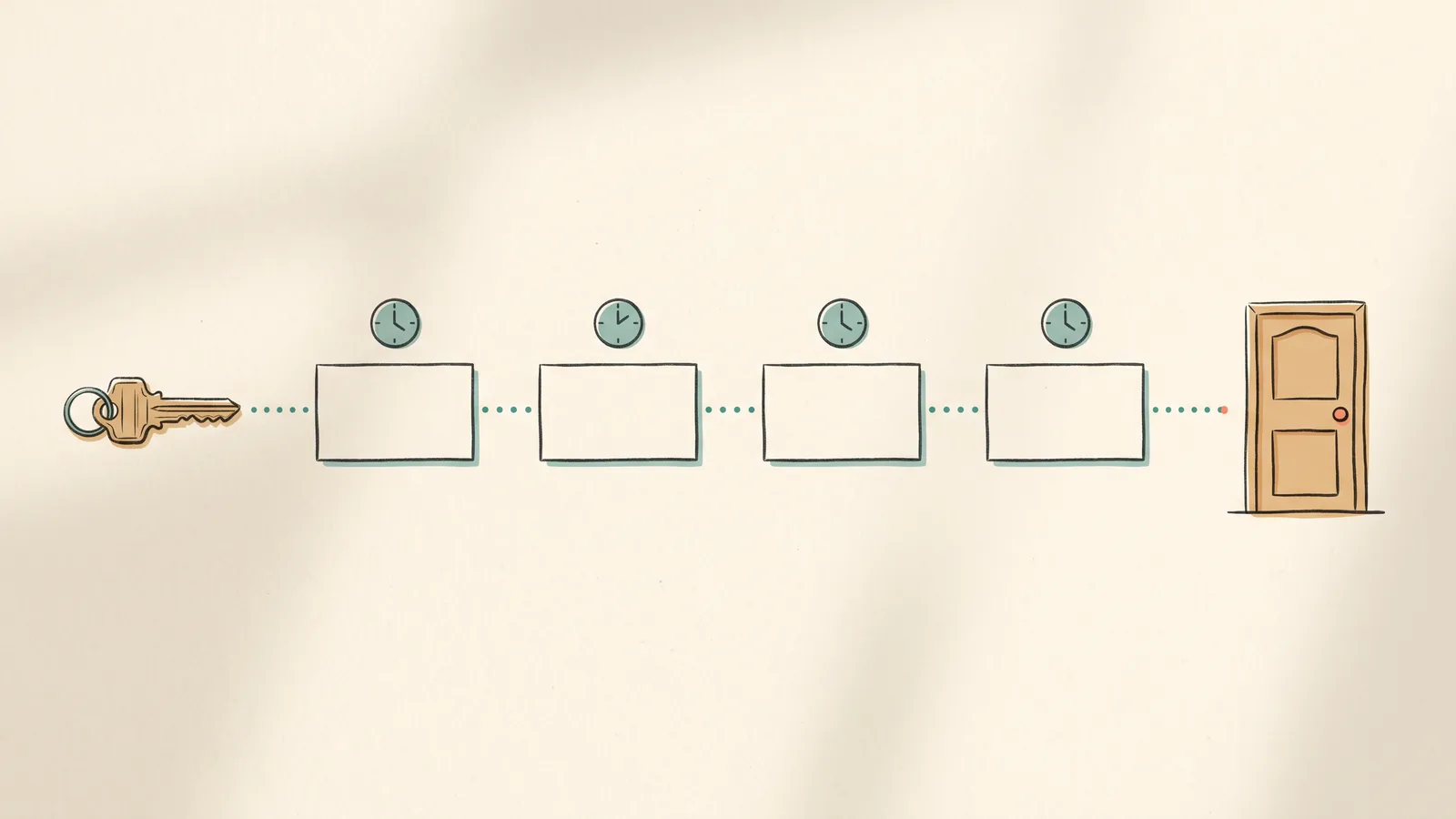
Where scheduled messages break
The failures are predictable, and each one has a fix that takes a minute.
Last-minute bookings and short stays. Airbnb skips some scheduled messages by default in these cases. There is a setting, "Send for last minute bookings and short stays", that changes the behaviour. With it on, a pre-check-in message whose normal moment has passed is sent immediately when the guest books, and other skipped messages go out at the listing's check-in time. Airbnb notifies you by app and email when a message is skipped or sent off schedule. Read that setting before you switch it on, because a welcome note that arrives with the booking and a door code that arrives at check-in are not the same thing.
Property details that do not travel. A template applied to three listings carries the details of the listing you wrote it for. Consider a host with a downtown condo, a lakeside cabin and a basement suite on one account. The driveway, the shared entry, the bin day and the wifi network all differ. Either write one template per property or keep the shared text free of any property-specific line.
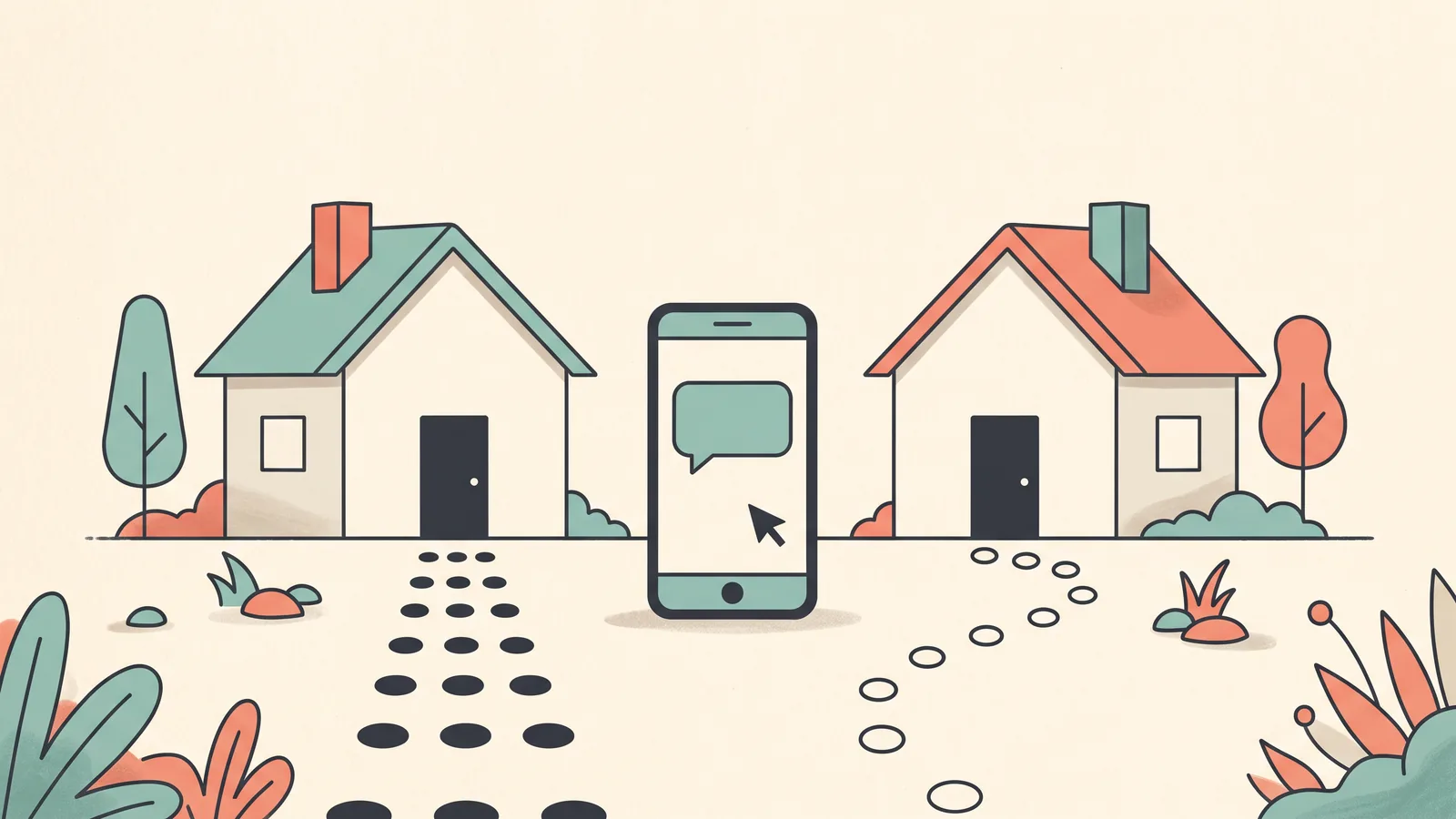
Two systems saying different things. If the printed welcome book says checkout is 10am and the reservation says 11am, the guest believes whichever they read last. The reservation wins. Fix the book, the sign and the template in the same afternoon.
The template that outlives the truth. A message written in spring still fires in December. Put a reminder in your calendar to read every template once a season, the same week you check the smoke alarm batteries.
A schedule with no reader. Automation moves your typing; the reading stays with you. If you cannot open the thread once a day, the messages will raise questions nobody answers.
Why Trust This Article
The Cosmo Suite team that made Airbnb Host Bundle wrote this guide. We sell printable host templates, so the product links below are commercial, and the bundle does not schedule messages; Airbnb does that. Every Airbnb behaviour described here comes from its own help centre and resource pages, checked on November 20, 2026, and the two software prices come from the vendors' pricing pages on the same date. Screens and menus change, so confirm the setting on the screen in front of you. Read our about page and editorial policy for the publisher, our corrections process, and how we choose sources.
When paid software is worth the fee
Airbnb's scheduled replies cover a single host with a handful of listings. Software earns its fee when the work stops being about messages and starts being about coordination.
The usual trigger is a second channel. The moment you take bookings from your own site, Vrbo or a direct email, a message that lives only in Airbnb's inbox stops being one inbox. That is a channel manager problem, and no quick reply solves it.
Hospitable: free tier for the basics. Hospitable lists a free Essentials plan that includes a unified inbox and scheduled guest messages, and a 14-day trial without a card. Fuller automated messaging sits on its paid plans. When checked on November 20, 2026, the pricing page did not display the paid plan prices on the cards, so compare them on the page itself before you commit (Hospitable pricing, checked November 20, 2026).
OwnerRez: priced per property. OwnerRez shows $88 a month for the property count selected on its pricing page, on a sliding scale where more properties cost less each. It bills per account rather than per user, requires a card, and offers a 14-day trial. Its entry plan includes triggers, auto-responders and channel management, with SMS as a paid addition (OwnerRez pricing, checked November 20, 2026).
Stay with Airbnb's own tools if you host one to three listings on Airbnb alone, you answer your own messages, and your guest questions are the same six every week. Add a printed guest letter or welcome card for the questions a message cannot reach, and the routine traffic drops again.
When a guest leaves and the stay went well, the message you send next is the review request, and the wording matters more than the timing. The Airbnb review examples show how hosts phrase a review that is specific without being a template.
Where Airbnb Host Bundle fits
The scheduled message handles the moment. The thing inside the unit handles the other 20 hours of the day, when a guest is standing in front of a coffee maker and the host is at work.
Airbnb Host Bundle's 500+ editable templates include a 20-page printable welcome book, a 19-page interactive digital welcome book, 62 house signs, and cleaning and inventory checklists, all editable in Canva and Google Sheets. A short sign by the wifi router and a page in the welcome book can retire half the messages you would otherwise schedule. The Airbnb templates guide maps each piece to the moment a guest uses it.
The bundle gives you the printed and digital layer: what the guest reads at the door, at the router, and at the checkout card. Airbnb gives you the timed message. Neither one replaces the other, and a host who sets up four scheduled replies and prints three signs has covered most of the routine traffic for a small listing.
Start from the welcome book pages a guest reads at the door and the checkout card by the key bowl, then fill the gaps in print. Begin with the booking confirmation and the checkout reminder, because those two protect you from the two most expensive mistakes: a guest who does not know where to go, and a guest who leaves late. Add the other two when you have read the timeline on a real booking and seen how it behaves on a short stay.
Frequently asked questions
Are Airbnb automated messages free?
Yes. Scheduled quick replies are part of Airbnb's own messaging tools, and the help centre does not list a charge for them. You pay nothing extra to save a reply and set a trigger. Paid host software adds cross-platform inboxes and team tools; the schedule itself is already in your Airbnb account.
What triggers can I use for a scheduled message?
Airbnb describes triggers such as a new reservation, check-in, and checkout, and lets you schedule a reply before or after those events. The exact menu depends on your account and device, so open Manage quick replies and read the Scheduled for list before you save.
Why did my scheduled message not send?
Check the reservation's scheduled replies timeline. Airbnb skips some messages by default for last-minute bookings and short stays, and it sends a notification and email when that happens. Turn on the setting for last-minute bookings and short stays only after you read how it changes the timing.
Can I edit one guest's message without changing the template?
Yes. Open the reservation, choose Add, then View scheduled quick replies, and edit, skip, or send the message now. That change applies to that reservation only. Editing the template itself changes every future message that uses it.
Do I still need to reply to guests myself?
Yes. A scheduled message answers the question you predicted. A guest who asks something new still needs a real reply, and Airbnb's response-time expectations apply to you, not to the template. Read the thread each morning and answer anything the schedule did not cover.
Sources
Keep reading

Guest Messages
Airbnb Message Templates: 6 Replies for Each Guest Moment
Airbnb message templates for booking, arrival, and checkout help you answer common questions with clear replies you can personalize and schedule.
· 9 min read

Guest Messages
Airbnb Checkout Message: A Night-Before Text to Copy
Airbnb checkout message template with a clear time, key return, and reasonable requests. Copy the short reminder, then match it to your listing.
· 6 min read
Guest Messages
Airbnb Welcome Message: 3 Notes for Booking, Arrival, and Night One
Airbnb welcome message templates for booking, arrival day, and the first night, with short examples that keep instructions easy to find.
· 7 min read