Airbnb Checkout Message: A Night-Before Text to Copy
Airbnb checkout message template with a clear time, key return, and reasonable requests. Copy the short reminder, then match it to your listing.
By Airbnb Host Bundle by Cosmo Suite · Editorial policy
Published · 6 min read

An Airbnb checkout message is a short reminder of the reservation's checkout time and the few reasonable requests that apply to that home. Send it the evening before, then point guests to their Airbnb reservation if they need the full details.
Keep the note short. Airbnb now sends its own checkout notification, and its house rules policy changes take effect on November 20, 2026. The examples below account for those changes, so your reminder does not repeat an outdated chore list.
For a wider set of replies across a stay, see these Airbnb message templates for six guest moments. The Airbnb Host Bundle's editable signs and welcome materials give you a format for a printed reminder.
Airbnb checkout messages at a glance
A useful Airbnb checkout message has three jobs: say when checkout is, clarify where a physical key goes if one is used, and repeat only requests that are already in the listing and reservation.
| Include | Keep it specific | Leave out |
|---|---|---|
| Checkout time | Use the reservation's time and date | A different time from the listing |
| Key return | Name the right lockbox or key spot | A reusable door code |
| Optional request | One or two reasonable tasks that fit the home | A long cleaning checklist |
| Help route | Ask the guest to message you in Airbnb | A penalty for a missed task |
Airbnb shows checkout time and related rules or requests in the guest's Trips tab and may send a push notification. Your message should add a useful reminder, not create another set of instructions that conflicts with the reservation (Airbnb Resource Center: A clear and simple checkout, checked November 16, 2026).
Why the night-before note should stay short
Guests need the departure details when they are packing, not a full manual in their inbox. A short message puts the checkout time and next action in view. The card by the door and the reservation remain the places for the full instructions.
There is also less room for mismatches. If the message says 10am but the reservation says 11am, the guest has two different answers. Pull the time from the reservation, and update the listing before you reuse a saved reply.
Airbnb recommends a simple checkout and says it automatically sends a checkout notification. It also lets hosts share house rules and requests in a quick reply. Airbnb recommends sharing checkout time and instructions the evening before departure in its quick replies guidance, checked November 16, 2026. Treat your note as a reminder; it does not replace the information Airbnb already shows the guest.

Copy this Airbnb checkout message
Use this as a starting point. Replace the brackets, remove anything that does not fit, and check it against your current listing and reservation before sending.
Hi [guest first name], a quick reminder that checkout is [time] on [date], as shown in your Airbnb reservation. If your stay uses a physical key, please return it to [key location]. If it applies to this listing, please [one reasonable request from your listing]. You can leave [item that does not need extra work] as it is. If you need a different checkout time or have a question, message me here on Airbnb. Thanks for staying.
This version confirms the time, covers the key if relevant, leaves room for one request, and gives the guest a way to ask for help. Do not keep an instruction just because it appears on an old card or saved template.
For example, a host might use: “Please leave used towels together by the bathroom door.” That is different from asking a guest to strip the beds or start laundry. Choose wording that matches the current Airbnb policy and the actual listing.
Which checkout requests fit Airbnb's current rules?
Airbnb's updated house rules guidance takes effect November 20, 2026. It says hosts can ask guests to gather used towels, put used dishes in the sink, sort trash into designated indoor bins, or turn off air conditioning. It says guests should not be asked to wash dishes, strip beds, start laundry, or take garbage off-site. Requests should be reasonable for the home (Airbnb's policy changes, checked November 16, 2026).
| A reasonable reminder can ask guests to… | Do not turn it into… |
|---|---|
| Gather used towels in one place | Remove sheets or start a load of laundry |
| Put used dishes in the sink | Wash and put dishes away |
| Sort trash into the designated indoor bins | Carry garbage off-site |
| Turn off lights or air conditioning when leaving | A long sequence of cleaning tasks |
| Lock up and return keys as listed | A surprise fee or penalty |
Airbnb's updated policy takes effect November 20. Before then, review the current guidance and your own Listing editor. Airbnb says the checkout instructions section was removed, lock up at checkout is now a standard house rule, and other requests can be added under “Before checkout” as additional rules. The labels may change as Airbnb rolls out the update.
Match the message to the listing and reservation
A saved message is not the source of truth for every home. A basement suite may use a lockbox; a cabin may use a physical key and ask guests to lock a gate. Keep the template generic, then use listing-specific details only in the version assigned to that property. For other guest moments, adapt these Airbnb welcome message examples.
Airbnb's scheduled quick replies guidance says a reply applies to selected listings and scheduled messages use the listing's time zone. Its reservation timeline shows messages that were sent, skipped, or are still upcoming. Check the right listing, time, and message before you rely on a schedule (checked November 16, 2026).
Use this quick review before saving or reusing the note:
- Compare the time and date with the reservation.
- Confirm the key-return location is accurate for this unit.
- Keep only requests that match the listing and Airbnb's current rules.
- Check the message timing for a one-night or last-minute booking.
- Review the reservation's scheduled-message timeline.
Airbnb says some scheduled quick replies are skipped for short stays or last-minute bookings by default. A checkout reminder set for two days before departure on a one-night stay may be skipped; if you enable the setting to send it anyway, Airbnb may send it at the listing's check-in time. Review that behavior in the timeline before applying the template to every stay.
Keep the message and printed checkout card in sync
A printed checkout card helps at the door; the message reaches the guest before packing is finished. Use the same checkout time and key-return detail in both places, while the Airbnb reservation remains the source for the stay's current information.
The existing five-line Airbnb checkout instructions card is a useful layout reference. Check its individual tasks against the new rule before copying them. If the card, welcome book, and message disagree, fix all three before the next booking rather than adding a clarification to the guest's inbox.
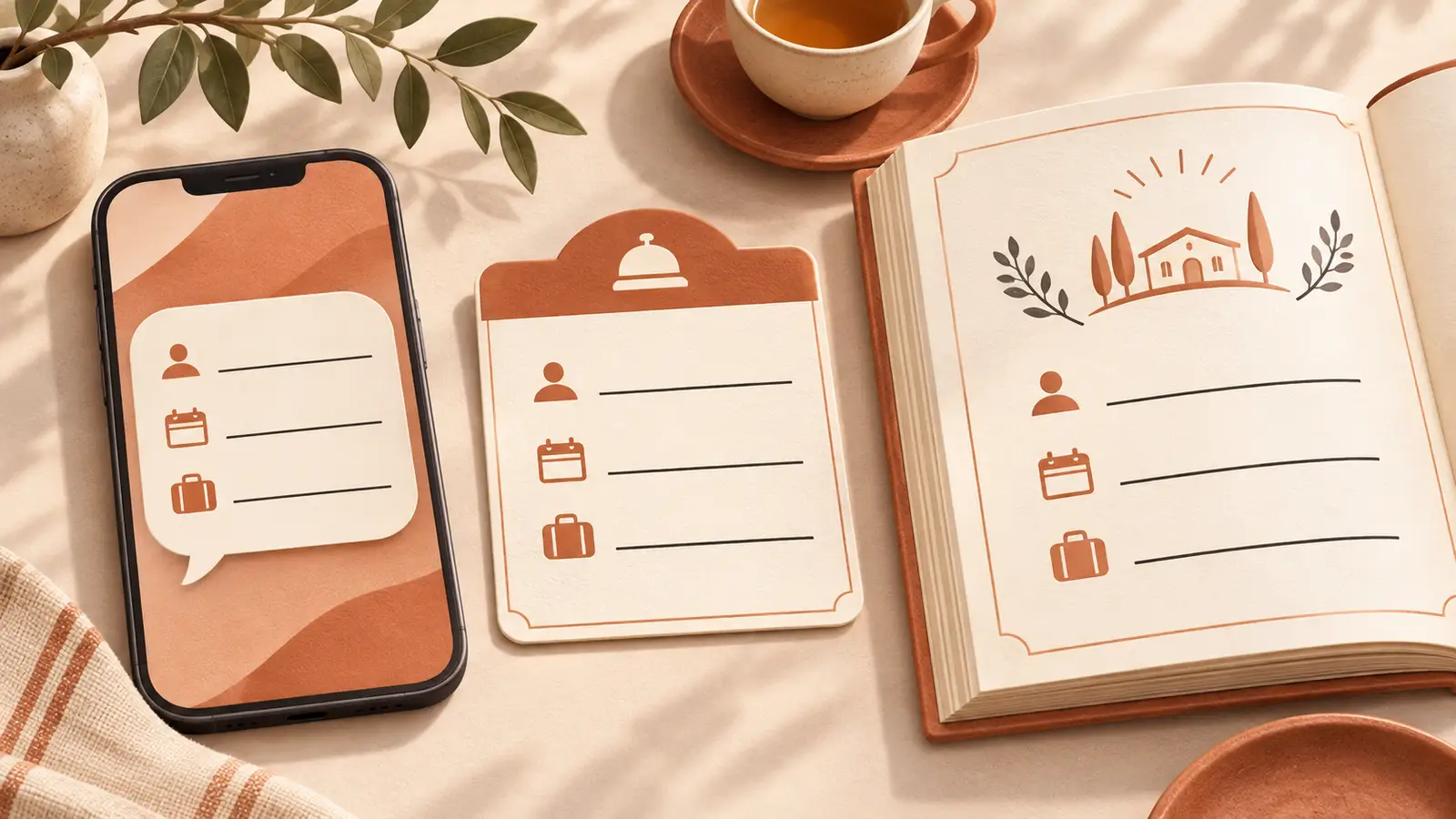
For the broader set of guest materials, see the Airbnb templates guide.
Where Airbnb Host Bundle fits
The message belongs in Airbnb's conversation. A printed sign or welcome book belongs inside the property, where the guest can check the same information on departure morning. Keep the wording and time consistent across both.
Airbnb Host Bundle includes editable signs, a welcome book, and a digital welcome book for guest information. It does not schedule messages or replace Airbnb's reservation details. If you want matching print pieces, see the Airbnb Host Bundle and choose only the pages that fit your unit.
Why Trust This Article
The Cosmo Suite team that made Airbnb Host Bundle prepared this guide. We sell the templates linked here. Airbnb's checkout, house rules, and scheduled-message sources were checked on November 16, 2026; its updated house rules policy takes effect November 20. See our about page and editorial policy for publisher and corrections information.
Frequently asked questions
What should an Airbnb checkout message say?
State the checkout time shown in the reservation, any applicable key return details, and only the reasonable requests guests can see in your listing. Keep it short, point guests to the reservation, and make it easy to message you with a question.
When should I send an Airbnb checkout message?
The evening before checkout gives guests time to plan. Airbnb also sends an automatic checkout notification with the time and related rules or requests, so make your own note brief and useful rather than repeating every detail.
Can I ask Airbnb guests to do chores before checkout?
Airbnb allows reasonable requests, such as gathering used towels or placing dishes in the sink, but says guests should not be asked to wash dishes, strip beds, start laundry, or take trash off-site. Check Airbnb's current rules before you edit your listing.
Can I schedule an Airbnb checkout reminder?
Airbnb scheduled quick replies can use checkout as a trigger. Review how a message behaves for short stays and last-minute bookings, and check the reservation timeline for skipped or upcoming messages.
Should I include the door code in a checkout message?
No reusable door code is needed in a checkout reminder. Give only the key-return direction that applies to the stay, such as returning a physical key to its assigned lockbox, and keep current access details in the reservation.
Sources
Keep reading

Guest Messages
Airbnb Message Templates: 6 Replies for Each Guest Moment
Airbnb message templates for booking, arrival, and checkout help you answer common questions with clear replies you can personalize and schedule.
· 9 min read
Guest Messages
Airbnb Welcome Message: 3 Notes for Booking, Arrival, and Night One
Airbnb welcome message templates for booking, arrival day, and the first night, with short examples that keep instructions easy to find.
· 7 min read
Guest Messages
How to Set Up Airbnb Automated Messages (Without Paying for Software)
Airbnb automated messages, set up step by step: which quick replies to schedule, how late bookings and short stays behave, and when software earns its fee.
· 11 min read