How to Write Airbnb Check-In Instructions (Without the 11pm Lockbox Call)
Airbnb check-in instructions should take a guest from the street to the right door, then inside. Use this five-step template and test it before arrival.
By Airbnb Host Bundle by Cosmo Suite · Editorial policy
Published · 8 min read
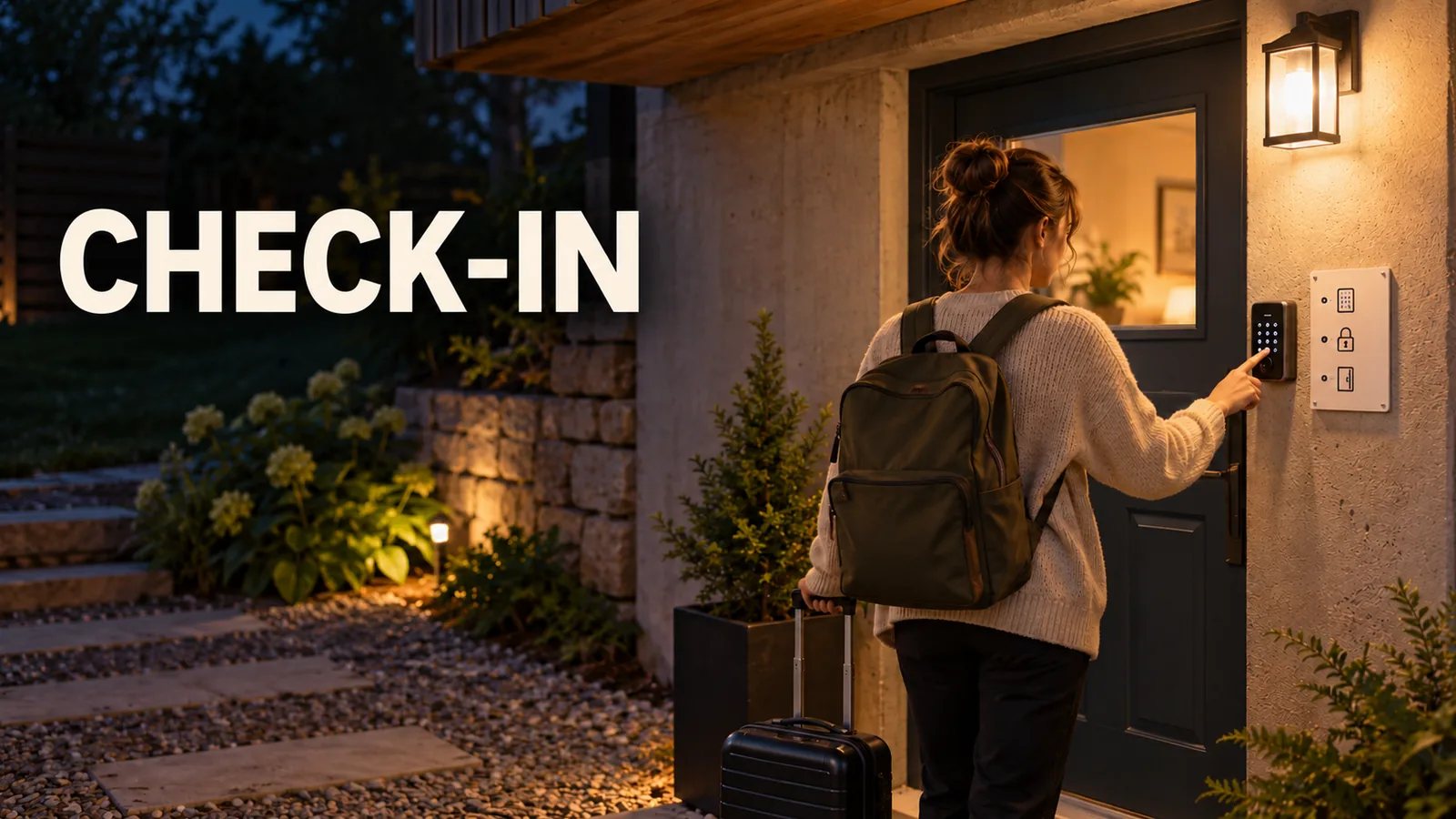
Airbnb check-in instructions are the guest-facing steps from the property boundary to an unlocked door. A clear route, exact lock steps and a backup contact can make an 11pm arrival easier to handle without a call. If you need a consistent place for those stable details, editable guest materials for an Airbnb listing include sign and welcome book layouts.
Ask whether a tired guest could follow each step without guessing which door, gate or lock you mean. Here is a five-step template for a small listing, plus where to keep changing access details.
Airbnb Check-In Instructions at a Glance
Good Airbnb check-in instructions answer five questions in order: where to go, where to enter, how to unlock the door, what to do next, and whom to contact if a step fails. Keep the stay-specific code in the reservation tools, not on a permanent sign.
| Guest moment | What to say | Useful proof |
|---|---|---|
| Finding the property | Address, map pin, landmark and the correct side of the building | Street or driveway photo |
| Reaching the entrance | Parking, gate, stairs, unit number and which door to use | Photo of the entrance |
| Opening the lock | Lockbox location or keypad steps, with code delivered securely | Close photo with no code visible |
| Getting inside | What to do with the key, latch or lock after opening | A short next-step note |
| Something goes wrong | The backup method and a contact route | Confirm the backup before each stay |
Airbnb's check-in instructions page says guests can see the check-in method but detailed instructions are available 48 hours before check-in. The Arrival guide is Airbnb's listing area for the host's arrival details. Treat it as the source of truth, then check that your message and printed sign point to the same steps.
Write the route before the lock steps
Start outside the property. A guest who is standing at the wrong entrance cannot use a perfect lockbox explanation. Give the full address, the correct driveway or building entrance, and a landmark that is visible when they arrive.
For a basement suite in the host's own house, for example, say which side path leads to the lower-level door. If the main front door is not the guest entrance, state that early. Do not assume the map pin or a house number makes the route obvious at night.
Worked example: basement suite
Use this sample route as a model, then check each detail at your property:
- Route: From the driveway, follow the paved path along the right side of the house to the lower-level entrance.
- Entrance: Use the door beneath the back deck. The front door is for the main house.
- Lock: Find the keypad beside the lower door. Enter [stay-specific code] and press the check mark.
- Inside: After the door opens, turn the handle and step into the suite. The living area is straight ahead.
- Backup: If the path is blocked or the lock does not open, message or call the host through the reservation and wait by the driveway light.
This is an example route; replace its details with the layout and lock steps at your property. Keep the current code in the guest-specific reservation details, not in reusable materials.
Airbnb's arrival guidance recommends complete arrival details and photos or video for tricky steps. It also suggests previewing the arrival guide as a guest would see it. Use that preview to catch a photo that points to the wrong door or a step that only makes sense to you.

The street-to-door template
Copy this structure and replace every bracket with a verified detail:
Address: [full address shown in the reservation]. Parking: [space or permitted area]. From there, [landmark or path] leads to [unit entrance]. Use the [keypad, smart lock, lockbox or in-person handoff] at [exact location].
This is a fill-in template, not a message to send unchanged. Do not include a code in the reusable copy. For a shared property, name the building and unit clearly, and explain whether the guest should use the main entrance, side gate or a separate door.
Give one clear set of lock instructions
State one action per line. For a keypad, tell the guest where to find it, when to enter the code, and whether they need to press a key afterward. For a lockbox, explain how to open the box and what to do with the key. For an in-person greeting, give the meeting point and what to do if arrival time changes.
Airbnb lists smart lock, keypad and lockbox among the available check-in methods. A lockbox is a small secured container that holds a key and opens with a code. Its self check-in guide says hosts should explain where the lock is and how to open and close it. Photos can clarify the location and movement, but do not show a live code or leave a key exposed in an image.
| Method | Guest-facing steps | Detail to verify |
|---|---|---|
| Keypad | Find the keypad, enter the stay code, then follow the lock's prompt | The code is active for this stay and the door opens after entry |
| Lockbox | Find the box, enter its current code, remove the key, then relock the box | The key opens the correct door and the box closes securely |
| Smart lock | Find the keypad or app prompt, enter the assigned code, then turn the handle | Battery, connection and door fit; keep a backup entry plan |
| In-person handoff | Meet at the agreed place and time, then collect the key | Who to contact if the guest is delayed |
Use the exact action the guest will see. If the lock needs a handle lifted before it turns, say so. If the entrance has a second latch, mention it after the first door opens. The smart lock or lockbox comparison for Airbnb hosts helps you choose a method; this guide covers the words the guest follows once you have chosen one.
Keep codes and changing details in the right place
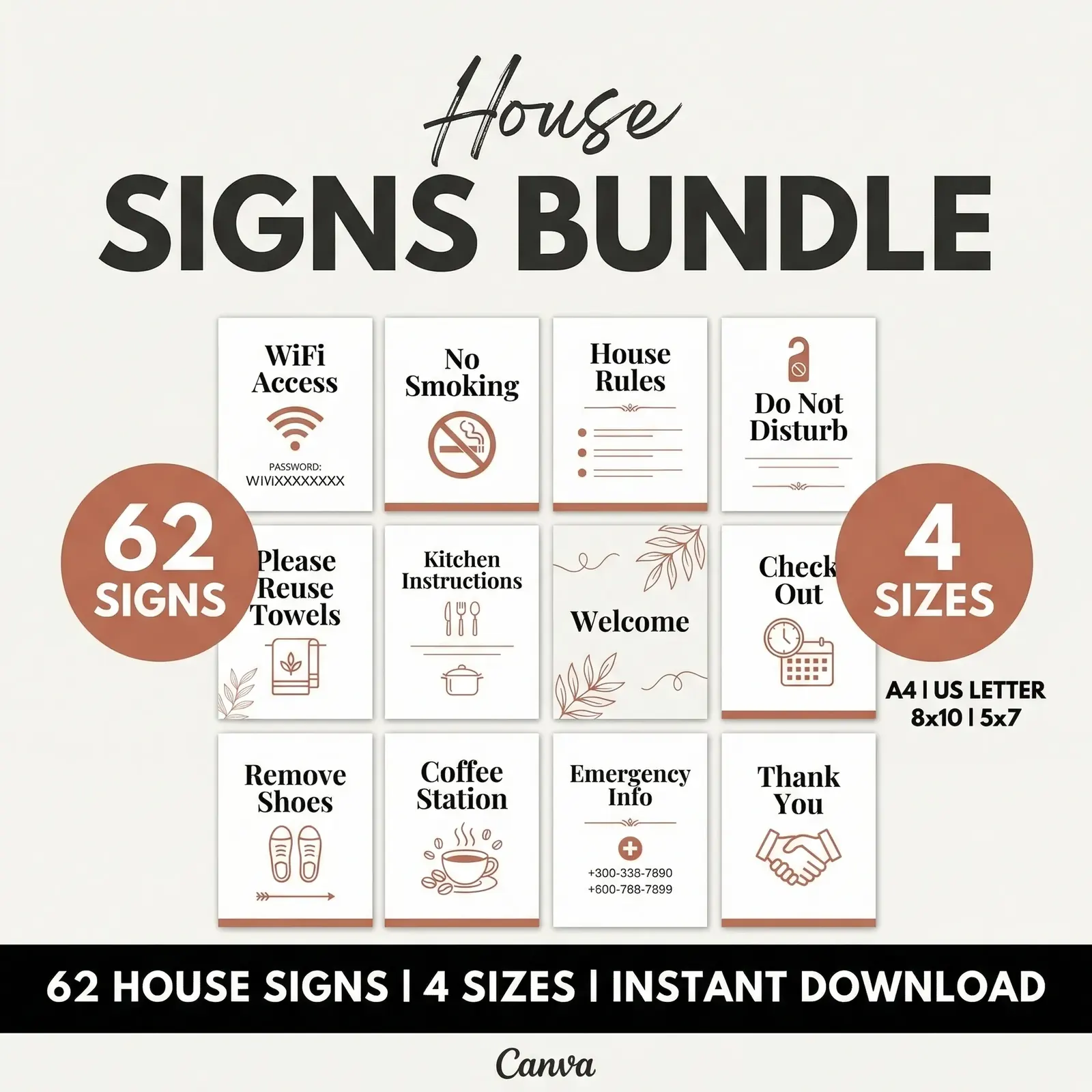
Put stable directions in the welcome book or a sign. Keep details that change for each reservation, especially a rotating entry code, in a guest-specific channel. A printed sign can point to the lock and say where the code appears without displaying the code itself.
Airbnb says detailed check-in instructions become visible 48 hours before arrival. The platform also provides an arrival guide for hosts to add or update those instructions. Before each booking, confirm that the code or key details match the method set for that listing and reservation.
For the example basement suite, the book can say, “Use the side path and enter through the lower door.” The reservation's private instructions can then provide the stay-specific code. If a guest forwards a screenshot or arrives early, the permanent book still does not reveal access to a future stay.
The route can stay stable while the access detail changes with each reservation. That split gives the reusable page a clear job and keeps a rotating code out of materials that remain after checkout.
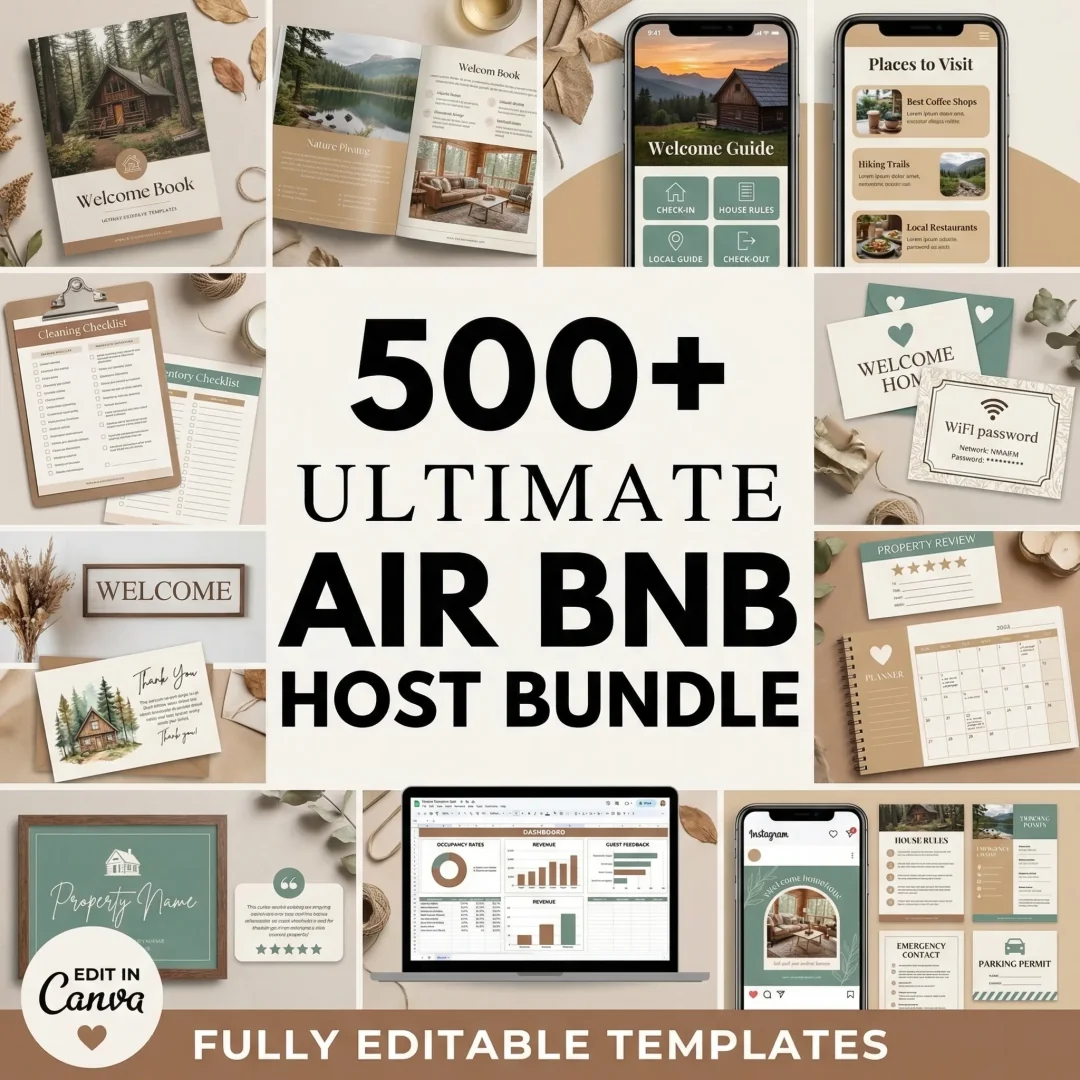
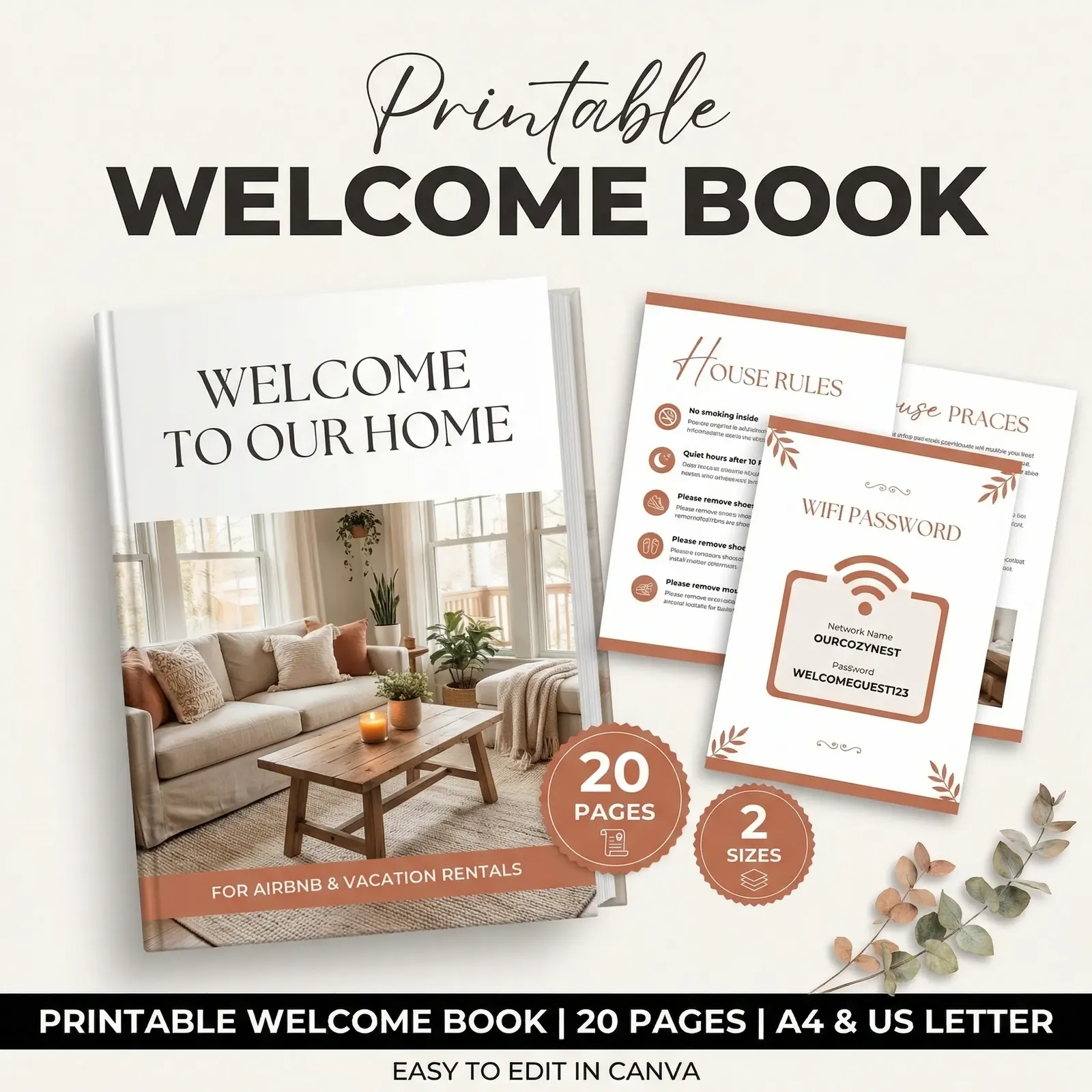
If your printed book needs a consistent layout for the entrance, WiFi and house details, an editable Airbnb welcome book template gives each answer a stable place. Keep the access method aligned across the book, the Airbnb Help Center check-in instructions and any check-in day reminder.
Test the instructions as a guest would
Previewing the guide is useful, but one real walk-through can catch details a screen cannot. Airbnb's arrival guidance suggests asking someone to test the instructions and making adjustments. If you manage the listing alone, try the route yourself from the street after dark.
Check these points before the next arrival:
- Check that the map pin opens at the right property and the address matches the listing.
- Check that the landmark is visible from the guest's approach, not only from inside.
- Check that the entrance photo shows the correct door from the guest's point of view.
- Check that each lock action works in sequence, including the latch after entry.
- Check that a real person or backup method is reachable if the first method fails.
Airbnb's check-in time settings are also part of the instructions. Make the stated arrival window match the listing settings. If you agree to a different time with a guest, confirm that the details they see still work for that reservation.
A message for the day of arrival
Keep the reminder short. The host's reusable draft might look like this:
Hi [guest name], your check-in starts at [time]. Your reservation has the address and entry steps. The [landmark or entrance detail] will help you find the right door. If anything does not work, message or call me at [contact route]. I am glad to help.
Only say you are available if you can respond then. If you use scheduled messages, check that the name, time and link still populate correctly. The detailed steps should remain in the reservation's Arrival guide, where the guest can return to them.
Write a backup for when entry fails
The hardest instruction to write is often the backup. A guest who reaches a locked gate at 11pm needs a backup step. Name the next action: call the host, use a second key, or wait at a clear meeting point.
Check that the fallback is real before the guest arrives. A spare key that is still with the cleaner is not a backup. A host phone that is on silent all night is not a contact route. For a small listing, a written plan and a working response channel may be enough; a larger operation may need guest messaging software or a co-host rota.
The order also matters. Put the backup after the main method, where it helps, and repeat only the essential contact line in the arrival-day reminder. The Airbnb templates mapped to each guest moment show where each document fits.
Why Trust This Article
The Cosmo Suite team wrote this guide and made the Airbnb Host Bundle. We checked Airbnb's Help Center and Resource Center pages on 24 October 2026. We sell templates for guest materials, so the instructions above are practical guidance, not an independent product review. Read about the company and the editorial policy, and verify Airbnb's current steps before each season.
How the Airbnb Host Bundle Fits In
Clear instructions still take time to format across a listing, a message and a printed page. The Airbnb Host Bundle includes house signs, printable and digital welcome books, and editable templates for Canva and Google Sheets. Use the sign for stable directions, the book for the fuller house guide, and the reservation tools for stay-specific access details.
The bundle does not set lock codes, manage reservations or send messages for you. You add the facts for your property, then decide which answers belong in the Arrival guide, a message or a sign. If you want the layouts ready to edit, see the Airbnb Host Bundle templates.
Frequently asked questions
When should I send Airbnb check-in instructions?
Add your method and detailed steps to Airbnb's Arrival guide. Airbnb says guests receive detailed check-in instructions 48 hours before check-in. You can also send a short reminder on check-in day, but keep the current access details in the reservation so the guest can find them there.
What should Airbnb check-in instructions include?
Include the exact entrance, where to park, how to reach the door, the lock or key steps, what the guest should see when entry works, and a fallback contact route. Add a photo when a gate, shared entrance or unusual latch is hard to identify.
Can I put the door code in a welcome book?
Avoid putting a rotating code in a printed book. Keep stay-specific access details in Airbnb's reservation tools or another secure, guest-specific channel. The book can show the entrance and lock steps without exposing a code to later guests.
How do I make self check-in easier for a late arrival?
Write the steps in arrival order, add a clear photo of the correct entrance, and explain what to do if the first method fails. Test the path after dark. Make sure the guest can contact you if the lock, key or code does not work.
What if a guest arrives before check-in time?
Use the arrival time shown in the listing and reservation. If you agree to an earlier arrival, confirm that the space is ready and update the guest directly. Do not promise access before the agreed time.