Airbnb Smart Lock or Lockbox? Choose by Arrival Needs
airbnb smart lock or lockbox: weigh setup, the 11 p.m. fallback, and current U.S. prices before choosing an entry method for your small rental.
By Airbnb Host Bundle by Cosmo Suite · Editorial policy
Published · 8 min read
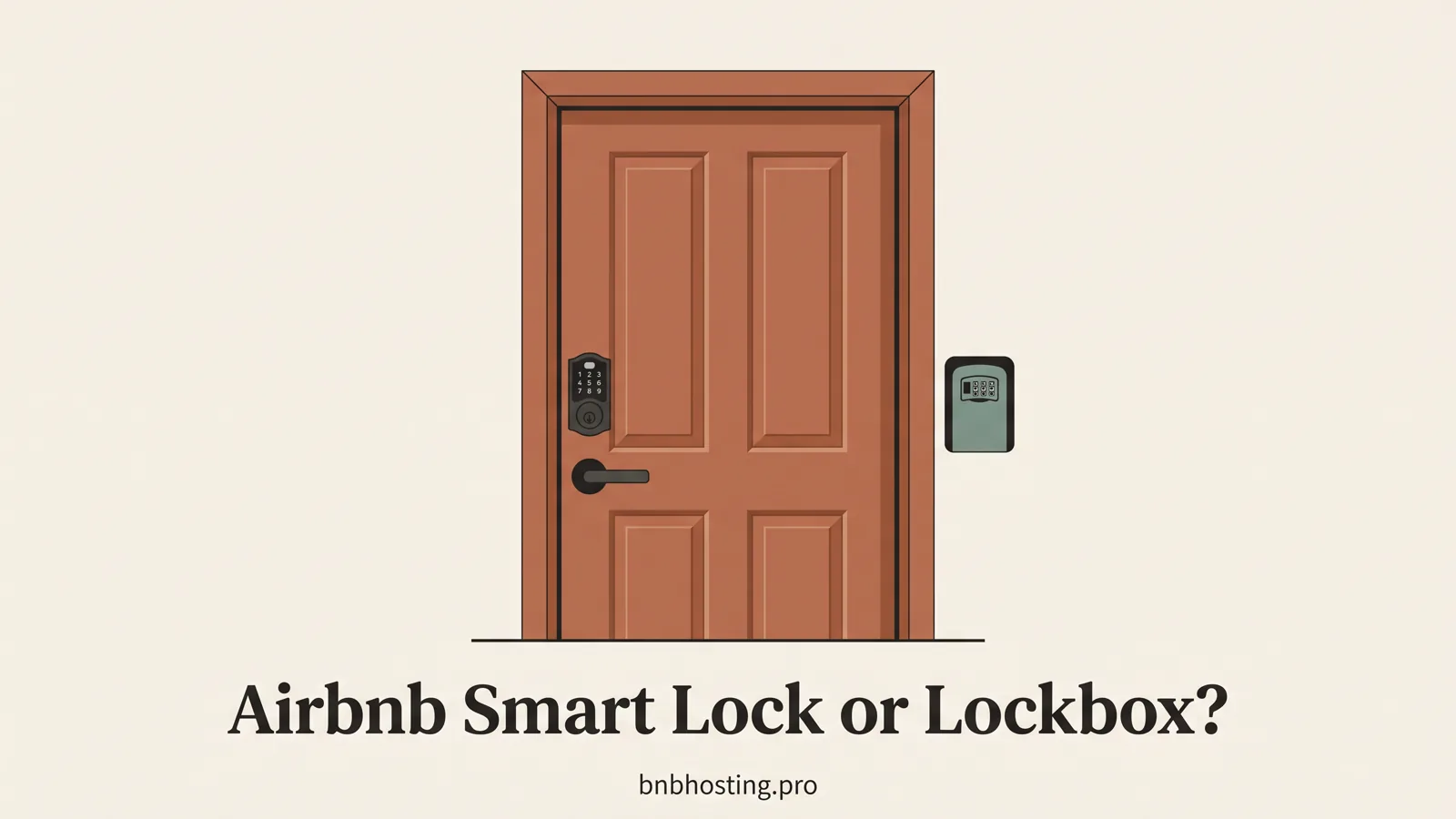
An Airbnb smart lock suits a host who wants guest codes set for each stay and can keep the lock online. A lockbox suits a host who prefers a physical key and can change its combination between bookings. For either one, the decision is incomplete until you know how a guest gets inside when the first method fails.
An 11 p.m. arrival shows why the fallback matters. The guest's phone may be nearly dead, the keypad may be dark, or the lockbox combination may fail. They need a second route they can follow without searching old messages. A set of editable host documents for an Airbnb listing can keep the fallback visible in the welcome book and signs. Choose the main access method, then write down what happens when it stops working.
Airbnb Smart Lock or Lockbox at a Glance
Choose a smart lock for automated, stay-specific codes and remote status checks when your door, Wi-Fi and location meet Airbnb's current requirements. Choose a combination lockbox when you want a simpler physical handoff and can manage the code yourself. The examples below use current U.S. manufacturer prices checked on 22 October 2026.
| Check | Connected smart lock | Combination lockbox |
|---|---|---|
| Guest access | Unique code can be generated for the stay | Guest enters the current box code, then uses the key |
| Host setup | Compatible model, maker account, Wi-Fi, Airbnb connection | Choose a location, set a code, place a working key inside |
| Routine work | Check lock status and batteries; update listing details | Change code between guests and check the key is present |
| Failure path | Airbnb can share a backup code in some offline cases; add a backup entry method | Spare key, second access point or host response plan |
| Example U.S. price | Schlage Encode WiFi deadbolt from $299; Sense Pro from $399 | Master Lock 5400D lockbox listed at $44.92 |
| Best for | Hosts who want code automation and can maintain connected hardware | Hosts who want a basic handoff and will manage its manual steps |
Those are examples from manufacturer pages, not like-for-like security ratings or a market-wide price range. A lock model may need a separate keypad or bridge, and a door may need a different fit. Check the full contents and installation requirements before ordering.
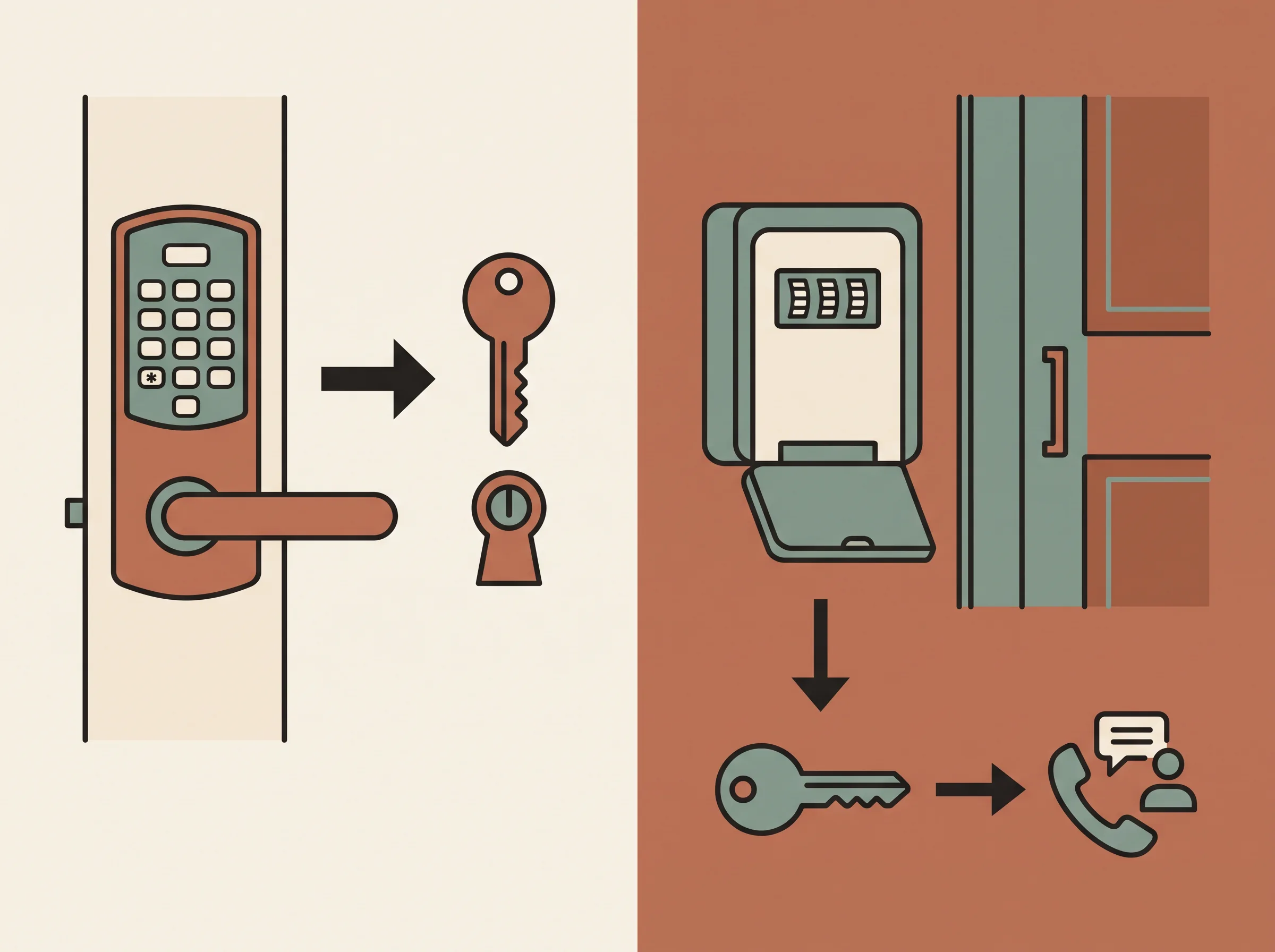
A connected smart lock is a keypad or touchscreen lock that communicates with its maker's app and, for supported models, Airbnb. A combination lockbox is a separate case that holds a physical key and opens with a code. The smart lock can automate guest codes; the box keeps the handoff mechanical.
What Airbnb's Smart Lock Connection Does
Airbnb can connect selected Wi-Fi smart locks and automatically create a unique code for eligible reservations. The direct connection is available for listings in the United States and Canada. As of 22 October 2026, Airbnb lists compatible Schlage, August and Yale models in its smart-lock connection instructions.
When connected, guest codes are active for the stay and appear in the guest's Airbnb trip information. Airbnb's setup page says the code normally expires 30 minutes after checkout, with a setting that can extend the period. The arrival and checkout times in the reservation affect the code window, so update the reservation when you agree to a time change.
The connection also has limits. The lock must be online and meet the model requirements. Airbnb can send a backup code in some situations when it confirms the lock is offline. A host also adds a separate backup entry method, such as a lockbox with a key. Review Airbnb's setup and backup instructions before you select a model. A maker's “works with Airbnb” badge by itself does not confirm the exact model is on Airbnb's current list.
When a Smart Lock Fits a Small Listing
A smart lock is useful when the repeated job is issuing and ending guest access codes. You do not have to meet each guest or reset one shared code after every stay. The lock may also show status or send an alert, depending on the model and connection.
It is a better fit when your entry door accepts a listed lock, the property has the required Wi-Fi, and you are comfortable checking the maker's app. Airbnb currently limits direct connections to the United States and Canada. A property elsewhere may have a compatible lock through a third-party property management system, but that is a different setup. Confirm it with the service you already use.
The upfront price is higher in the examples we checked. Schlage's current smart lock catalog lists the Encode WiFi deadbolt from $299 and Sense Pro from $399. Treat those as U.S. list prices, not a quote for your door. Some models need an extra keypad or another device. The exact model also needs to fit the door and match Airbnb's compatibility list.
Budget time for the connection and for upkeep. Keep the lock's firmware and app current, check batteries, and respond when a status alert needs attention. If the Wi-Fi drops or the keypad stops responding, the guest needs a working alternate route. Add the entry details to Airbnb's arrival guide after you decide what that route is.
When a Lockbox Is the Better Fit
A combination lockbox keeps the handoff simple: the guest uses a code to reach a physical key. It does not need Wi-Fi or a connection between Airbnb and the lock. That can suit a single listing where you can manage the code and check the key during each turnover.
The guest can get inside without an app, but you must rotate the combination yourself. Set a fresh code between bookings, tell the guest where the box is, and check that the right key is inside. If you reuse a code, a previous guest may still know it. If the key goes missing, you need another key or another entry method. Follow the maker's directions for mounting and weather exposure, and describe the box's location clearly.
For a U.S. price comparison, Master Lock's current product catalog lists its 5400D over-the-knob box at $44.92. The maker's page also shows wall-mounted options at different prices. This is an example of the purchase price for a basic box. It does not include a spare key, replacement, mounting work or a backup person who can respond.
A lockbox fits when a host can handle those checks and wants fewer connected parts to maintain. It can also serve as the backup entry method for a smart lock, if it is secured and the key works. Airbnb's own smart-lock setup asks hosts to add a fallback. The host still needs to decide who can provide the backup information if a guest cannot enter.
Prepare an 11 p.m. Backup Plan
The backup plan should tell the guest what to try, where to find it and who to contact. Keep that information in the Airbnb arrival guide and in a place the guest can reach without unlocking the door. A guest should not have to search old messages for a hidden key or guess which device to restart.
Run this test before the first booking:
- Check the primary method. Confirm a guest code activates at the reservation's check-in time. For a box, unlock it with the guest code and verify the key opens the door.
- Try the failure path. Follow Airbnb's current backup-code steps for a connected lock. For a lockbox, confirm that a second key or a person with access is available.
- Check the written directions. Make sure the guest can identify the lock or box from the entry point. Remove internal labels that might confuse them.
- Confirm a person can help. Name the host or co-host who can respond and the best way to reach them if the backup also fails.
For a connected lock, don't assume the fallback is automatic in every situation. Airbnb says its backup code appears when the lock is confirmed offline in certain cases, and its separate backup entry method covers other unexpected lock problems. Read both steps in the current Help Center. For a physical box, the fallback might be a second key held by a co-host or a nearby person you trust.
Choose by Door, Location and Turnover Routine
Start with the door. Check its thickness, deadbolt or lever style, and whether the listed lock model fits. Then confirm the property is eligible for Airbnb's direct connection and has the Wi-Fi the lock needs. If any of those checks fail, the smart-lock option may need a different model or a separate system.
Next, count the steps you will repeat. If guests arrive on different days and you want each person to have a temporary code, automation may be useful. If stays are occasional and you already check the door during every turnover, resetting a box may be manageable. Include the cleaner and co-host in the plan so that guest access does not interrupt their work.
Finally, test the arrival from outside. Give someone the written directions without coaching them through the steps. Ask them to point out the entry method, follow the directions and describe what they would do if it failed. Fix any missing detail before you share the instructions with guests.
For a guest-facing format, see the Airbnb welcome book layout and page order. It can hold the property-specific entry facts, while the listing and Airbnb arrival guide remain current. The Airbnb templates pillar links to other guest paperwork topics for the rest of the stay.
Where the Airbnb Host Bundle Fits
The Airbnb Host Bundle does not include a smart lock, a lockbox or lock-management software. It includes a welcome book and house manual, signs, checklists and a digital welcome book. Those pieces can help you keep the instructions consistent after you choose the hardware.
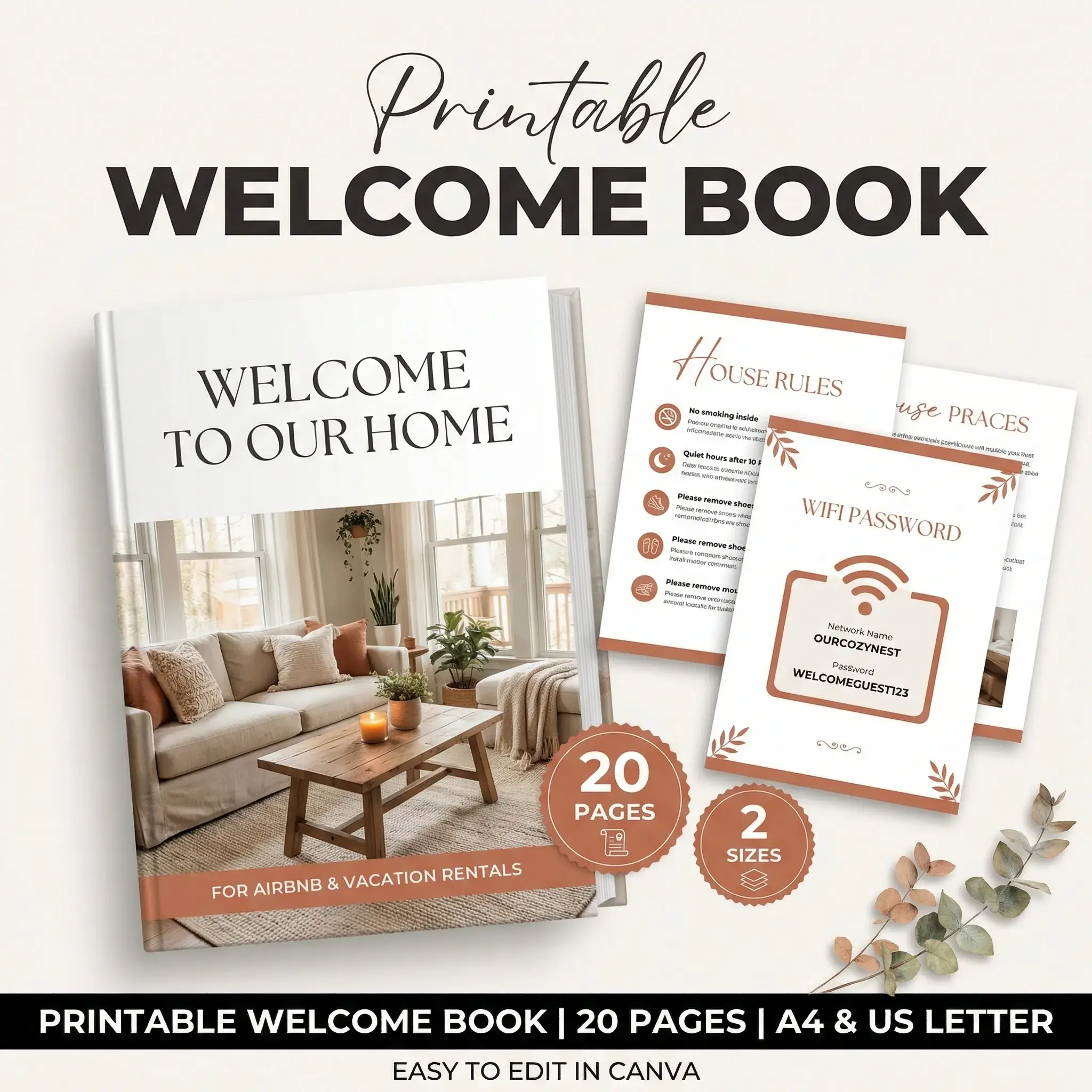
Use the printed welcome book or sign to point guests to the entry method and the backup contact. Keep the active guest code in Airbnb's appropriate arrival details rather than printing a reusable code in a book. The bundle helps you prepare the information around the lock. It does not supply the lock itself.
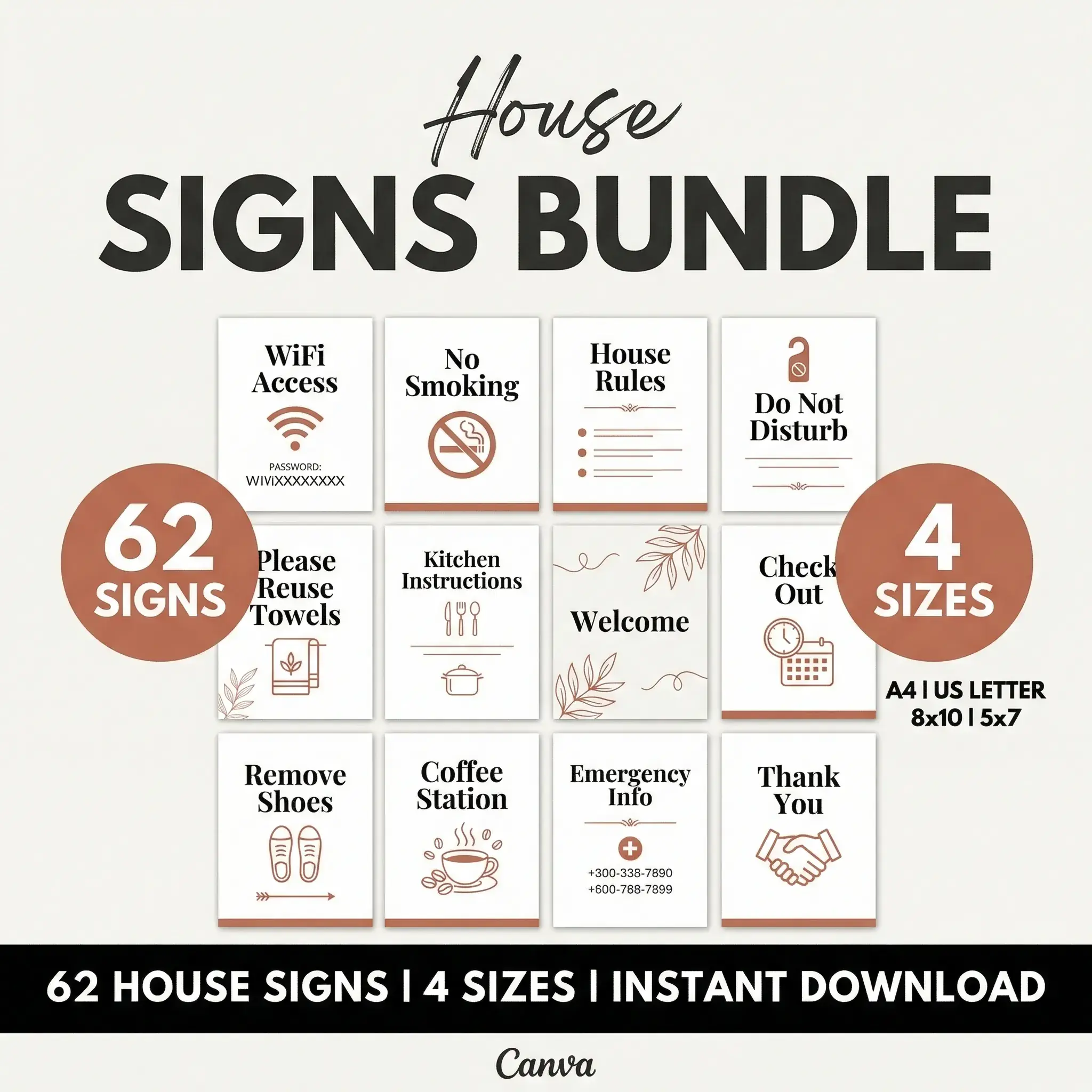
If you need a ready-made set of host documents, see the Airbnb Host Bundle contents. Add only the details that apply to your unit, then check that the same directions appear in the listing and in the guide the guest opens before arrival.
Why Trust This Article
The Cosmo Suite team made the Airbnb Host Bundle and sells it. We checked Airbnb's smart-lock pages and the Schlage and Master Lock product pages on 22 October 2026. Price examples are U.S. list prices and can change. We have not tested the devices or inspected your door. Read about the team and our editorial policy, and verify current compatibility before buying.
Frequently asked questions
Does Airbnb connect to every smart lock?
No. Airbnb's direct connection supports selected Schlage, August, and Yale models in the United States and Canada. Check the current Help Center list before buying. A lock that works in its maker's app may still be incompatible with Airbnb's direct connection.
Does Airbnb charge a fee to connect a smart lock?
Airbnb's current setup guidance does not list a separate fee to connect a lock. You still pay for the device, any required keypad or Wi-Fi bridge, batteries, and installation if you hire someone. Check the maker's current price and Airbnb's setup screen before you buy.
What happens if a connected smart lock is offline?
Airbnb can share a backup code when its system confirms that the connected lock is offline. Hosts also add another entry method, such as a lockbox with a key. Set up and test that fallback before the first guest uses the lock.
Is a lockbox enough for one Airbnb listing?
It can be, if you can mount it securely, change its combination between guests, and keep a spare key available. A lockbox avoids Wi-Fi pairing and code automation. Guests still need clear directions, and you need a plan for a missing key or forgotten combination.
Should a smart lock still have a lockbox backup?
Airbnb asks hosts to add a backup entry method when connecting a smart lock. A lockbox with a key is one option. Make the backup instructions available to confirmed guests and check that the spare key works before you rely on it.