Airbnb Security Cameras: Rules Hosts Need to Know
airbnb security cameras: learn what Airbnb allows, where hosts must disclose exterior devices, and how to keep listing details and guest information clear.
By Airbnb Host Bundle by Cosmo Suite · Editorial policy
Published · 8 min read
General information, not legal, insurance, or tax advice. Check your local rules and speak with a qualified adviser about your property.
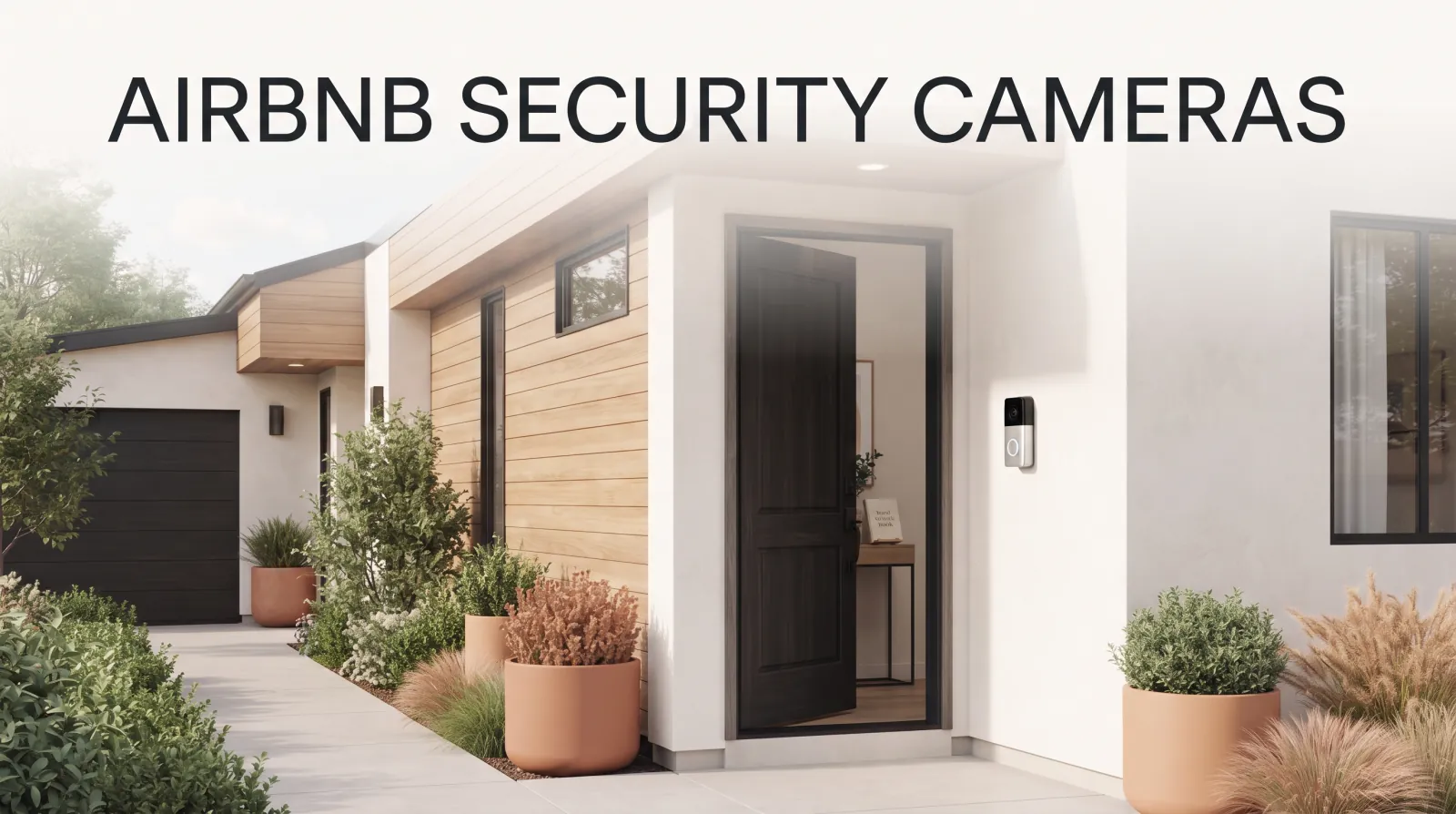
Airbnb security cameras follow a clear starting rule: a home listing cannot have a camera or recording device monitoring an indoor space, even if it is switched off. Exterior devices may be allowed, but Airbnb requires their location in the listing before a guest books. A doorbell camera, a camera over a driveway, and a noise monitor follow different rules.
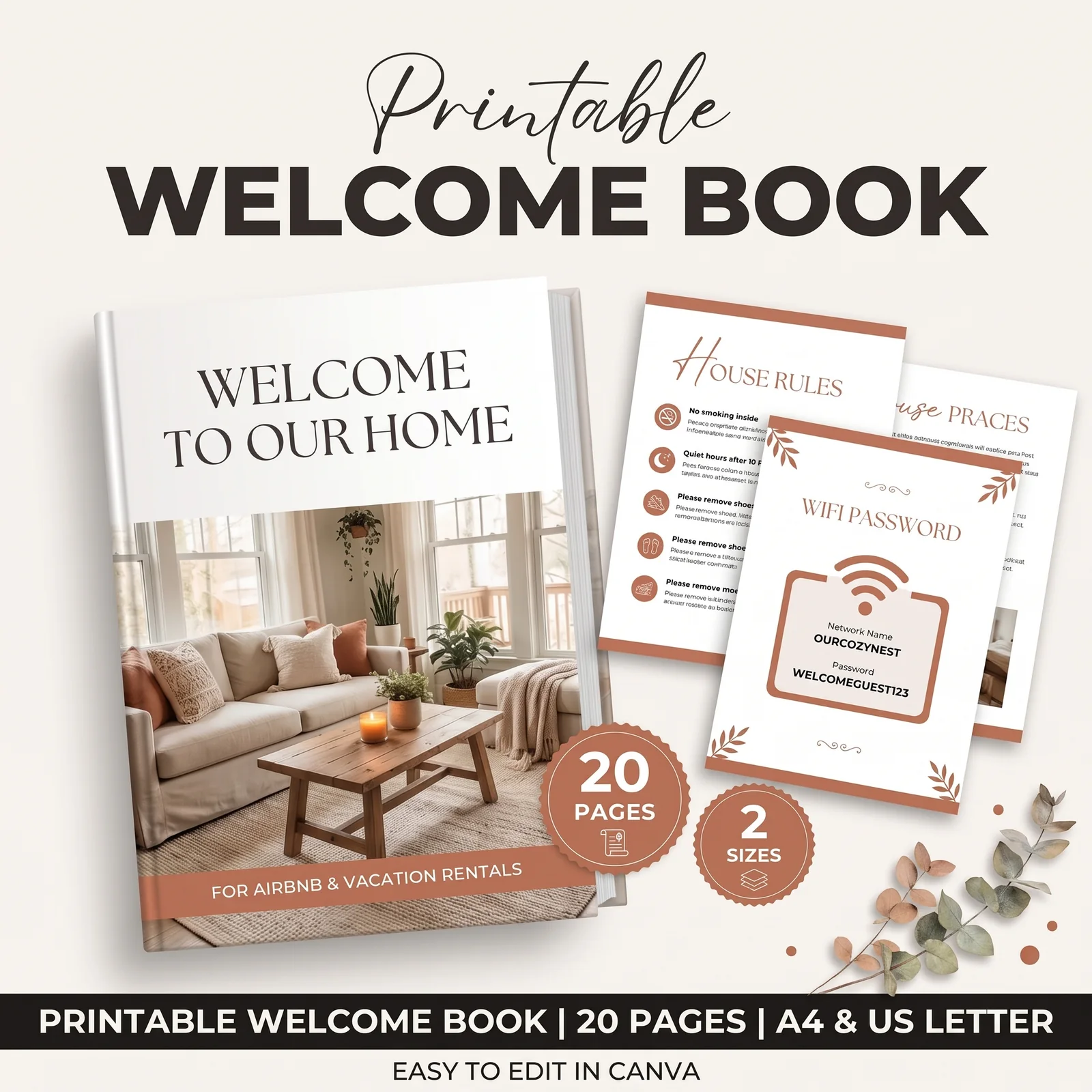
For a small host, the practical job is to keep three facts straight: what device is present, where it points, and whether it is on. Put the official disclosure in the listing first. Then make the same information easy to find in the guest guide, so the guest sees it before arrival too. A coordinated set of Airbnb templates for guest information can help keep those details readable across your listing and printed materials.
Airbnb Security Camera Rules at a Glance
Airbnb's current home policy prohibits indoor monitoring, allows some exterior devices with restrictions, and requires disclosure. Use this table as a quick check, then read the linked Airbnb policy on security cameras and other devices before changing your listing.
| Device or location | Airbnb rule for home listings | What to check |
|---|---|---|
| Camera or recording device monitoring an interior | Not allowed, even when off or disconnected | Remove it from the listing or change the setup so it cannot monitor any indoor space |
| Exterior camera or recording device | Allowed when it follows the policy and applicable laws; location disclosure is required | State the device's location and coverage in the listing |
| Enclosed outdoor shower or sauna | Cannot be monitored by a camera or recording device | Check the device's view, not only its mounting point |
| Noise decibel monitor | Allowed in permitted interior locations; presence must be disclosed | It cannot record audio and cannot be in a bedroom, bathroom, or sleeping area |
| Smart home device | Allowed; Airbnb encourages, but does not require, disclosure | Explain what the device does and offer a way to disable it where practical |
Before you save an exterior camera disclosure, check presence, place, and status. Name each device, describe where it is and what it covers, then state if it is switched on or off. Airbnb's own desktop instructions ask hosts to include its location and on/off status. A welcome book can repeat those facts for arriving guests, but the listing is where Airbnb requires the disclosure.
What Changed in Airbnb's Camera Policy in 2024?
Airbnb's revised policy took effect on April 30, 2024. It prohibits home hosts from having a security camera or recording device monitor any part of a home's interior, including a hallway or common area, even if the device is off or disconnected. Disclosure does not make an indoor camera acceptable under this rule.
Airbnb announced the change in its March 2024 policy update. The Associated Press report on the announcement also noted the April 30 start date. Before the update, Airbnb allowed some disclosed, visible cameras in common areas. The current rule is simpler: home hosts must not use a camera to monitor indoor spaces. Hidden cameras remain prohibited too.
This is an Airbnb platform policy, not a statement about every country's law. Airbnb's Help Center says exterior devices must also comply with applicable laws. The article here explains the platform's published rules. If you need to know whether a device is legal at your address, check the rules for your location or ask a qualified local adviser.
Airbnb lists a narrow exception for certain homes in Japan with a Hotel Business License, where a camera monitoring only the home's interior entryway may be required by applicable law. The camera must be disclosed, cannot monitor other interior areas, and cannot record audio. That exception does not describe an ordinary home listing.
What Counts as an Airbnb Security Camera or Recording Device?
A recording device is any device that records or transmits video, images, or audio under Airbnb's policy. Its examples include a baby monitor and a doorbell camera. The label on a device does not decide which rule applies; its function and the space it monitors matter.
A camera in a doorbell is still an exterior recording device. If it captures an entryway, say so in the listing. A baby monitor with a camera or audio function also falls within Airbnb's definition when it records or transmits those signals. Do not assume that turning a device off, unplugging it, or describing it as a smart device changes the interior-monitoring rule.
A noise decibel monitor is a device that assesses sound levels and their duration without recording audio. Airbnb treats it separately from a camera. Home hosts may use one inside the home if they disclose its presence and keep it out of bedrooms, bathrooms, and sleeping areas. If a device records or transmits audio, do not describe it as a decibel-only monitor.
Smart home devices are another category. Airbnb says hosts may have them and encourages hosts to disclose them, though its policy does not require that disclosure. If a device has a camera, microphone, or recording function, verify the exact device against the camera policy rather than relying on the broad “smart home” label.
How Do You Disclose an Exterior Camera on Airbnb?
Airbnb's desktop steps put the disclosure in the listing editor. The Help Center path checked on October 19, 2026 is Listings, select the listing, Your space, Guest safety, Safety devices, then select “Exterior security camera present.” The host describes each device's location and whether it will be switched on or off, then saves.
The labels can vary by device or app version, so use the current controls in your account. What matters is that the listing accurately states each exterior device and its location before a guest books. Do not rely on a message sent after booking, a photo of the device, or a note inside the house as the only disclosure.
Use a short fact-check before saving:
- List every device. Include doorbells and devices you control in shared building areas or over a backyard.
- Describe the location. “At the front door” is clearer than “outside.” Add the area it monitors when needed.
- Confirm the status. Say if it is switched on or off, based on the device's real setting.
- Check the saved listing. Reopen the guest-facing view and confirm that the disclosure appears as expected.
For example, a host with a front-door device could draft: “A video doorbell is mounted beside the front door. It monitors the front entry. It is switched on.” Use that wording only if it matches the actual device and view. If it also covers a path, shared hallway, or another area, say so accurately. Do not copy a sample sentence when it does not describe your property.
Where Can an Exterior Camera Point?
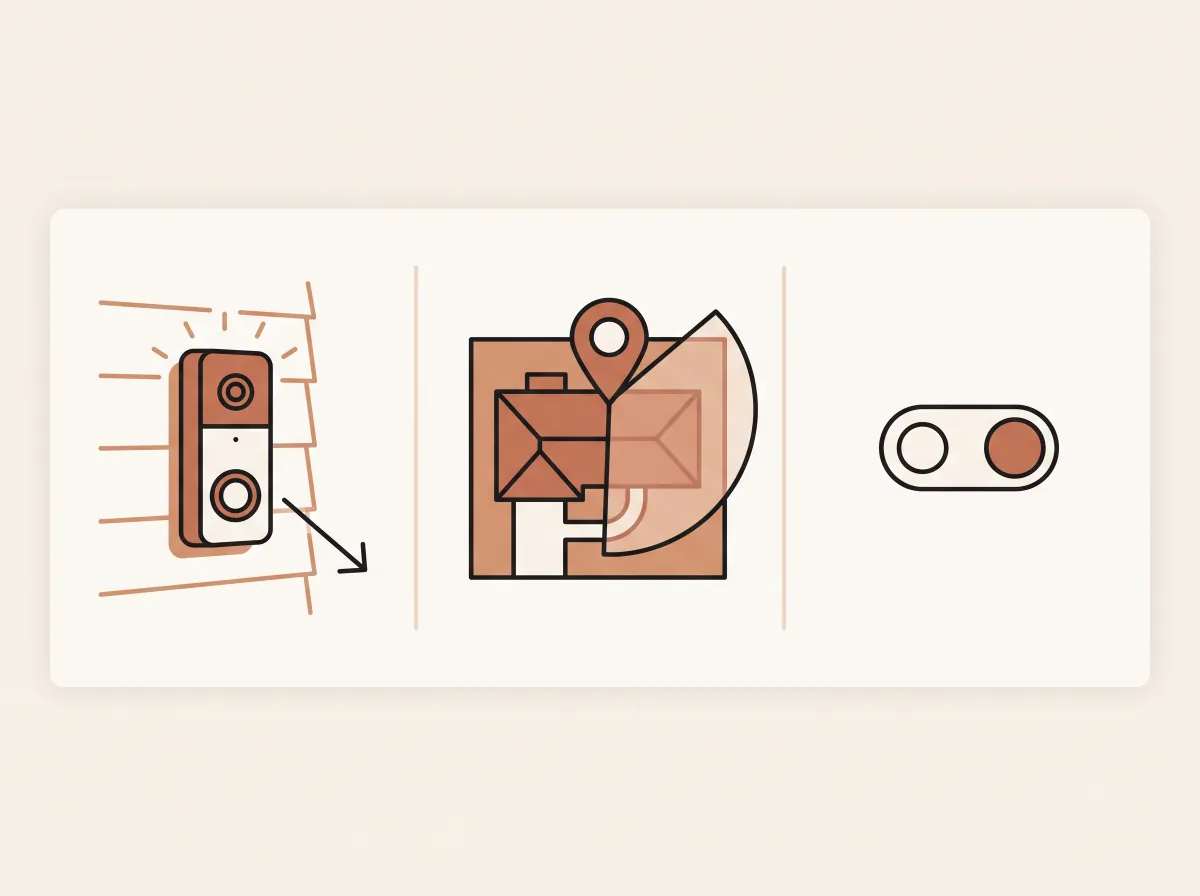
Airbnb allows exterior cameras only within its policy limits. They cannot monitor an indoor space, and they cannot point at an exterior area where people have a greater expectation of privacy. Airbnb names an enclosed outdoor shower and a sauna as examples. The mount may be outside while the camera's view reaches somewhere it should not.
Check the live view from the camera, then walk the area it covers. Look at doors, windows, patios, pools, and shared paths. If a device reaches into an interior or a private outdoor area, adjust its angle or move it. Recheck after mounting changes, renovations, or changes to nearby plants and structures.
Airbnb also requires disclosure for exterior cameras under a host's control, including a camera over a backyard or in an apartment building hallway. The mounting point and the camera view are separate checks. A device can sit outside and still point into a room or a private outdoor area. If a shared-space device is not yours, confirm who controls it and what the listing needs to say. Contact Airbnb through the host account if you need help with a device or the current policy.
In a 2024 r/airbnb_hosts discussion about cameras, one host wrote: “I have exterior cameras that face the driveways only and they're disclosed.” That is one host's account, not a policy interpretation. The example is specific about both the device location and the area it covers.
How Do You Keep the Listing and Guest Guide Consistent?
The Airbnb listing is the required disclosure location. A welcome book, sign, or arrival message can repeat the information, but it does not replace the listing field. Keep the wording aligned so a guest does not see “front door” in the listing and “back patio” in the house manual.
Use one small device record for each listing:
| Record this | Example field |
|---|---|
| Device | Video doorbell |
| Location and coverage | Beside the front door; covers the entry path |
| Status | Switched on |
| Listing updated | Date you checked the saved disclosure |
| Guest guide updated | Page or section where the same information appears |
Update the record when you add a device, move one, change its settings, or discover that its view has changed. Then check the Airbnb listing and the guest-facing guide separately. A sign can help guests find the information when they arrive; a well-organized Airbnb welcome book can carry the same house information in one place. Neither should be the only place a camera is disclosed.
Keep the guest guide brief. State the camera's location and coverage in plain language, then point the guest to the listing for the complete device details. Avoid implying that a camera watches continuously unless that is true. Do not call a device “off” just because nobody is watching its feed.
The same host discussion also includes guest concerns about where exterior cameras point. For the rest of your stay information, see this guide to Airbnb templates and where each one fits. It covers welcome books, signs, messages, and checkout details. Place each answer where a guest needs it, and keep Airbnb's required listing fields current. If you want matching layouts for those guest materials, editable Airbnb guest templates give you a ready-made starting point.
Why Trust This Article
The Cosmo Suite team wrote this guide and created the Airbnb Host Bundle, so we sell the product mentioned below. We checked Airbnb's Help Center policy and newsroom update on October 19, 2026. We do not provide legal advice or claim to test Airbnb's enforcement. Read about the team behind this site, our editorial policy, or visit our contact page to reach the team. Verify the policy in your host account before making a change.
Where Airbnb Host Bundle Fits
Camera disclosure belongs in Airbnb's listing controls. Guest materials can repeat the same accurate details after you save that required disclosure. The Airbnb Host Bundle includes printable and digital welcome books, 62 house signs, and editable Canva layouts. Those contents can help you present the WiFi, house rules, arrival steps, and other information in a consistent format.
The templates do not configure Airbnb's camera settings, confirm a device's field of view, or replace local advice. Use the current Airbnb Help Center for policy steps and your own property details for the wording. If you want editable Airbnb welcome books and signs for guest instructions, the bundle provides those layouts; you supply and verify the details.
Frequently asked questions
Is it illegal to have security cameras in an Airbnb?
Airbnb policy and local law are separate. Airbnb prohibits devices monitoring indoor spaces in home listings and sets rules for exterior devices. Whether a particular setup is legal depends on the location and facts. Check your local rules and ask a qualified local adviser.
Are outdoor cameras allowed on Airbnb?
Airbnb allows exterior cameras and recording devices when they meet its policy and applicable laws. Hosts must disclose each device's location in the listing. Devices cannot monitor indoor spaces or outdoor areas where people have a greater expectation of privacy, such as an enclosed outdoor shower or sauna.
Do I need to disclose a doorbell camera on Airbnb?
Yes. Airbnb includes doorbell cameras among recording devices and requires hosts to disclose exterior cameras under their control. State where the doorbell camera is and what area it covers, then say whether it is switched on or off.
Can an Airbnb host have a camera inside if it is turned off?
No for home listings. Airbnb prohibits cameras and recording devices that monitor any part of a home's interior, even when turned off or disconnected. Airbnb describes a narrow exception for certain licensed hotel homes in Japan; check its current policy if that applies to your listing.
Are noise monitors the same as security cameras?
No. Airbnb describes noise decibel monitors as devices that assess sound levels and duration without recording audio. Home hosts may use them in allowed locations if they disclose their presence. Airbnb says they cannot be in bedrooms, bathrooms, or sleeping areas.