Airbnb Party Policy: What Hosts Can Set and Enforce
Airbnb party policy bans open-invite and disruptive gatherings. See what hosts can set, how noise monitors work, and what to do when a stay gets loud.
By Airbnb Host Bundle by Cosmo Suite · Editorial policy
Published · 9 min read
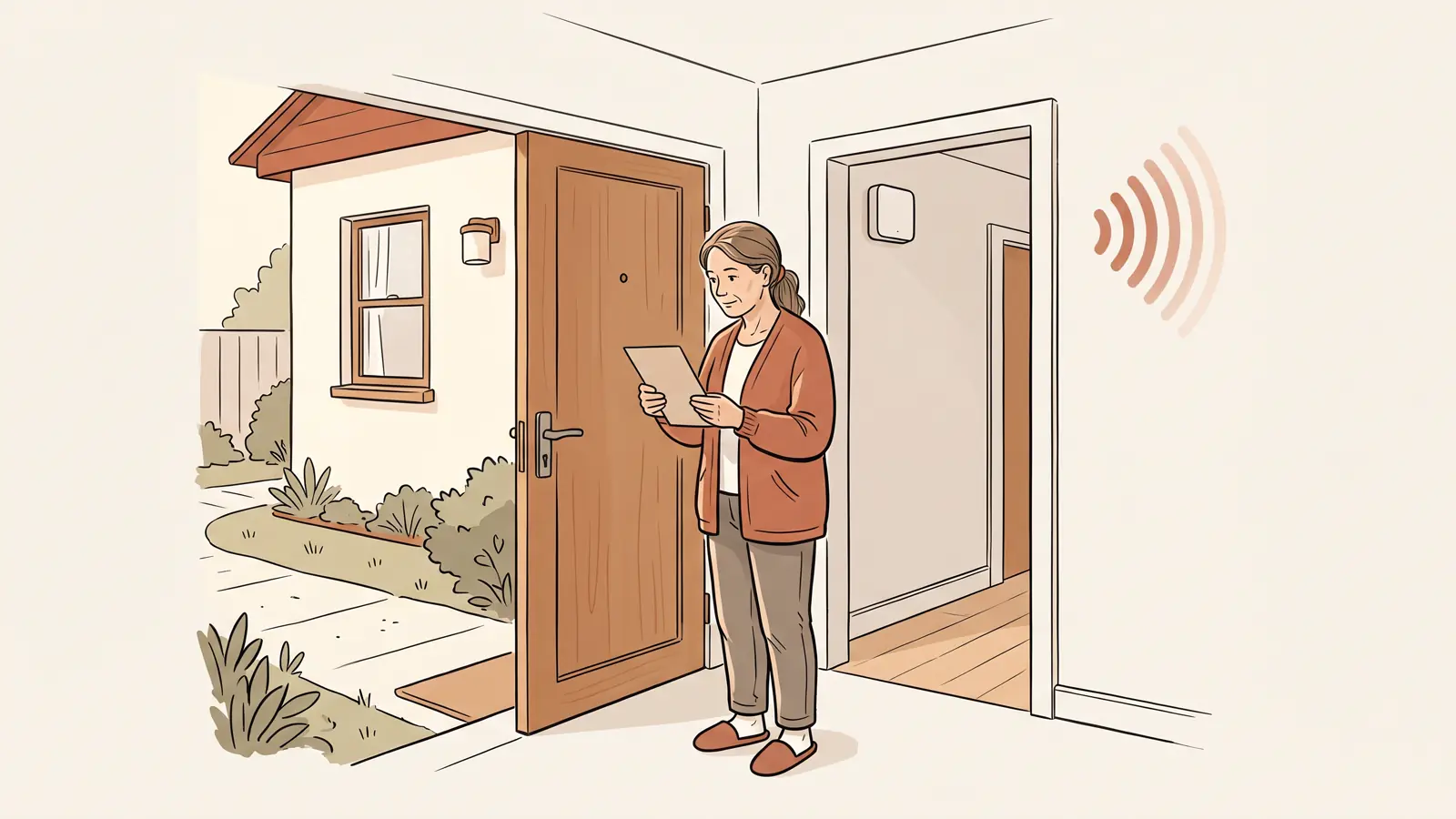
Airbnb prohibits open-invite gatherings and disruptive parties during a reservation. Hosts can set rules for events, overnight guest limits, and quiet hours in the listing. If a stay becomes disruptive, contact the guest and Airbnb through the app. Noise monitors have separate rules for placement and disclosure.
If you rent a basement suite next to your home, a guest may ask whether friends can visit. Answer that question in the listing before booking. A welcome book or sign can repeat the rule after check-in. It cannot replace the listing's house rules.
If you are managing one to three listings, keep three things together: the rule guests agree to, any device you use to monitor sound, and your response plan if a neighbor reports a problem. A set of editable Airbnb guest information templates can help keep house rules and arrival materials consistent across the listing and the unit.
Airbnb Party Policy at a Glance
Airbnb bans disruptive gatherings regardless of size, open-invite parties, and listings advertised as party friendly. The table separates Airbnb's platform policy from the limits you set for your own property. Check the linked Airbnb Community Disturbance Policy before updating your listing.
| Situation | Airbnb's published position | Host action |
|---|---|---|
| Open-invite party | Not allowed | State that open-invite gatherings are not permitted |
| Disruptive gathering | Not allowed, regardless of size | Set guest limits and quiet hours in the listing |
| Events at the property | Hosts can mark events allowed or not allowed | Describe the limit clearly before booking |
| Noise decibel monitor | Allowed if disclosed and placed outside sleeping areas | Add it in the listing's Guest safety section |
| A party is underway | Contact the guest and Airbnb Support; avoid an in-person confrontation | Keep messages and relevant evidence in the Airbnb thread |
“Events allowed” is not permission for a disruptive party. The guest still has to follow Airbnb's policy, the listing's house rules, and any rules that apply to the property.
What Does Airbnb's Party Policy Prohibit?
A community disturbance is behavior that disrupts the local area, such as excessive noise, trash, trespassing, smoking or parking nuisances, or vandalism. Airbnb's policy bans disruptive gatherings of any size and open-invite parties.
Airbnb also says hosts must not advertise a listing as party friendly or enable severe or repeated disruptive gatherings. Group size alone does not show whether a gathering is disruptive. Check the event setting, house rules, and effect on the community.
The event setting and Airbnb's community rules do different jobs. Hosts can mark events as allowed or not allowed. That setting does not change Airbnb's ban on disruptive gatherings or open-invite parties. It also does not override a lease, building rule, permit, or local requirement.
If your listing is a basement suite in your home, decide what “visitors” means before you publish. For example, you might allow a couple of daytime visitors if they are included in the approved guest count and leave before quiet hours. Put the rule in the listing and use the same wording in your guest materials. Do not wait until after booking to add a new restriction.
What Can Airbnb Do After a Party Report?
Airbnb may warn a guest or host, suspend or remove a listing, or suspend or remove an account after it determines that someone broke its policy. Its Community Disturbance Policy says repeated or severe disturbances can bring stronger action. A report does not guarantee a specific outcome.
Give Airbnb clear information. Share the message thread, the time of the incident, neighbor reports, and any relevant noise-monitor readings. Label each source. A neighbor's report is useful, but keep it separate from what you saw yourself.
Airbnb also has a Neighborhood Support team for people reporting a disturbance. If you host near neighbors, give them a clear way to reach you. That can help you respond early while Airbnb reviews any report sent through its support channel.
Which House Rules Can a Host Set?
Airbnb gives hosts standard settings for maximum overnight guests, quiet hours, events, pets, smoking, commercial photography and filming, and locking up at checkout. These let you explain the boundaries of the stay before someone books. Airbnb's house-rules Help Center page describes where to add the settings.
A useful rule is short enough to understand and specific enough to follow. “No parties” is a start, but it leaves questions about visitors and quiet hours. A clearer version might read: “No parties or open-invite gatherings. Only registered guests may stay overnight. Quiet hours are 10 p.m. to 8 a.m. Please message us before inviting daytime visitors.” Choose hours and visitor limits that suit your property and local requirements.
That sample is wording to adapt, not a legal clause or an Airbnb-approved template. Keep a rule consistent with the listing details and your property's actual limits. If a rule affects whether someone can use an advertised amenity, check Airbnb's current policy before publishing it.
Airbnb announced changes to how hosts manage house rules in October 2026. Its current reasonable house rules policy says the policy applies to reservations booked on or after November 20, 2026. It requires rules to appear in the designated section of the listing when the guest books. Review the current Help Center before relying on an older workflow or adding a new rule after booking.
The Airbnb house rules template guide covers how to word rules for the unit. Keep the official listing setting as the source guests agree to. A printed sign or welcome book can remind guests after arrival, but it should not introduce a new rule they could not see before booking.
How Do Airbnb Noise Monitor Rules Work?
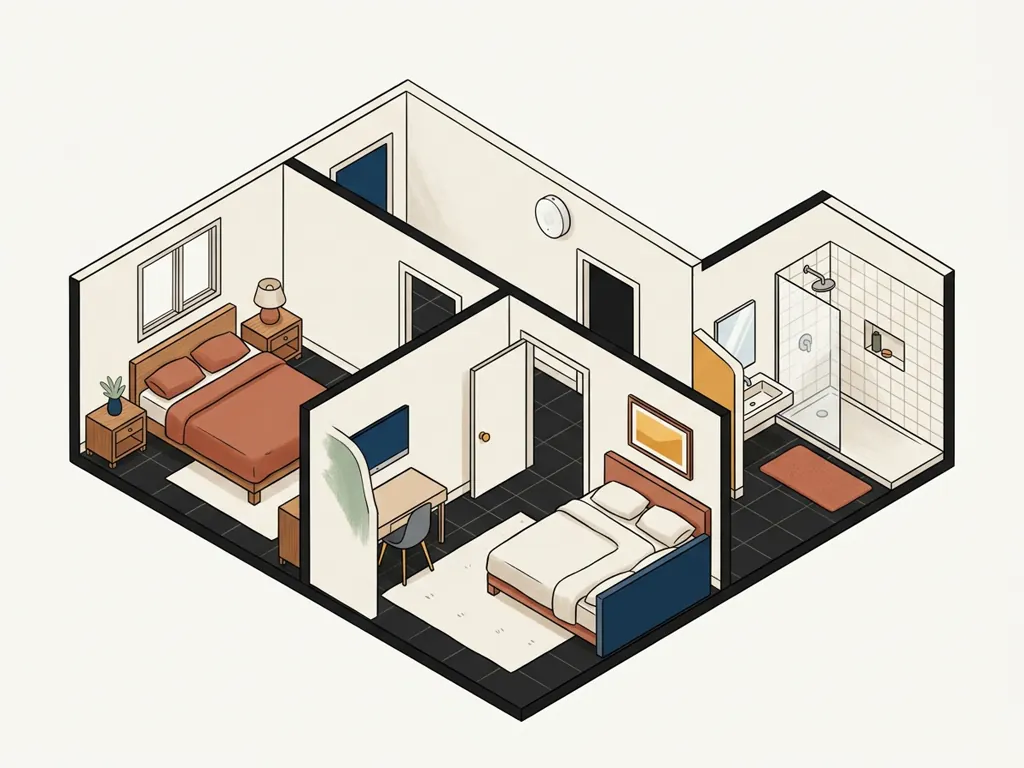
Airbnb allows hosts to use a noise decibel monitor inside a home when they disclose it and keep it out of bedrooms, bathrooms, and sleeping areas. A noise decibel monitor is a device that assesses sound levels and duration without recording audio, according to Airbnb's device policy. A microphone or recording device follows a different policy.
Disclose the monitor in Airbnb's listing controls. The current device policy directs hosts to the listing editor's Guest safety section and the Noise decibel monitors setting. Airbnb says the monitor's presence must be disclosed; its policy does not require hosts to state its exact location in the listing.
A sign inside the unit may help guests understand why a device is present, but the listing disclosure is the required step. Do not describe a monitor as “decibel only” unless the device actually works that way. Check its documentation and settings. If it records or transmits audio, review Airbnb's current recording-device policy and local rules before using it.
| Device | What Airbnb says it does | Placement or disclosure |
|---|---|---|
| Noise decibel monitor | Assesses sound level and duration without recording audio | Disclose it; keep it out of bedrooms, bathrooms, and sleeping areas |
| Camera or recording device | Records or transmits video, images, or audio | Separate restrictions apply; indoor monitoring is prohibited in home listings |
| Smart home device | Connects and interacts with other devices or networks | Allowed; disclosure is encouraged, but not required |
Airbnb does not require a noise monitor to host. It is one option for noticing a possible problem. A clear house rule, good communication, and a plan for contacting support still matter. For the separate camera rules, see this guide to Airbnb cameras and recording devices.
How Can You Reduce the Chance of a Disruptive Stay?
Start with the listing, then use the booking conversation to clarify genuine gaps. Airbnb suggests setting a maximum overnight guest count, choosing quiet hours, and stating whether events are allowed. It also advises hosts to ask follow-up questions when a reservation raises a concern, while avoiding assumptions about a guest.
Use the same basic checks for every booking:
- Confirm how many people will stay overnight.
- Ask whether daytime visitors are planned if that matters to your rules.
- Check that the guest understands the event and quiet-hour settings.
Keep questions tied to the booking and the published rules. A guest's age, hometown, family status, or reason for travel should not be treated as proof of intent.
If a guest's messages or other evidence point to a disruptive gathering before check-in, contact Airbnb Support and share what you have. Airbnb says hosts may cancel when evidence supports the concern, and it may waive cancellation fees or other consequences. Ask Support about the booking before you cancel.
For an attached suite, the arrival message can repeat the quiet-hour window and the best way to reach you. For a detached cabin, the same message might explain the parking limit and where the neighbor-facing outdoor area ends. Make the instruction useful for that property, then keep it consistent with the listing.
A monitor can alert you to a sound-level change, but a reading does not identify who is present or explain what is happening. Check the situation through a message before jumping to a conclusion. Airbnb recommends keeping conversations in its app and collecting relevant evidence if a disturbance occurs. A plain Airbnb welcome book template can repeat the house rules, entry details, and contact steps in one guest-facing place.
What Should You Do When a Stay Gets Loud?
If you learn about a possible disturbance, contact the guest through Airbnb Messages and state the specific issue. Airbnb advises hosts not to confront guests in person. Contact Airbnb Support and share relevant information, such as a neighbor's message or a noise monitor reading. Call emergency services first if someone may be in immediate danger.
A short first message could say: “Hi, a neighbor has reported loud music after the 10 p.m. quiet-hours start listed in the house rules. Please lower the volume now and confirm when it is quiet. I’m contacting Airbnb Support to help resolve this.” Keep the message factual. Avoid threats, insults, or claims about what happened that you did not observe.
If the guest does not respond, follow Airbnb Support's instructions. Airbnb says it may help cancel a reservation when a disruptive party is underway. If there is a safety risk, contact local emergency services. Do not promise yourself that a cancellation fee will be waived; Airbnb's decision depends on the evidence and circumstances.
After the stay, record:
- What you directly observed.
- When it happened.
- Which messages you sent.
- What Airbnb Support advised.
Keep neighbor reports separate from facts you witnessed yourself. If the same question keeps causing trouble, revise the listing's rule or arrival note before the next booking.
Why Trust This Article
The Cosmo Suite team that made Airbnb Host Bundle prepared this guide. We checked Airbnb's Community Disturbance Policy, device rules, and house-rules guidance on November 5, 2026. Airbnb's rules can change, and local requirements vary. Our about page and editorial policy explain who we are and how we handle product-related content.
Where Airbnb Host Bundle Fits
Airbnb Host Bundle includes editable house signs and guest paperwork, including a welcome book. These materials can help you present a rule clearly inside the property and keep repeated information organized. They do not detect parties, contact neighbors, monitor sound, enforce Airbnb's policies, or replace the official house-rules settings in your listing.
If you want the wording to stay consistent, draft the rule once, add it to the listing, and copy the same approved text into your guest materials. Check both versions after any policy or property change. The Airbnb Host Bundle templates give you editable pages for that paperwork. Keep the live listing as the place guests review and accept the rule before booking.
For the full guest timeline, see how Airbnb templates map to each stay moment. Choose the pages that fit your property and keep the listing's rules current.
Frequently asked questions
Are parties allowed at an Airbnb?
Airbnb prohibits open-invite gatherings and disruptive parties or other community disturbances, regardless of size. Hosts can use their listing's event setting and clear house rules to set expectations. A permitted event still cannot disturb neighbors or break Airbnb policy or local rules.
Can an Airbnb host allow an event?
Hosts can indicate whether events are allowed in the listing's house rules. That setting does not permit a disruptive gathering, an open-invite party, or an event that breaks local rules or building requirements. Describe any permitted event's limits before a guest books.
Can Airbnb hosts use a noise monitor?
Yes. Airbnb allows noise decibel monitors inside a home when the host discloses their presence and keeps them out of bedrooms, bathrooms, and sleeping areas. Airbnb defines these monitors as devices that assess sound levels and duration without recording audio.
Do I have to disclose a noise monitor on Airbnb?
Yes. Airbnb asks hosts to disclose noise decibel monitors in the listing's Guest safety section. A house sign or welcome book can repeat the information for a guest, but it does not replace the listing disclosure. Check the current device and listing controls before saving.
What should I do if a party starts during a stay?
Airbnb advises hosts to contact the guest through the app, ask them to stop, and contact Airbnb Support. Do not confront guests in person. Call local emergency services first if there is an immediate safety risk, then contact Airbnb.
Sources
- Airbnb Help Center: Community Disturbance Policy
- Airbnb Resource Center: Tips to help prevent disruptive parties at your home
- Airbnb Help Center: Restrictions on security cameras and other devices in homes
- Airbnb Help Center: Reasonable house rules
- Airbnb Help Center: Add house rules and requests to your listing
- Airbnb Resource Center: Important changes to house rules