Airbnb Guidebook: Printed, PDF or App, and the One Thing That Decides Whether Guests Use It
airbnb guidebook formats compared: Airbnb's local tips, a property manual, a shareable PDF, or print. Choose where each guest answer belongs.
By Airbnb Host Bundle by Cosmo Suite · Editorial policy
Published · 9 min read
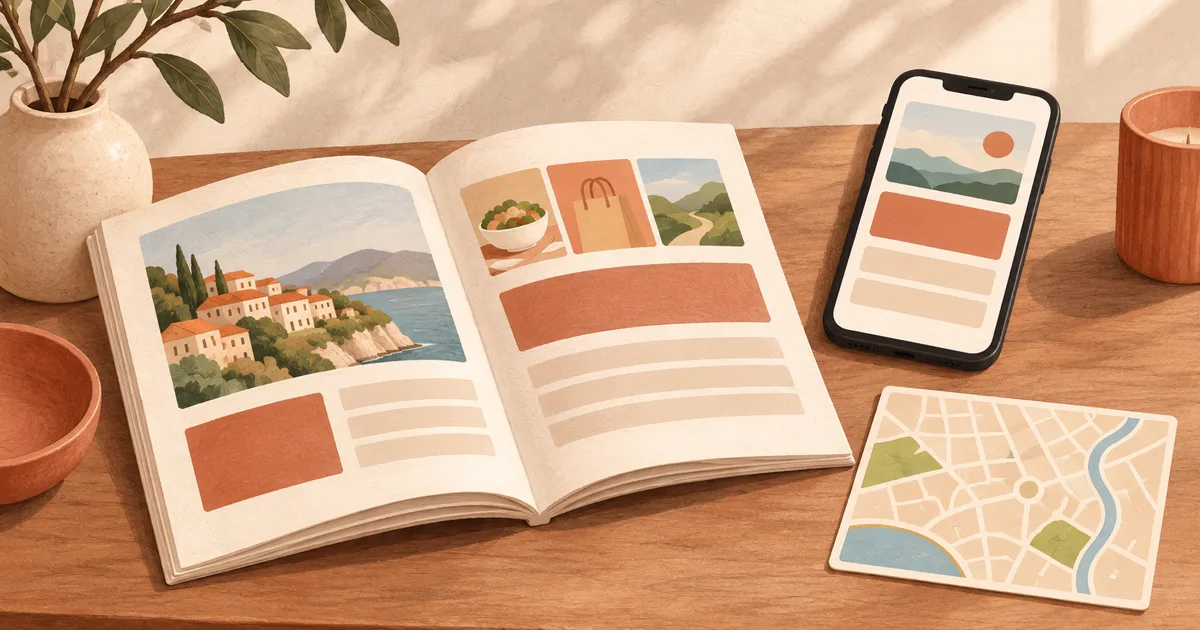
An Airbnb guidebook is a guest reference for neighborhood recommendations or stay information. Airbnb uses “Guidebook” for local tips and keeps property instructions in a separate house manual. A custom welcome book can collect more of the stay in a PDF or printed copy. Choose the format by the guest's question and the moment they need its answer.
A host in a recent r/airbnb_hosts discussion summed up the worry: “People just don’t read period.” Replies disagreed about whether guests use a paper book, a PDF, or an online guide. The practical question is where the answer appears when someone needs it.
If you are setting up a guest reference for one to three listings, start with the distinctions below. Then route each answer to the place where a guest is most likely to look. Start with the guest question, then choose its home.
Key takeaways:
- Use Airbnb's Guidebook for local recommendations and its house manual for property instructions.
- Use a PDF or printed welcome book when guests need a designed reference outside those individual Airbnb fields.
- Put urgent answers where the question happens, then keep one editable source for details that appear in several places.
- Do not place a reservation-specific code in a reusable or forwardable copy.
Airbnb Guidebook Formats at a Glance
Use the in-platform Guidebook for places to eat or visit, the house manual for how the unit works, a PDF for a shareable reference, and print for an answer guests need to spot inside the property.
| Format | Best use | Access and upkeep |
|---|---|---|
| Airbnb Guidebook | Restaurants, shops, parks, attractions, and local advice | Airbnb says it is public, shareable, and printable; review recommendations as they change |
| Airbnb house manual | Day-to-day details about the listing | Available to guests with a confirmed reservation in Airbnb |
| Custom PDF | A designed reference for the whole stay | Easy to send or link, but check links and keep the source file current |
| Printed book or card | A quick answer inside the unit | Visible without opening a message, but cannot update itself |
| Dedicated guidebook app | Multiple properties, a team, or a workflow that needs more features | Compare setup, access, and ongoing cost against what you actually need |
Airbnb's own Guidebook help page says hosts can add local places and city advice, share the guide outside Airbnb, and preview or print a copy. Its separate house manual describes property-specific details, including how to operate something in the home. Those are different jobs even when hosts call both a “guidebook.”
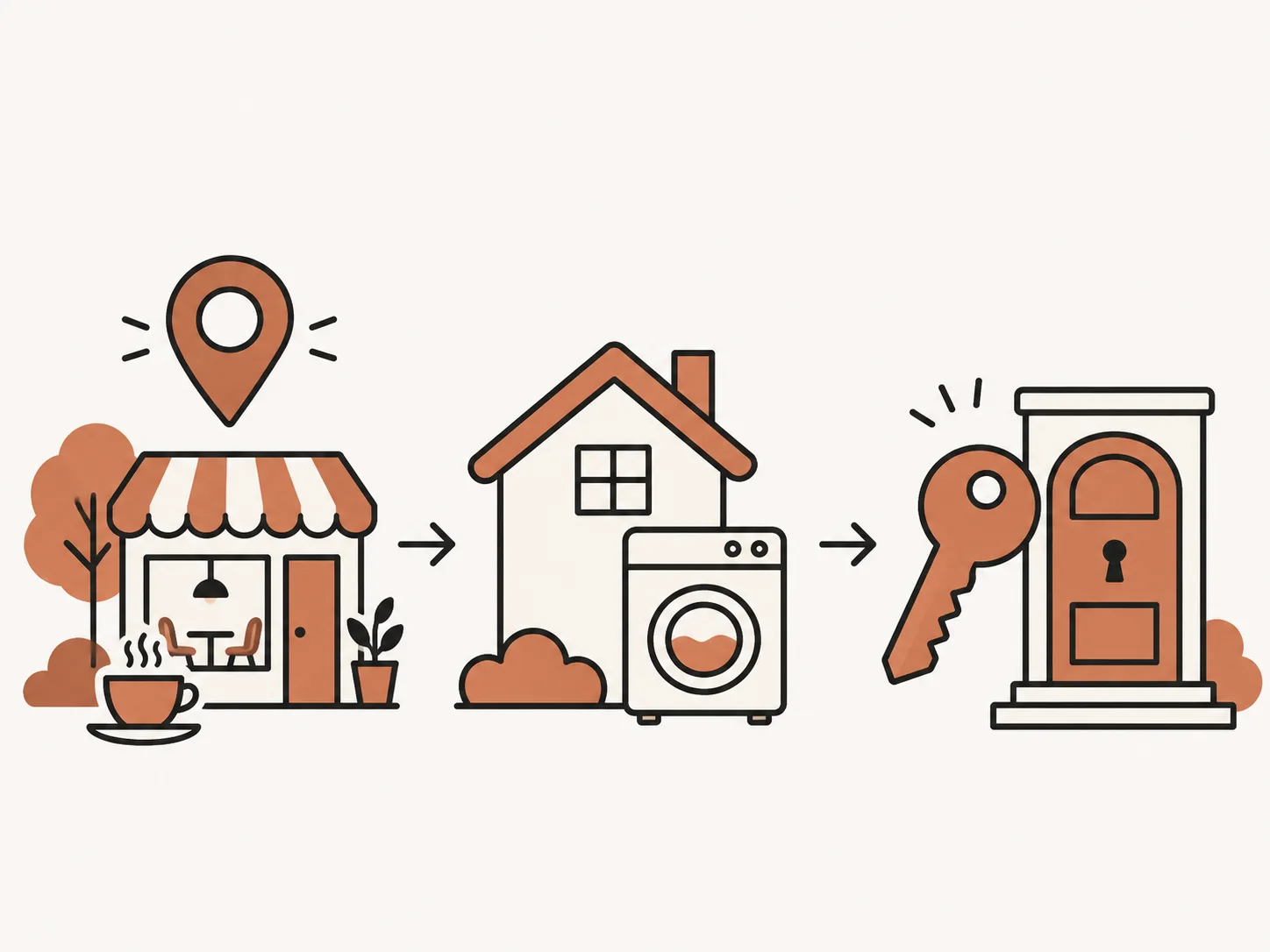
For many self-managing hosts, the simplest setup combines Airbnb's built-in fields with a short welcome book and one or two printed reminders. A paid app can make sense when you need capabilities the basic combination does not provide. A polished format cannot compensate for the guest having to search in the wrong place.
First Separate Local Tips From House Instructions
Airbnb's Guidebook is for places and local advice. The house manual is for the listing itself. A welcome book or custom PDF may combine both with other stay details, but it remains a separate document you prepare and maintain.
Airbnb currently describes host Guidebooks as public and connected to a hosting account rather than an individual listing. Hosts can choose which listings to associate with a guidebook, share it outside Airbnb, and print it. The page also points hosts to a separate house manual for property details. Airbnb's house manual guidance says only guests with a confirmed reservation can access it.
Keep the three jobs distinct:
- Neighborhood question: “Where can we get breakfast?” Put local recommendations in Airbnb's Guidebook, with a few selected picks in a welcome book if useful.
- Property question: “How does the heater work?” Put the instructions in the house manual and any guest reference where the answer is easy to spot.
- Arrival question: “Which door is ours?” Use Airbnb's arrival details and check-in message for the reservation-specific instructions. The current arrival information page explains what confirmed guests can see in Trips.
Keep the jobs separate. For an answer that changes per reservation, use the current booking channel. Put property instructions in the manual and neighborhood recommendations in the Guidebook.
When Airbnb's Guidebook Is the Right Place
Choose Airbnb's built-in Guidebook when you are sharing neighborhood recommendations. It is designed for local places such as restaurants, stores, parks, and attractions, and Airbnb says guests can find it on listing and profile pages and in Trips.
Keep the recommendations selective. Airbnb's guidebook tips advise hosts to keep entries brief, explain why a place is worth recommending, use personal knowledge, and revisit the list to check that details remain accurate. A useful entry might include the place, the reason you like it, and one practical note such as whether it is an easy walk from the property. Verify the current hours or access details before adding them.
A guidebook does not need to become a directory of every business nearby. Give guests a short choice for breakfast, groceries, a rainy-day activity, and getting around. If you have more to say, link to the business or its current information instead of guessing at hours, prices, or availability.
This is also where Airbnb's Guidebook can sit beside a custom welcome book. Let the in-platform page hold the longer local list. Use the welcome book for the handful of recommendations a guest might need while settling in, plus the property information that does not belong in a neighborhood list.
When a PDF or Digital Welcome Book Helps
A PDF works when you want one designed reference that guests can open before arrival or during the stay. It can collect property notes, selected local recommendations, emergency contacts, and a link to Airbnb's Guidebook, as long as you keep the document accurate and easy to use on a phone.
Think of the PDF as a map to the right answer, not a dump of every host note. Start with a short contents page or clear headings. Put the few arrival details a guest needs first, then organize property instructions by room or task. Keep local suggestions separate from how-to instructions. Our Airbnb welcome book layout shows one way to order a longer book around the stay.
A digital file can be copied, saved, or forwarded. That makes it a poor place for reservation-specific details such as a code that changes with each stay. Keep those details in Airbnb's current arrival information or a message for that booking. Check every link and QR code before sharing, and make sure the printable version still works if a guest has no signal or prefers paper.
If your document needs frequent changes, record one source file and update the export from it. Otherwise, a PDF sent before arrival can quietly disagree with the message the guest receives later. Some hosts start with a ready-made welcome book template and add their own property details. For the physical entry steps themselves, keep the arrival instructions in Airbnb’s current listing fields and reservation message.
When Paper Is Worth Keeping
A printed Airbnb guidebook or welcome book helps when a guest is already inside and needs to find an answer without scrolling through a phone. Put it where the question arises, keep the first page useful, and avoid making the paper copy the only source for information that changes.
A book on the entry table may work for a general overview. A Wi-Fi card belongs near the place guests connect. A simple appliance instruction can sit beside that appliance. This is a placement decision: the more steps between the guest and the answer, the easier it is to miss.
Paper also has limits. It can be misplaced, marked up, or left unchanged after a detail changes. Give the printed copy a review date for your own use, and check it when you update the listing, change access instructions, or replace an appliance. Airbnb's in-platform Guidebook can be printed too, according to its Help Center page, which is useful when a guest needs local tips on paper.

One host in the Reddit discussion described leaving a paper copy and sending a PDF link. Another said a visible Wi-Fi card cut down repeat questions. Those are individual experiences, not a study, but they point to a sensible test: place the most-used answer where the guest already looks.
Put Each Answer Where the Question Happens
Before choosing an app, PDF, or paper copy, list the questions guests ask and match each one to its moment. Then check the access method, how often the answer changes, and who is responsible for keeping it accurate.
| Guest moment | Example question | Where to put the answer | Check before sharing |
|---|---|---|---|
| Planning the stay | Where should we eat nearby? | Airbnb Guidebook, with a few highlights in a welcome book | Recommendation and details still current |
| Before arrival | How do we get in? | Airbnb arrival information and the reservation's message | Correct instructions for this reservation |
| Inside the unit | How does the thermostat work? | Airbnb house manual and a short in-unit instruction if needed | Matches the actual device |
| Checkout | What should we do before leaving? | Airbnb checkout details and a concise reminder where useful | Same time and steps in every current version |
[Unique insight] Try a five-question retrieval check before you send the guide. Ask someone who did not create it to find the Wi-Fi instructions, entry steps, one appliance note, the nearest grocery option, and the checkout time. You are checking whether each answer is easy to locate, not measuring guest behavior. If the person hesitates, move the answer, shorten the label, or add a clear signpost.
Then decide who owns each change. A cleaner may know when a supply location changes; the host may own the house rules and arrival details. Keep the owner and update point clear, especially when the same fact appears in a listing field, message, PDF, and printed book.
Keep One Source of Truth Across Formats
Choose one editable master for the details you repeat, then publish only the versions guests need. When you change a fact, update each live destination and remove old copies from the unit.
A small change log can be as plain as a line in your turnover notes: “November 3: moved the spare linens to the hall closet; updated the manual and printed page.” The date helps you remember which copy needs replacing. It also gives a cleaner or co-host one place to check before the next arrival.
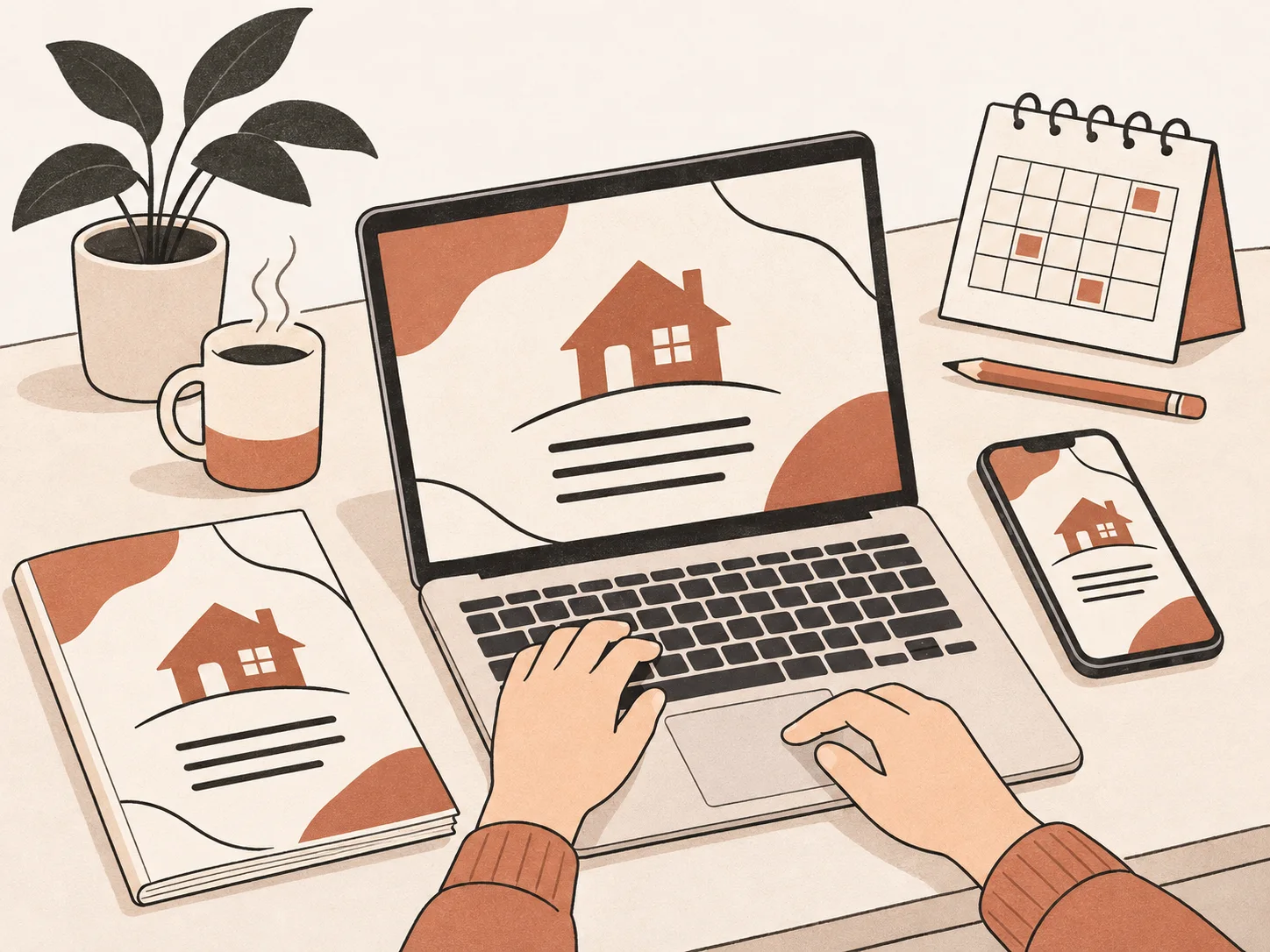
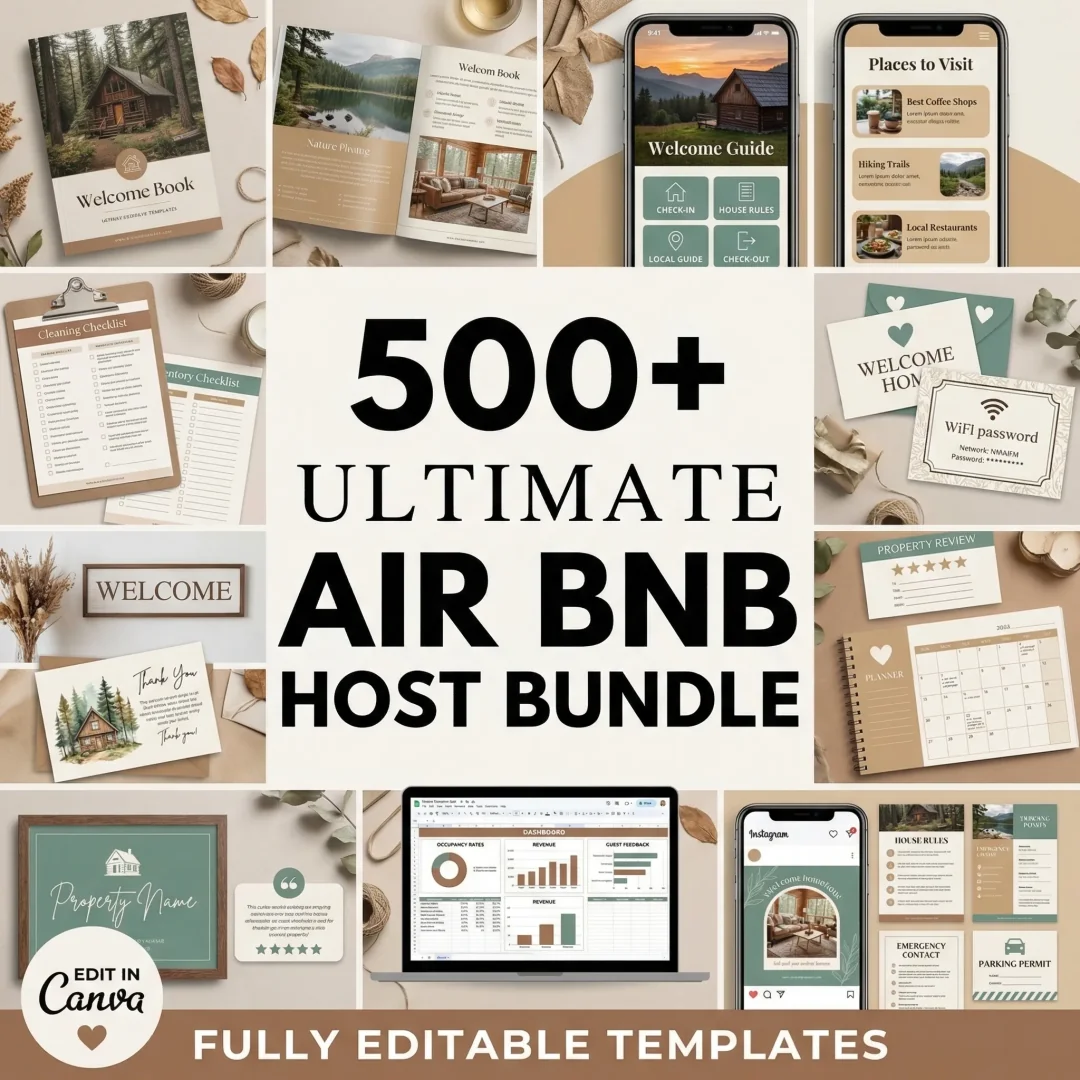
Airbnb Host Bundle includes a 20-page printable Welcome Book and a 19-page clickable PDF book. Both are editable in Canva, so you can adapt the content to your property. The bundle supplies templates; it does not connect to Airbnb, update your listing, or send guest messages for you. You can choose Airbnb Host Bundle welcome book templates if you want a starting layout, then add and verify your own property information.
For a broader map of the pieces that support a stay, see Airbnb templates for each guest moment. The right setup may be only Airbnb's built-in tools plus a printed page. Add a dedicated app when your listing count, team, or update needs justify the extra setup.
Why Trust This Article
The Cosmo Suite team created Airbnb Host Bundle. This guide uses Airbnb’s Help Center and Resource Center pages, checked on 3 November 2026, plus one host discussion that does not establish how often guests read a guide. Read about us, review the editorial policy, or contact us to report an error. Airbnb can change its controls, so check the current Help Center before changing your listing.
Where Airbnb Host Bundle Fits
Airbnb Host Bundle fits hosts who want a ready-made printable welcome book or clickable PDF to customize. Its welcome book templates cover property information and guest-facing details; you add the accurate Wi-Fi, access, appliance, emergency, and local information for your own listing.
The 20-page printable Welcome Book and the 19-page digital interactive book are editable in Canva. They can sit alongside Airbnb's Guidebook and house manual, which have their own platform functions. The bundle does not provide a guidebook app or automatic syncing. If a template would save you time laying out the pages, see the Airbnb Host Bundle welcome book and guest templates.
Frequently asked questions
What is an Airbnb guidebook?
Airbnb's in-platform Guidebook is a host's collection of local recommendations such as restaurants, shops, parks, and attractions. Hosts can also mean a custom welcome book or digital guide when they say 'Airbnb guidebook.' Decide whether you are sharing neighborhood tips or instructions for the property, then choose the matching format.
Is an Airbnb guidebook different from a house manual?
Yes. Airbnb's Guidebook is for local recommendations. Its house manual covers day-to-day details about the listing, such as how to use an appliance or where to find an extra blanket. Airbnb says confirmed guests can access the house manual. A custom welcome book can collect more of the stay information in one designed document.
Can I print an Airbnb guidebook?
Yes. Airbnb's Help Center currently says hosts can preview and print an in-platform Guidebook to leave for guests. A custom PDF can also be printed, but check that links, maps, and small type still work on paper. Keep time-sensitive details in a channel you can update.
Should I send a PDF welcome book before arrival?
A PDF can help when guests need to review arrival or property information before they reach the unit. Keep it short enough to scan, check every link, and make sure the same key facts appear in Airbnb's current arrival information. Do not rely on a PDF for details that change for each reservation.
What should I leave out of a static guidebook?
Leave out details that should be private, change per reservation, or may become stale before the next guest uses the file. For example, a reusable printed copy is a poor place for a rotating door code. Put each changing detail in the appropriate current channel and review local recommendations when businesses or access details change.
Sources
- Airbnb Help Center: Add a guidebook to your listing
- Airbnb Help Center: Adding a house manual to your home listing
- Airbnb Help Center: What info is shared with guests when their booking is confirmed
- Airbnb Resource Center: Create a guidebook to share your local tips
- r/airbnb_hosts: Do guests actually read guidebooks anymore?
Keep reading
Guest Paperwork
Airbnb Templates That Cover the Whole Stay (Matched to Each Guest Moment)
Airbnb templates for every moment of a stay: booking, arrival, the stay, checkout and the review, with what each one prevents and where to put it.
· 10 min read
Guest Paperwork
Airbnb Welcome Book: A 20-Page Layout You Can Copy and Customize
Airbnb welcome book layout in 20 pages: what goes on each page, which answers go first, and how to keep the printed and digital versions in sync.
· 8 min read

Guest Paperwork
Airbnb Guest Book Ideas That Guests Actually Write In (Matched to Your Property)
Airbnb guest book ideas for a cabin, condo, or suite, with short optional prompts guests can answer and a simple way to use their notes.
· 8 min read