Airbnb Security Deposit: What Hosts Can Ask (2026)
Airbnb security deposit rules leave most hosts using the Resolution Center. See when deposits are allowed and how to document a damage claim.
By Airbnb Host Bundle by Cosmo Suite · Editorial policy
Published · 9 min read

Most Airbnb hosts cannot charge guests a security deposit or card hold. For damage after a stay, Airbnb directs hosts to request reimbursement through the Resolution Center, then use the separate Host Damage Protection process when its terms allow. The timing matters, so save the evidence and check the current rules as soon as you find a problem.
This guide covers Airbnb's platform rules. Local laws and insurance requirements can differ. General information only, not legal, insurance, or tax advice. Check your local rules and speak with a licensed adviser about your situation.
Airbnb Security Deposits at a Glance
For most Airbnb listings, do not add your own security deposit or card hold. Airbnb lists limited exceptions for some software-connected hosts and hotels. If you find damage, the standard starting point is a documented reimbursement request in the Resolution Center, not a new fee in your house rules.
| Situation | What Airbnb says | Host's next step |
|---|---|---|
| Most home listings | Security deposits and card holds are not allowed | Do not collect one outside the listing's disclosed terms |
| Select software-connected listings or hotels | Limited exceptions can apply when the amount is disclosed in the proper fee field before booking | Check the listing setup and Airbnb's current rules before accepting a booking |
| Damage or missing item after a stay | A reimbursement request goes through the Resolution Center | Record the condition and send a request within Airbnb's stated timeframe |
| Guest does not pay the damage request | A Host Damage Protection request may be available under its terms | Follow Airbnb's request steps and provide the required documents |
Airbnb's deposit and damage rules describe the deposit exceptions. Its Host Damage Protection page explains a separate route for certain losses. Neither page promises that every request will qualify or be paid.
Can an Airbnb host charge a security deposit?
Usually, no. Airbnb says most hosts cannot charge a security deposit or a credit card hold for incidentals. It identifies limited cases where some software-connected hosts may collect a disclosed deposit outside the platform, and where hotels may request a deposit or card hold as part of standard procedures. Hosts need to put a permitted deposit in the right fee field so guests see it before booking.
That rule is easy to blur with a damage claim. A deposit is an amount disclosed before the stay under Airbnb's limited exceptions. A damage request happens after a reported loss and follows Airbnb's Resolution Center process. Calling an undisclosed fee a “damage deposit” in a message or house rule does not make it an allowed deposit.
Before you add a deposit, check the listing type, your software connection, Airbnb's current fee fields, and the applicable rules where the property sits. Airbnb's policy on fees collected outside Airbnb says hosts generally cannot collect fees related to Airbnb reservations off platform unless Airbnb authorizes it. If your listing is one of the exceptions, disclose the amount before the guest books. Airbnb says to refund the deposit or release the hold in full within 7 days of checkout, or within 14 days for hotels, when there is no damage or incidental charge. Follow the platform's current instructions for any permitted deposit.
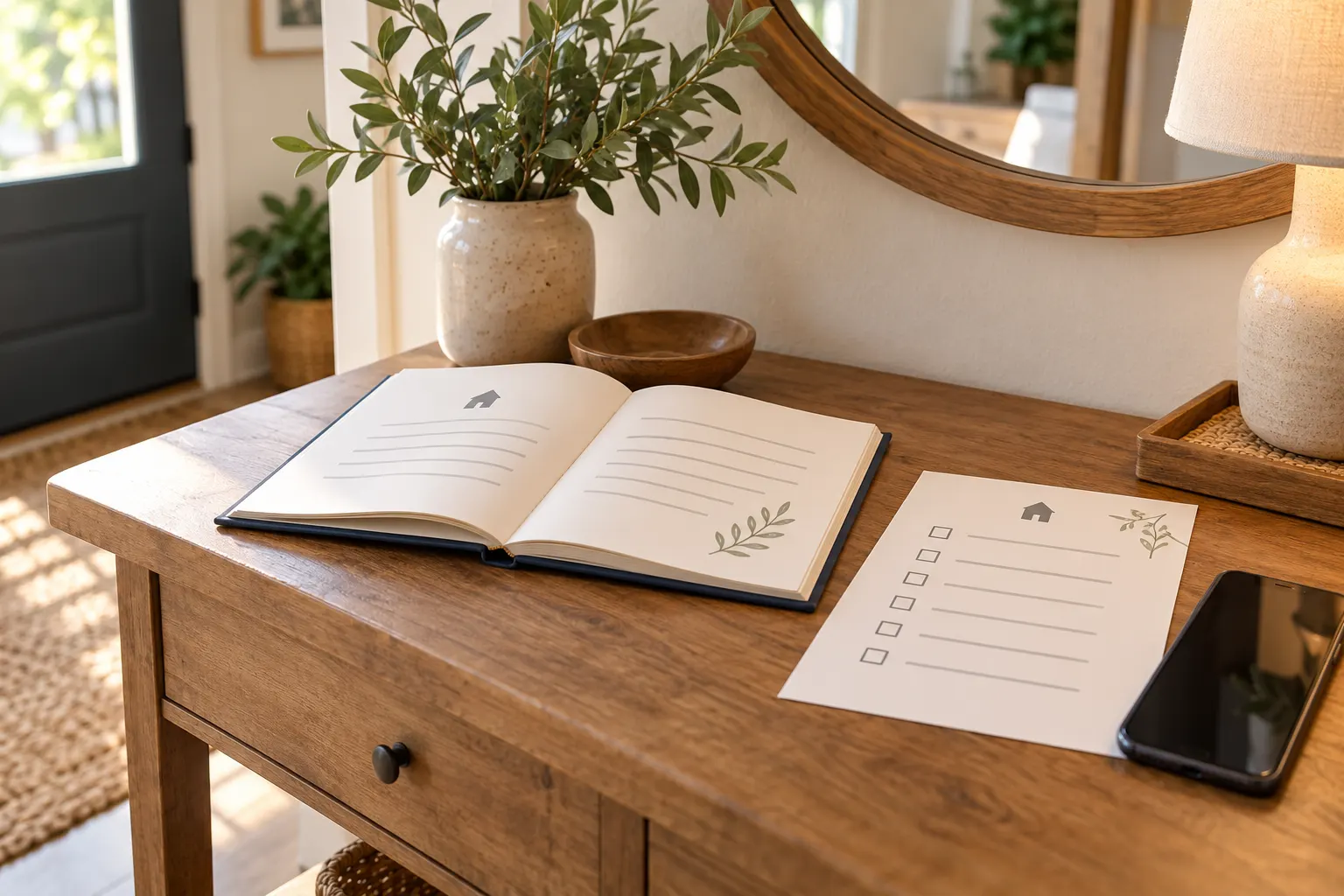
If you want guests to understand the house rules and how to report a problem, keep that information in your listing and guest materials. Airbnb Host Bundle's guest paperwork templates can help keep those written instructions together; they do not authorize a deposit or replace Airbnb's payment process.
What should you do when a guest damages something?
Start by making the space safe and documenting what you found. Do not discard the item or clean away evidence before you have recorded its condition, unless you need to act to prevent injury or further damage. Airbnb asks hosts to document issues with photos or video and to gather repair or cleaning estimates or receipts.
Use this sequence when you notice a possible loss:
- Address any immediate safety issue. Keep the next guest and anyone working at the property away from a hazard. Contact a qualified repair person when needed.
- Record the condition. Take clear photos or video from more than one angle. Include a wider view that shows where the item was, then closer views of the damage.
- Make a simple inventory note. Write down the item, where you found it, when you found it, and what changed. Keep a copy of the turnover record or earlier photo if you already have one.
- Get a repair or cleaning document. Ask for an estimate if work is still pending. Keep the final invoice or receipt when it is available. Do not present a quote as a completed expense.
- Message through Airbnb. Describe what you observed and ask the guest to discuss it. Keep the conversation in the platform so it stays with the reservation.
- Use the Resolution Center. If you request reimbursement, explain why you believe the guest is responsible and attach the evidence that supports the amount.
The distinction between what you saw and what you infer matters. “The bedside lamp was on the floor with a broken shade at checkout” describes an observation. “The guest deliberately broke the lamp” claims intent. Use the first kind of wording unless you have evidence for more.

Do not add a cleaning charge for ordinary checkout chores such as dishes, laundry, or trash removal. Airbnb lists those as outside Host Damage Protection. Its guest damage guidance also explains that guests receive a chance to respond to a reimbursement request.
How does an Airbnb damage claim work?
Airbnb describes two steps that hosts should keep separate. First, the host sends a reimbursement request to the guest through the Resolution Center. If the guest does not pay the full amount, Airbnb says the host may then involve Airbnb through Host Damage Protection, subject to its terms and documentation requirements.
Airbnb's Help Center says to file the Resolution Center reimbursement request within 14 days of the responsible guest's checkout. It gives the guest 24 hours to respond. The current Host Damage Protection terms also require the host to notify Airbnb and the guest about the complaint and make reasonable efforts to resolve it within 14 days of checkout. A Resolution Center request can serve as that notice when it includes the required explanation and is submitted for that purpose.
There are two separate deadlines for the Host Damage Protection path. Airbnb's Help Center guidance says to involve Support and submit supporting documents within 14 days of the damage or loss. Its current terms say to file the Host Damage Protection Payment Request Form and required evidence within 30 days of the responsible guest's checkout. The dates start from different events and apply to different steps. Check both pages and the in-product instructions, then follow the earliest deadline that applies to your request.
The terms call for evidence about the time, cause, and origin of the loss. For damaged or missing items, they describe an inventory with details such as make and model, when the host acquired it, its condition at the time of loss, and a repair or replacement estimate supported by records. A property-damage request may also need a detailed repair estimate. These requirements can vary with the loss and location.
Gather records promptly. These deadlines do not guarantee reimbursement. Airbnb says its protection is subject to terms, conditions, and limitations, and a request must meet those conditions. Check the current terms alongside the Help Center summary before submitting a request.
If the guest pays the full request, Airbnb says the request closes. If the guest pays part, declines, or does not respond, the host may be able to submit a Host Damage Protection request. Airbnb reviews the documentation and the terms to determine what, if anything, is eligible. Keep your own insurer informed where your policy requires it, and do not assume Airbnb's protection replaces your insurance.
| Stage | Record to keep | Why it helps organize the request |
|---|---|---|
| Before the stay | Existing inventory note or dated condition photo, if available | Shows what was already present in your records |
| When you find a problem | Photos, video, date, and turnover note | Records the condition and when you observed it |
| When pricing the repair | Written estimate, invoice, or receipt | Explains how you arrived at the requested amount |
| During the conversation | Airbnb messages and Resolution Center request | Keeps the explanation and response with the reservation |
What evidence should a host keep?
Keep records that answer four basic questions: what is damaged or missing, when did you find it, what does the repair or replacement cost, and why do you connect the issue to this stay? A clear file helps you fill in the request without relying on memory. Airbnb may ask for further information under its terms.
For a chipped mug, for example, photograph the chip and the whole mug, note the checkout date and the turnover time when you found it, and keep a receipt or current estimate if you seek reimbursement. The example does not set the value of the mug or prove who caused the chip. Those details depend on your actual item, records, and Airbnb's review.
Keep original photos where possible. Avoid editing out relevant details or adding labels that imply a cause you did not observe. Save a copy of an estimate separately from the final invoice. If the amount changes, explain the difference and attach the updated document rather than leaving two conflicting totals without context.
Your regular turnover checklist can help you notice a missing item or new damage consistently. It is a recordkeeping aid, not proof by itself that a guest is responsible. A room-by-room cleaning checklist for Airbnb turnovers can support a repeatable inspection; write down what you actually checked instead of marking boxes from memory.
How can guest paperwork help before a problem?
Guest paperwork can make expectations and reporting instructions easier to find. A welcome book can point guests to the right contact method. A house-rules page can state the property's actual rules in plain language. An inventory or turnover list can help you keep your own records in a consistent place.
These documents cannot create a security deposit exception, decide who caused damage, or promise that a claim will qualify. Keep booking-specific payment requests inside Airbnb's tools unless Airbnb has expressly authorized another method for your listing. Separate policies from your own notes so a guest can tell which instructions apply to them.
Use the same short wording across the listing, welcome book, and check-in message. If a rule changes, update the places where guests see it. A practical Airbnb house-rules template can help you organize the guest-facing rules; check every line against your listing and local requirements before using it.
Why Trust This Article
The Cosmo Suite team that made Airbnb Host Bundle prepared this guide, and we sell the templates mentioned below. We checked Airbnb Help Center articles on deposits, Host Damage Protection, and claims on 29 October 2026. See our about page and editorial policy for our publishing and correction process.
Airbnb Host Bundle for consistent guest paperwork
Airbnb Host Bundle is a template set for hosts who manage a small listing themselves. Its contents include a welcome book and house manual, house signs, cleaning and inventory checklists, welcome letters, postcards, a digital welcome book, and a property profit-and-loss tracker. These materials can help you keep guest instructions and routine records organized.
The bundle is not insurance, property-management software, or a claims service. It cannot collect a deposit for you, file a Resolution Center request, or determine whether damage qualifies for reimbursement. For that, use Airbnb's current tools and terms. If you need a consistent set of guest-facing documents, see what is included in Airbnb Host Bundle.
Frequently asked questions
Can Airbnb hosts charge a security deposit?
Most hosts are not allowed to charge a security deposit or card hold. Airbnb lists limited exceptions for some software-connected hosts and hotels. Any permitted deposit must be disclosed in the appropriate fee field before booking. Check Airbnb's current rules for your listing.
How do I ask an Airbnb guest to pay for damage?
Document the damage, then send a reimbursement request through Airbnb's Resolution Center. Explain why you believe the guest is responsible and include supporting records, such as photos and an estimate or receipt. Airbnb gives the guest 24 hours to respond to a damage request.
How long do I have to submit an Airbnb damage request?
Airbnb says to submit the guest reimbursement request within 14 days of checkout. Its Help Center also says to involve Support and provide documents within 14 days of the damage or loss. The current Host Damage Protection terms separately give 30 days from checkout for the formal request. Check the current instructions and act promptly.
Does Airbnb Host Damage Protection cover every kind of damage?
No. Airbnb lists exclusions, including normal wear and tear and damage from natural events. Other conditions and limitations apply. Read the current Host Damage Protection terms for the listing and loss involved.
Is Airbnb Host Damage Protection insurance?
Airbnb says Host Damage Protection is not an insurance policy. It has separate host liability insurance information. Review Airbnb's current terms and ask a licensed insurance professional about your own coverage.
Sources
Keep reading
Airbnb Rules and Policies
Airbnb Cancellation Policy for Hosts: Refunds and Risk
airbnb cancellation policy host choices affect when guests can cancel, what they may get back, and what happens if you cancel. Compare the options.
· 10 min read

Airbnb Rules and Policies
Airbnb Security Cameras: Rules Hosts Need to Know
airbnb security cameras: learn what Airbnb allows, where hosts must disclose exterior devices, and how to keep listing details and guest information clear.
· 8 min read