How to Track Airbnb Expenses in a Spreadsheet (Without Paying for Accounting Software)
Airbnb expenses spreadsheet steps for tracking listing costs, linking receipts, reconciling payouts, and preparing records to review with a tax professional.
By Airbnb Host Bundle by Cosmo Suite · Editorial policy
Published · 7 min read

An Airbnb expenses spreadsheet gives you one place to record each listing cost and find the receipt behind it. Add the listing, date, description, amount, payment source, and a link to the proof for every transaction. The sheet helps you organize records. It cannot decide whether an expense is deductible.
The small purchases are often the ones that go missing: batteries for a keypad, a replacement kettle, or cleaning supplies bought during a same-day turnover. Put each one in the same log as the monthly bills. That makes it easier to review the property's activity later. If you need a wider view of a listing's income and costs, the Airbnb profit calculator example shows how to keep booking figures and operating costs separate.
This guide covers a manual spreadsheet for a US host with one to three listings. Tax rules depend on the property and its use. Treat the sheet as an organizer, then ask a tax professional how to report your records.
Airbnb Expense Tracking at a Glance
Use one row per transaction, keep the receipt with it, and review the row each month. A payout report and an expense log serve different jobs, so store them separately and reconcile them against each other.
| Method | What it records | What it can miss | Best for |
|---|---|---|---|
| Receipt folder only | Proof of purchase | Listing, date, and status are hard to scan together | Backing up documents |
| Payout total only | Money sent to your payout method | Costs paid outside Airbnb and the detail behind the payout | Checking deposits |
| Transaction spreadsheet | Each cost, its proof, and review status | Tax treatment still needs judgment | Monthly property records |
The working spreadsheet is the index. Keep the original receipts, bills, and Airbnb statements in a folder you can back up. A row should point to its evidence instead of trying to replace it.
Start With One Expense Row Per Transaction
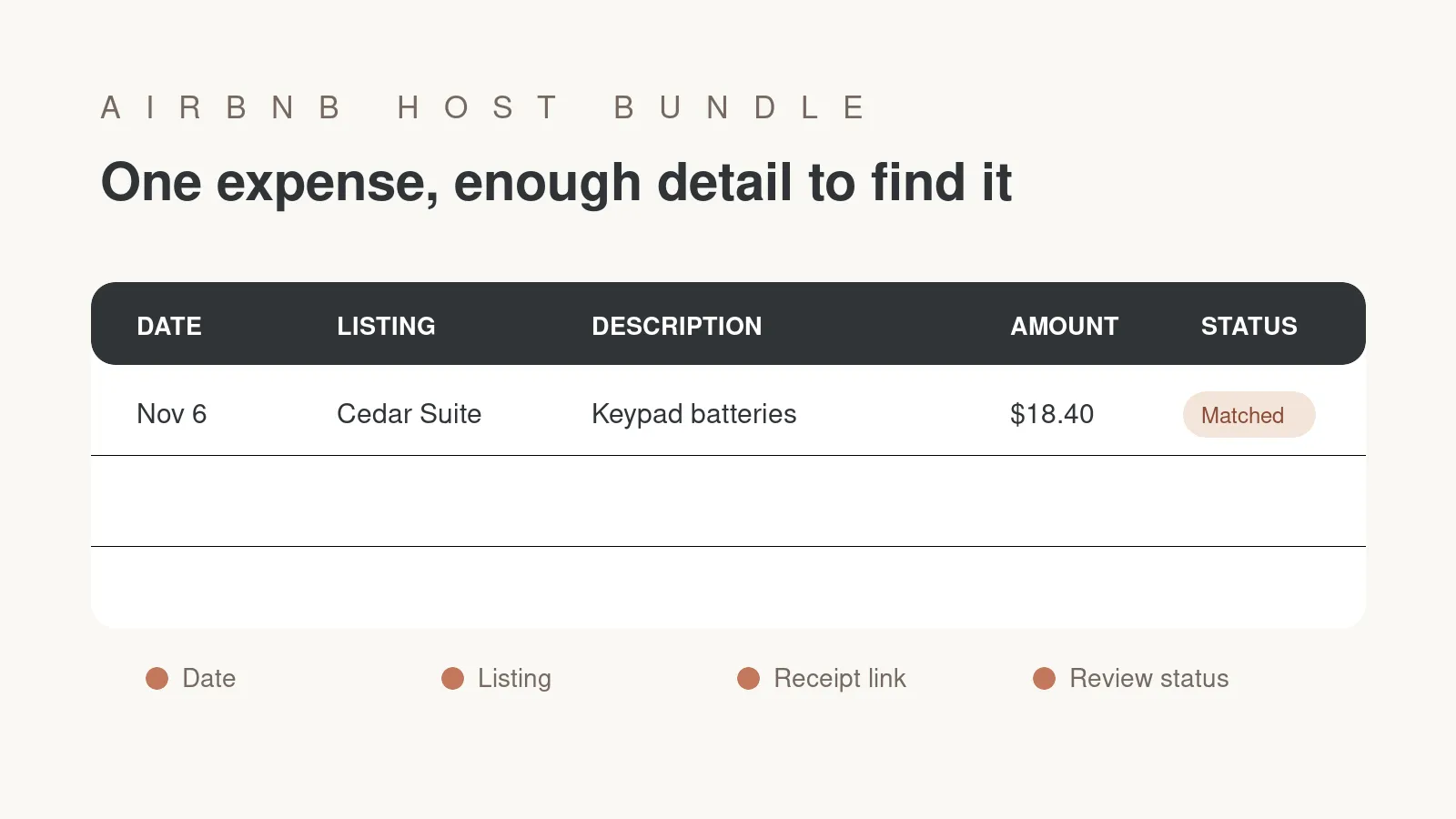
Give every cost a row with enough detail that you can recognize it months later. A useful starting set of columns is date, listing, vendor, original description, amount, payment source, receipt link, allocation note, and review status. Add a reservation reference when a cost belongs to a particular stay.
For example, consider this made-up purchase for a two-bedroom listing:
| Date | Listing | Vendor | Original description | Amount | Receipt | Status |
|---|---|---|---|---|---|---|
| Nov 6 | Cedar Suite | Hardware shop | Two keypad batteries and doorstop | $18.40 | receipts/2026-11-06-hardware.pdf |
Matched |
The example is fictional. It shows how a host can keep the receipt, the listing that used the items, and the card-statement check together.
Preserve the wording from the receipt in one column. If you add a working category such as supplies, keep it in another column. That lets you search by your own label without losing the vendor's description. The label is for sorting and review. It is not a tax conclusion.
For a shared purchase, add the total charge and explain how you split it across listings. If you decide to allocate half to each of two units, record the method and keep the full receipt connected to both entries. Use the same method consistently, then ask your tax professional whether it fits your facts.
Store files with names you can search later, such as 2026-11-06-hardware-cedar-suite.pdf. Link to the stored file from the row. Keep a backup outside the device you use for turnovers. If the receipt is missing, mark the row “needs receipt” and follow up rather than treating the item as complete.
Keep Airbnb Earnings and Property Expenses Separate
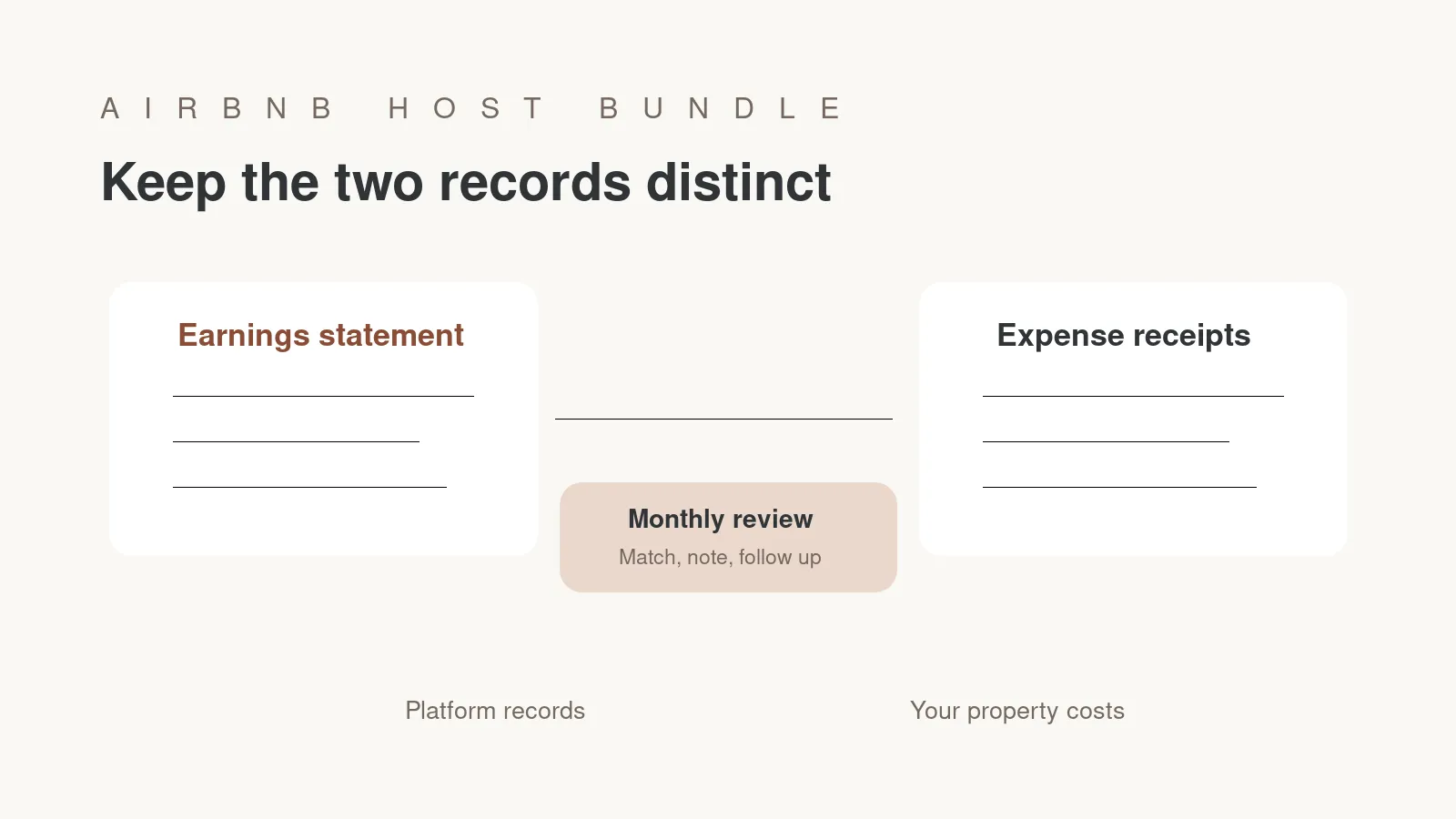
An Airbnb payout is not a list of your property expenses. Airbnb's US tax-document page says Form 1099-K reports gross payment transactions before Airbnb fees and other adjustments. Use the reservation details, earnings statements, and your expense records together when you reconcile a period.
Airbnb's earnings statements help page describes monthly and annual statements with earnings, host service fees, cleaning fees, gross earnings, and taxes withheld. Its US tax documents explanation explains what the 1099-K totals include and recommends consulting a tax professional about reporting. Open the current details in your own account because the payment and document details depend on your transactions.
Try this monthly check:
- Save the monthly Airbnb earnings statement and the related transaction export.
- Match each reservation to its gross amount and payout details.
- Record Airbnb fees, refunds, and adjustments as separate items where they apply.
- Compare payouts received with the dates they reached your bank account.
- Leave timing differences or unclear entries marked for follow-up.
Do not enter a payout as a new expense or treat it as the property's final income figure without checking its components. A payout can combine several reservations and reflect deductions or timing differences. For a worked illustration of booking totals and host costs, see the Airbnb profit calculation walkthrough.
Use Categories as Labels, Then Ask a Tax Professional
Working labels make a spreadsheet easier to filter. You might use cleaning, supplies, utilities, insurance, repairs, platform fees, and shared costs. Keep the original receipt description and note why the cost relates to the listing. The same label does not settle how a tax return should treat each item.
IRS Publication 527 covers residential rental property, including expenses and situations where personal use affects the calculation. The IRS recordkeeping guidance says records should support rental income and expenses and describes receipts, canceled checks, and bills as examples of supporting documents. Read both sources for context, then ask a tax professional about your property, ownership, services, and personal use.
For each transaction, keep enough information to answer these questions:
- Which listing used or received the item?
- What did the vendor charge for?
- When was it paid, and from which account?
- Where is the receipt, bill, or statement?
- Is it wholly for one listing, shared, or still unclear?
- Has someone reviewed the entry?
Use a separate review field for questions. For example, a “shared utility” entry can point to the bill and note the allocation method while remaining “ask bookkeeper.” That is more useful than silently filing it under a category that sounds final.
This article is general information, not legal or tax advice. A spreadsheet can preserve facts and documents. A tax professional can advise how the facts apply to your return.
Review the Month Before You Close It
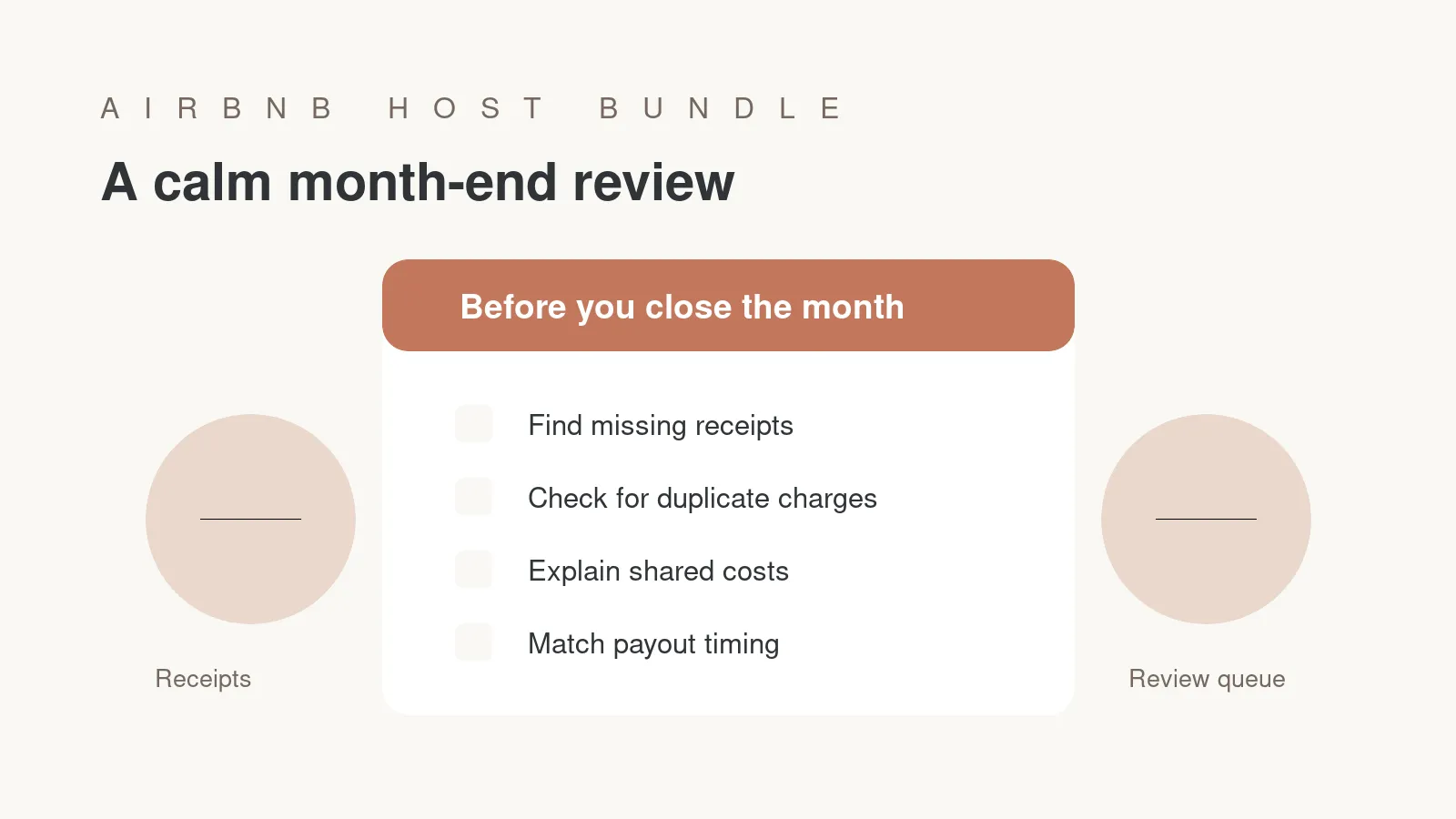
Set aside a short monthly review to catch missing proof and mismatched amounts while the transactions are familiar. Mark each row as matched, needs receipt, needs allocation, or ask a professional. A visible queue makes incomplete work easier to revisit.
Here is another fictional example. Suppose the month has a $120 cleaner invoice, $36.50 in replacement supplies, and a $110.90 internet bill. Those amounts total $267.40. The host could record the cleaner and supplies against one listing, then note what portion of internet is shared. These are invented figures for arithmetic only, not typical expenses or advice about deductions.
Before you mark the month reviewed, scan for:
- A card charge with no matching receipt.
- A receipt entered twice under two filenames.
- A refund or cancellation that changed the original charge.
- A shared bill without a written allocation note.
- An Airbnb payout that arrived in a different month from the reservation.
- A large purchase or unclear item that needs professional review.
Keep the source statement, receipt, and spreadsheet together by month. The spreadsheet is easier to hand off when every open question has a status and a brief note.
When a Spreadsheet Is Enough, and When It Is Not
A spreadsheet can suit a host who has a small number of listings, wants a manual monthly review, and can keep receipts organized. It is also easy to share with a bookkeeper because the rows and source files are visible.
Consider accounting software or professional help when several owners share a property, personal use needs careful allocation, transactions arrive from multiple channels, or you need payroll, bank feeds, tax filing, or an audit trail beyond a manual sheet. A spreadsheet will not import reservations automatically unless it is connected to another tool. It cannot replace a tax return or tell you how local rules apply.
If a spreadsheet leaves you with a growing list of unmatched transactions, a tool or a bookkeeper may save more time than another column.
Track Airbnb Costs With a Ready-Made Host Sheet
If you want a prepared place to collect listing numbers, Airbnb Host Bundle includes a property profit-and-loss tracker in Google Sheets with 9 tabs, according to its published contents list. The bundle also includes welcome books, signs, messages, and cleaning and inventory checklists. The tracker is a manual template; it does not connect to Airbnb, classify tax items, or guarantee a financial result.
The template may help when you want a consistent starting structure across a few listings. If you already have a bookkeeping system that works, keep using it and ask your bookkeeper whether a new sheet would duplicate records. See the Airbnb Host Bundle contents and choose the pieces that fit your workflow.
Why Trust This Article
The Cosmo Suite team that made Airbnb Host Bundle wrote this guide, and we sell the bundle. We checked the cited IRS and Airbnb sources on November 17, 2026. Read our About page and editorial policy to learn who publishes this site and how its content is handled.
Frequently asked questions
What expenses should I track for an Airbnb?
Record each cost you pay for the listing with its date, vendor, original description, amount, payment source, and receipt. Common working labels include cleaning, supplies, utilities, repairs, and platform fees. A label helps you find a transaction later; it does not decide its tax treatment.
Can I use Google Sheets to track Airbnb expenses?
Yes. A spreadsheet can hold one row per transaction, a link to its receipt, and a status for monthly review. Keep a separate copy of source documents and back them up. A spreadsheet does not connect to Airbnb unless you build or buy an integration.
Should I record the payout or the reservation total?
Keep the reservation or earnings detail and the payout as separate records. Airbnb says a US Form 1099-K reports gross payment transactions before Airbnb fees. Match the statement to your own records and ask a tax professional how the amounts apply to you.
Can a spreadsheet tell me which Airbnb expenses are tax deductible?
No. A spreadsheet can organize amounts and supporting records. IRS Publication 527 explains that rental and personal use can affect how expenses are treated. Ask a tax professional to apply the rules to your property and situation.
How often should I reconcile Airbnb income and expenses?
Review transactions monthly while receipts and reservation details are easy to find. Match Airbnb earnings records to your own rows, resolve duplicates or timing differences, and keep unresolved items visible for your bookkeeper or tax professional.